

What the banner tells you
The banner shows at the bottom of a conversation with the Hugo chip. It replaces the usual line “Hugo owns this thread. Replying takes it over for 12 hours.”- Each reason has its own line, with what fixes it underneath.
- The button on the banner takes you to the fix: Open setup opens the creator’s page, and Open billing opens Billing.
- The last line reads “Messages from this fan go unanswered until this is fixed — nothing is queued for later.”
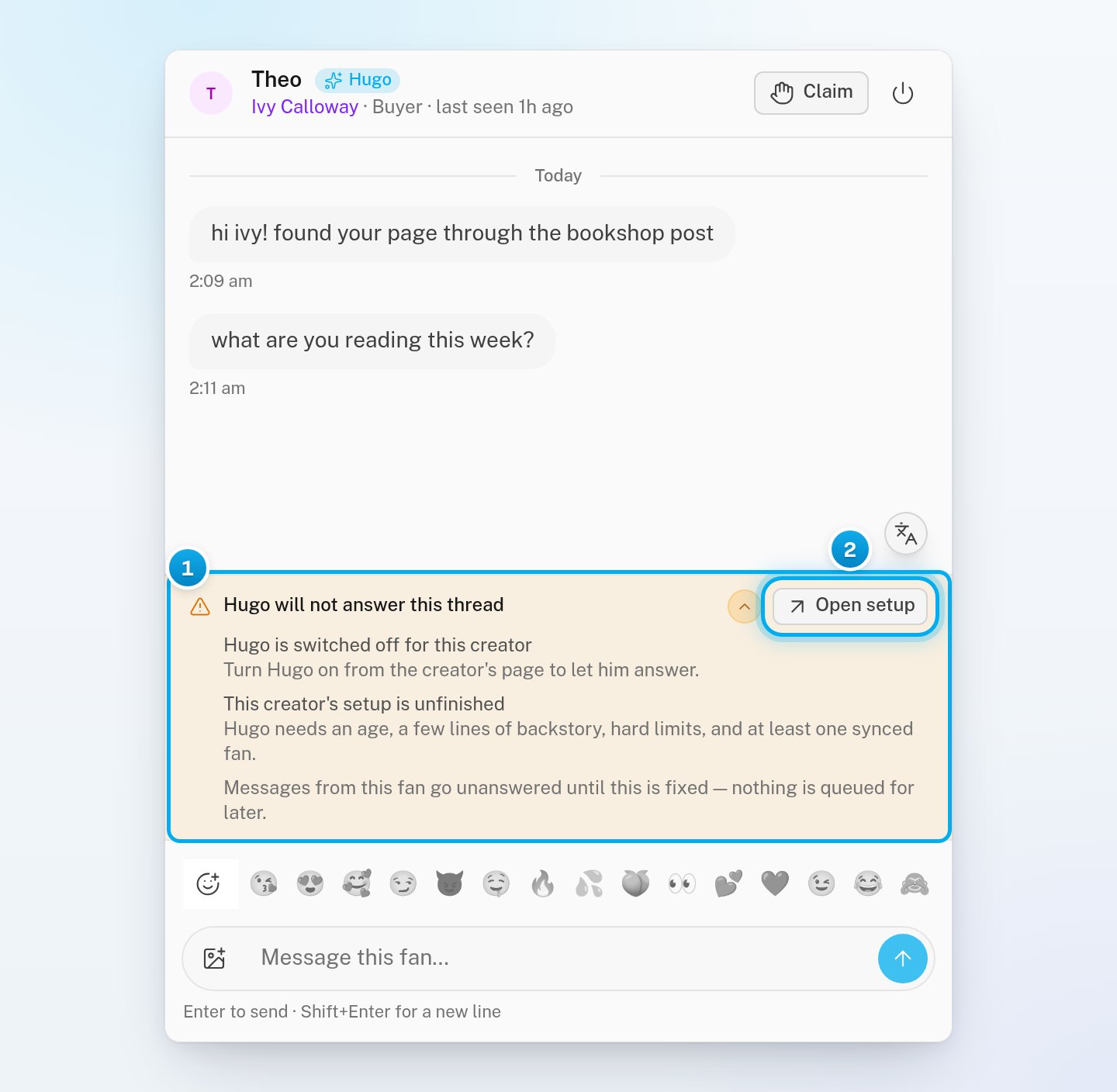
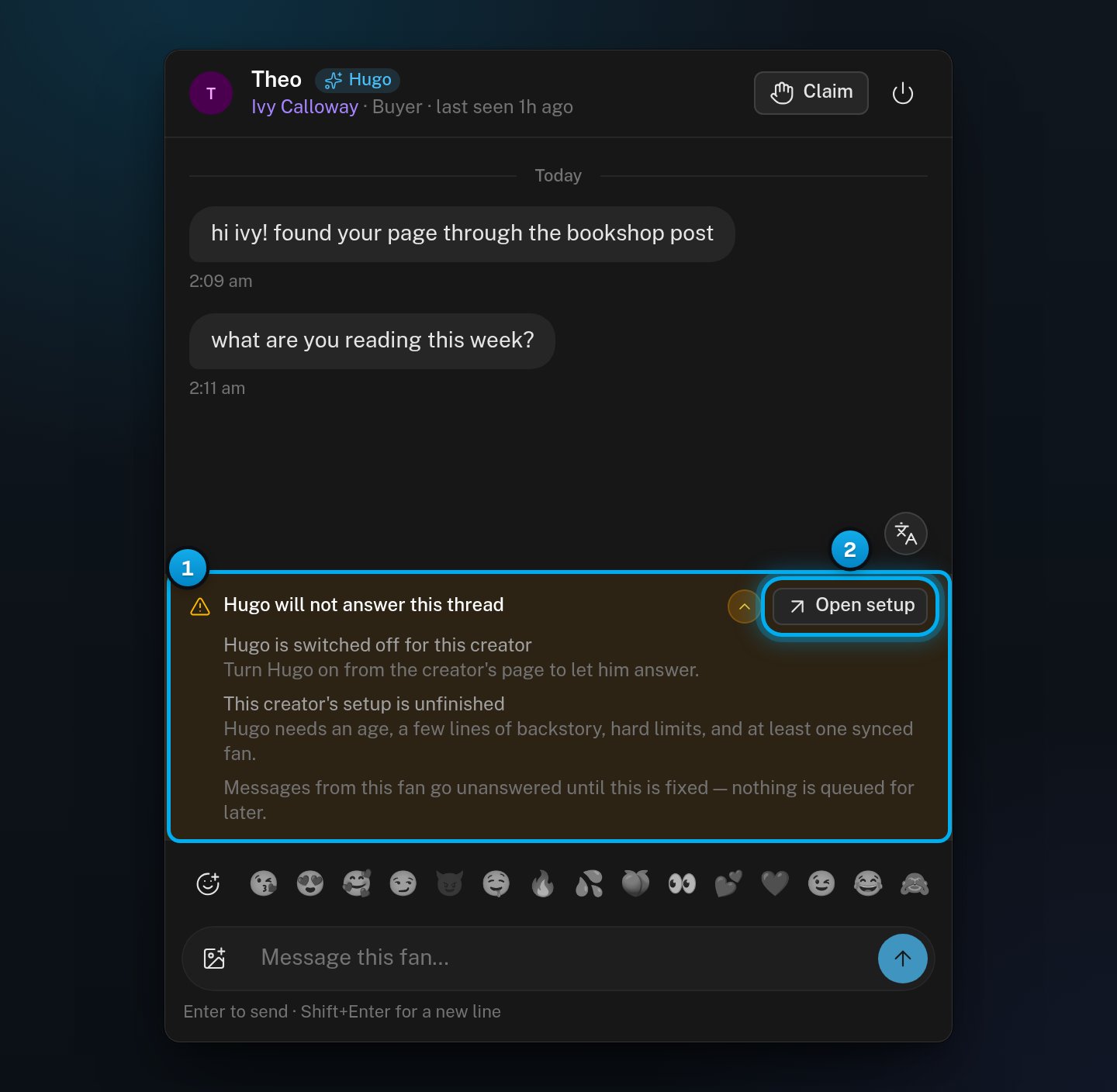
1 Why Hugo does not answer, and what fixes it · 2 The button that takes you to the fix
Fix the reason
Open the reason that the banner shows. If the banner shows several reasons, fix each one. Most reasons are fixed in the Hugo card on the creator’s Overview. Open setup takes you there.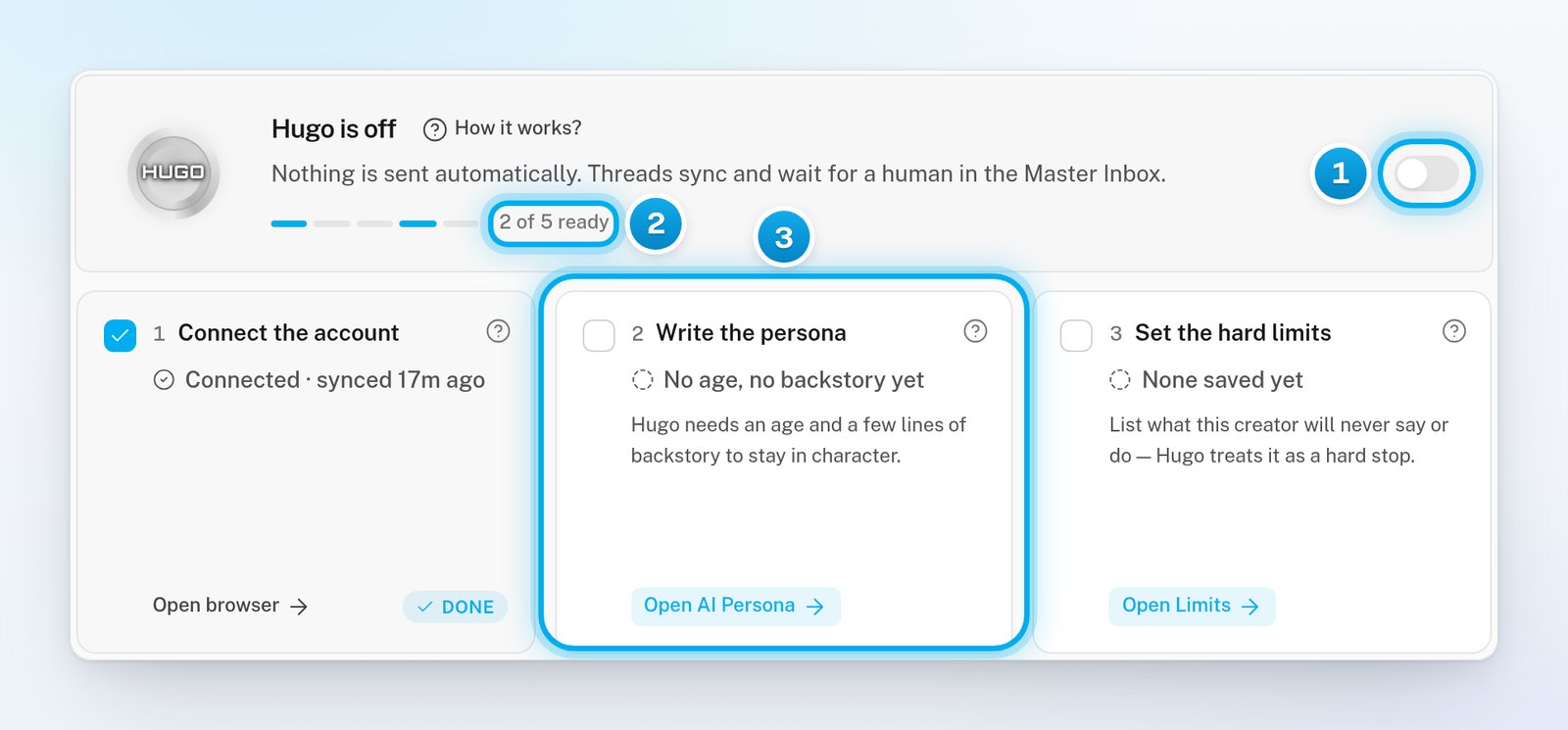
1 The Hugo switch · 2 How many setup steps are done · 3 A step that is not done yet
Hugo is switched off for this creator
Hugo is switched off for this creator
The creator’s Hugo switch is off, so Hugo answers none of her fans.An owner or admin can turn it on. Click Open setup. On the creator’s Overview, turn on the switch in the Hugo card.You can also use the Hugo switch on her card on the Creators page. Chatters: ask an owner or admin. See Turn Hugo on for a creator.
This creator's setup is unfinished
This creator's setup is unfinished
Hugo needs an age, a few lines of backstory, hard limits, and at least one synced fan before he answers.Click Open setup. On the creator’s Overview, the Hugo card shows which steps are not done: Write the persona, Set the hard limits or Let the fans sync. The first two have a button to the AI Persona tab.Let the fans sync has no button: fans arrive with the account sync, so check that her account is connected. See Get a creator ready for Hugo.The step Map the content is not needed for Hugo to answer. It is what lets him sell: he sells only what you map in AI Content.
The OnlyFans account is disconnected
The OnlyFans account is disconnected
OnlyFans signed the creator out, or her account lost its connection. While it is down, nothing can be read or sent, by Hugo or by your team.Click Open setup and reconnect the account. See Connection statuses explained. A Telegram creator shows “The Telegram account is disconnected” instead.
Billing has stopped Hugo selling
Billing has stopped Hugo selling
The workspace’s billing is suspended. Its balance has been below zero for more than 7 days, or it owes more than the $500 debt limit. The reason says “selling”, but Hugo stops answering every fan in the workspace, not only selling. Your team can still answer by hand.An owner or admin clicks Open billing and adds credits. Others: ask an owner or admin. See Low balance, grace period and “Hugo is paused”.
Hugo is paused
Hugo is paused
OnlyX paused Hugo for this creator by itself. The banner may show a short reason. There is no button: Hugo starts again when OnlyX clears the cause.If it lasts, email support@onlyx.ai with the creator’s name and the reason that the banner shows.
This fan is one of your own creators
This fan is one of your own creators
The fan’s account is another creator on your roster, and the two are subscribed to each other. Hugo stays out on purpose, because your own pages would only sell to each other. Answer by hand if you need to.
Hugo has no text for this platform
Hugo has no text for this platform
Hugo has nothing written for this platform yet, so he stays quiet. Email support@onlyx.ai with the creator’s name.