

Where you see the status
- On the Creators page, each creator’s card shows her status.
- On the creator’s own page, the status shows at the top when she is not Connected.
- On the Dashboard, a creator who is not Connected shows as a row in Waiting on you. Click the row to fix it.
- In Hugo’s setup on her page, the step Connect the account shows the status.
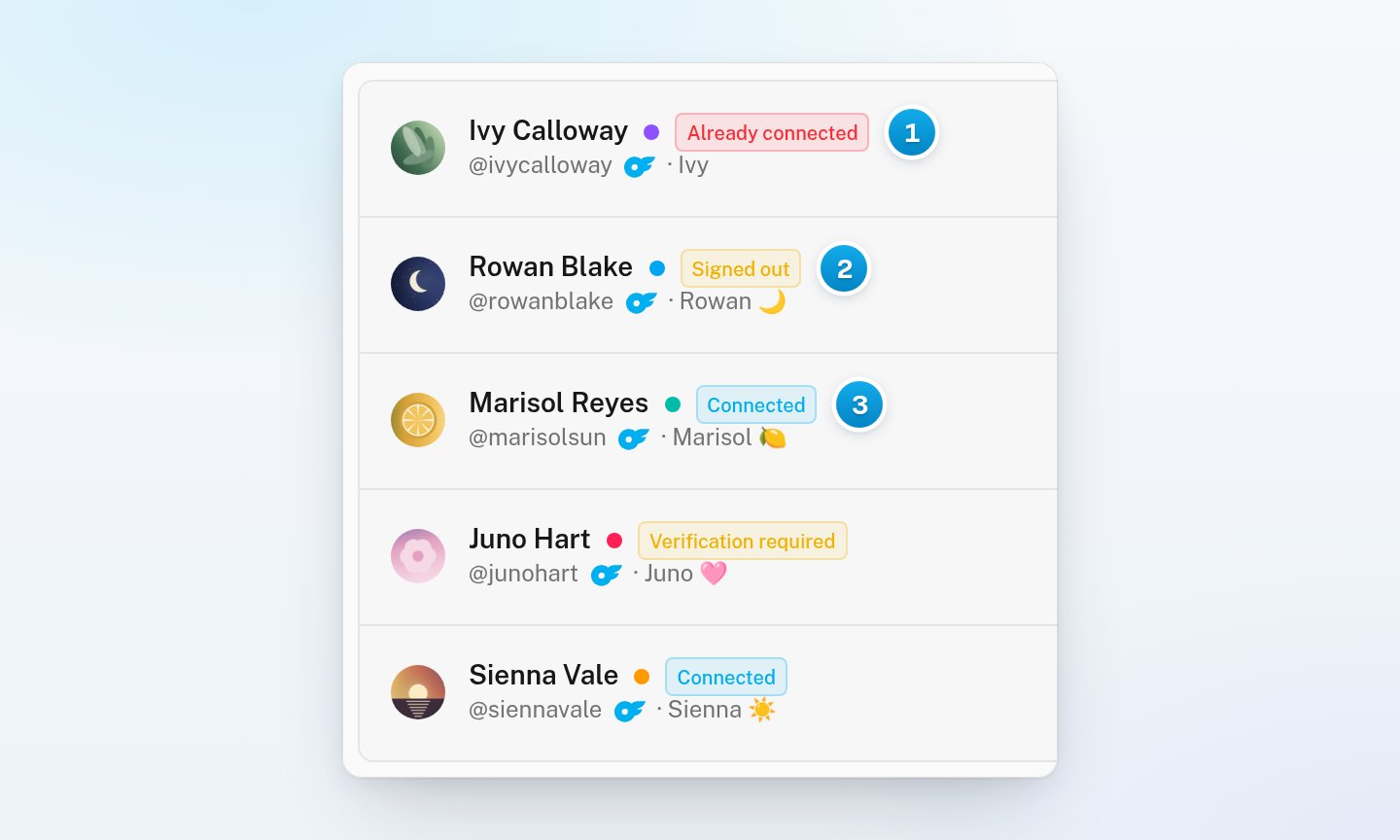
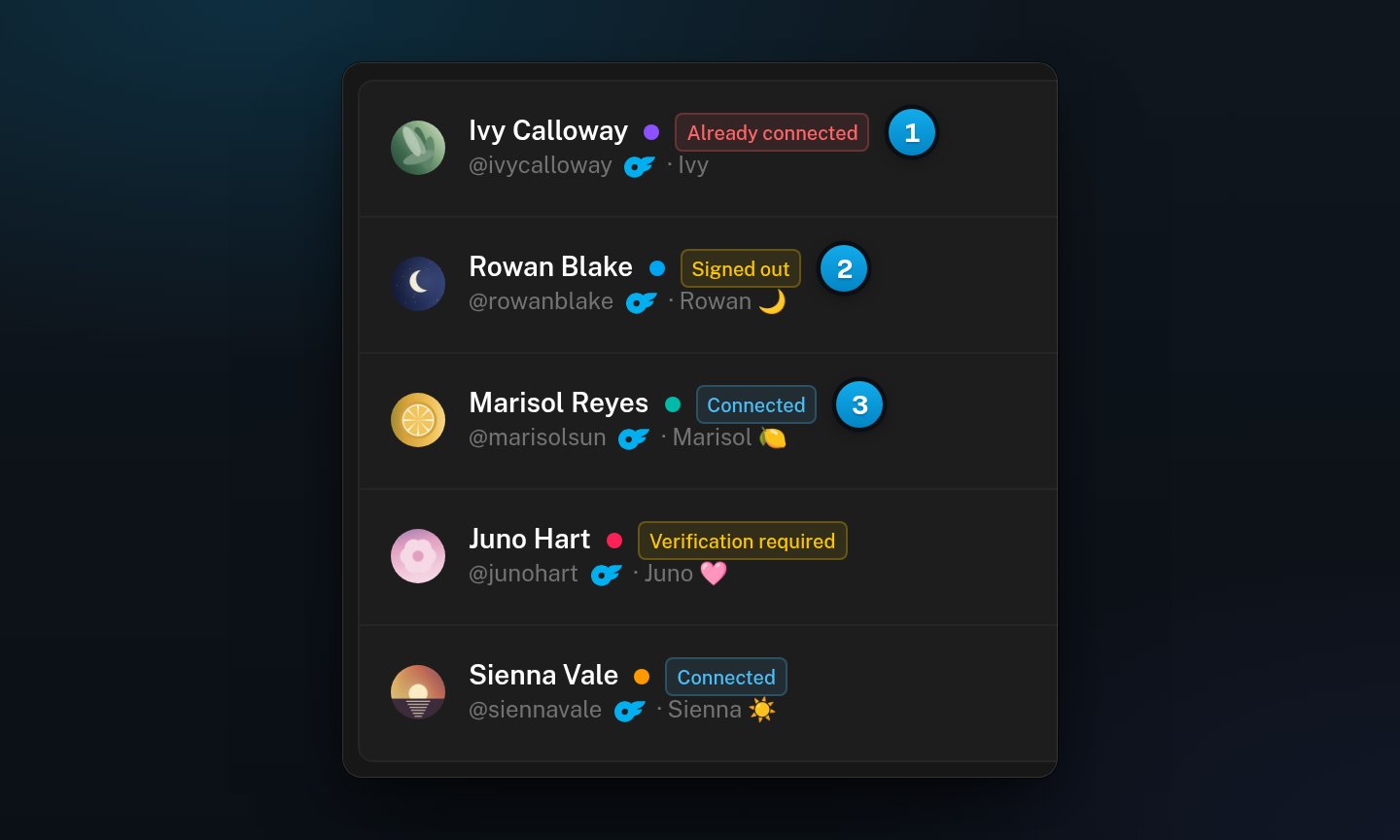
1 Already connected: a second copy of an account · 2 Signed out: sign her in again · 3 Connected
The six statuses
The colour helps you read the list:
- Connected uses the OnlyX blue.
- Verification required, Signed out and Disconnected are yellow. Signing her in again fixes them.
- Not a creator account and Already connected are red. Signing in again never fixes them.
What stops while she is not connected
In every status except Connected:- Nothing syncs from her OnlyFans account: no new messages, fans or earnings.
- Hugo does not reply to her fans. The connection is the first thing Hugo needs.
- Nobody on your team can send from her conversations either. Her conversations show “The OnlyFans account is disconnected” and “Reconnect the account — nothing can be read or sent while it is down.” Open setup takes you to her page.
Signed out and Disconnected
Signed out means she had a session, and it ended. OnlyFans signs accounts out from time to time. Usually the status stays Signed out until someone signs her back in. A short drop can clear by itself within minutes. Signed out also shows for a short time while someone is signing her in. If you clicked Reconnect a moment ago, a Signed out status is normal. Disconnected means she has no session. Every new creator starts as Disconnected. A creator also becomes Disconnected when someone uses Disconnect in her menu, and all her data is kept. See Open browser, Disconnect or Delete a creator.The two red statuses
Not a creator account means that someone signed in with an OnlyFans fan account. A fan account cannot post, sell or earn, so there is nothing for OnlyX to manage. Her page shows “This is a fan account, not a creator account” and a Delete creator button. Delete her, then add the creator again with her own OnlyFans account. Already connected means that someone added a second creator for an account that you already have. Another creator in your workspace holds that account. This copy syncs nothing. Her page shows “This account is already connected here” and a Delete this copy button. Deleting the copy does not touch the other creator.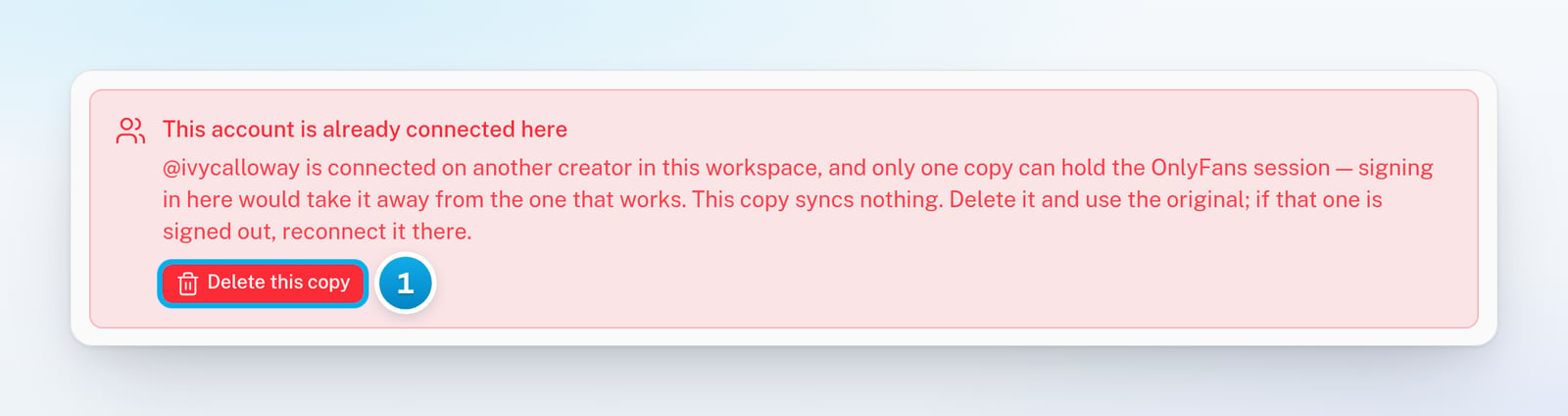
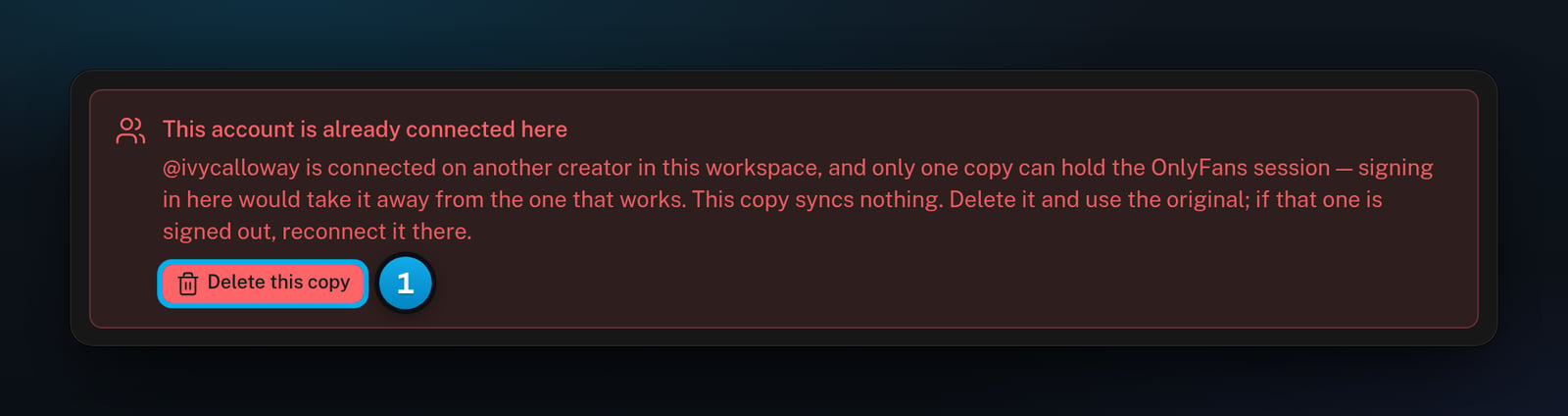
1 Delete the copy. The creator who holds the account keeps it.