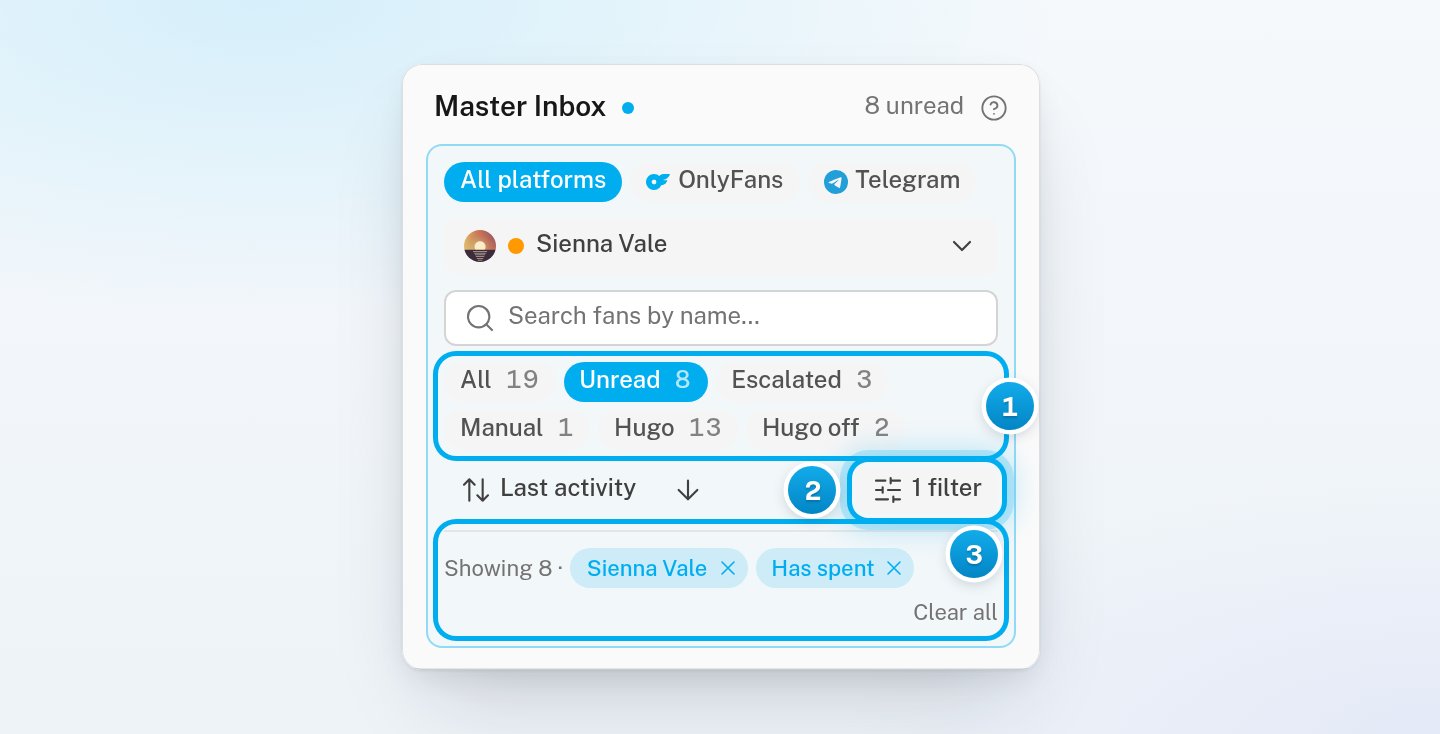
All platforms, OnlyFans and Telegram. This row shows only if your workspace has a Telegram creator.
The creator picker, which reads All creators until you pick one.
The search box, Search fans by name.
The state chips: All, Unread, Escalated, Manual, Hugo and Hugo off.
The sort menu, an arrow that flips the order, and Filters.
When a platform, a creator, a search or a filter narrows the list, a line appears under the controls. It starts with “Showing” and the number of conversations in the list. Then it shows one chip for each of them, and Clear all. The state chips do not add to this line.
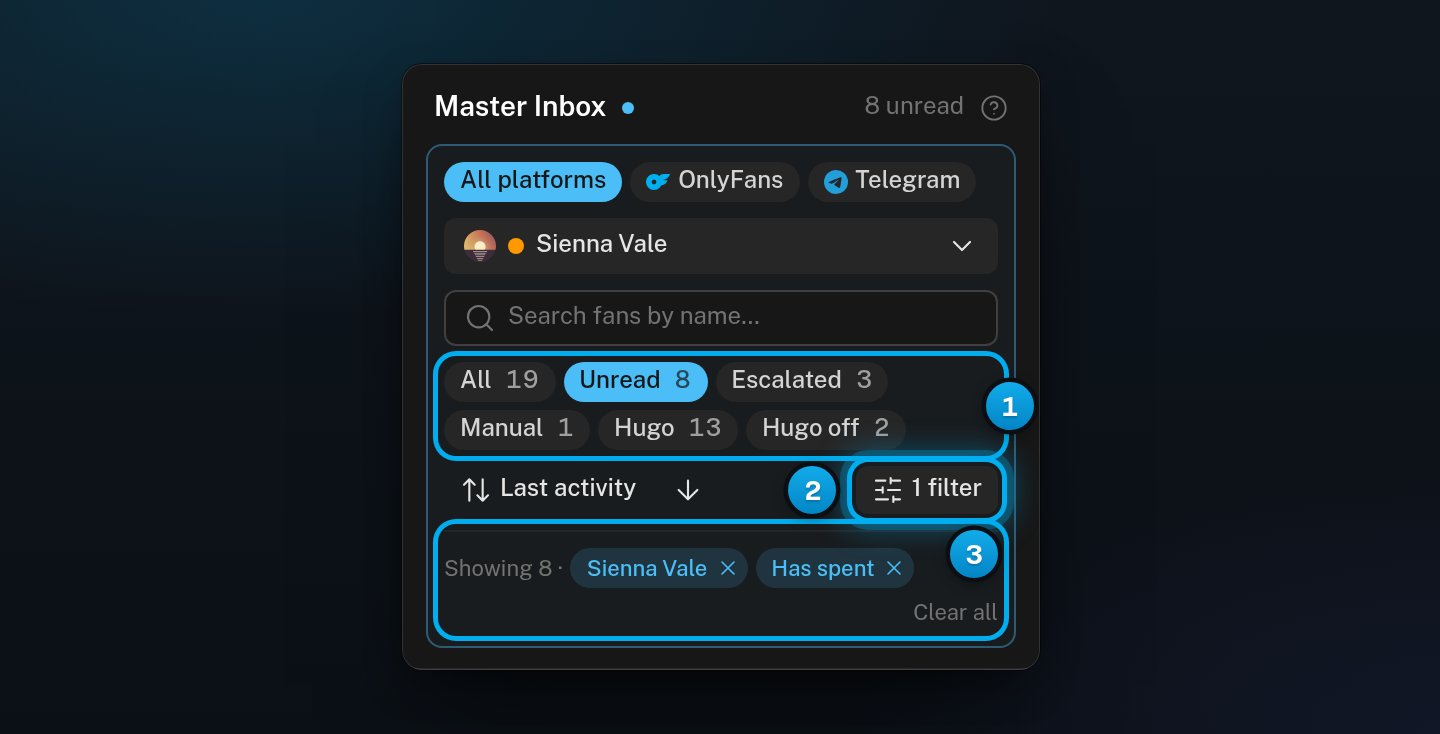
1 The state chips · 2 Filters by kind of fan · 3 What is narrowing the list, and Clear all
In OnlyX, click Inbox. At the top of the list, click All creators.The list of creators opens. Each creator shows how many of her conversations are unread. With more than six creators, type part of her name in the search box first.
2
Pick the creator
Click the creator’s name.The list shows only her conversations. A chip with her name appears in the “Showing” line.
3
Show only unread conversations
Click the Unread chip.The list shows her conversations with at least one unread message.
You can pick one creator at a time. To see every creator again, use the X on her chip, or click Clear all.
Click a state chip. Only one chip is on at a time.
Chip
Shows
All
Every conversation.
Unread
Conversations with at least one unread message, whoever answers them.
Escalated
Conversations that Hugo escalated to your team.
Manual
Conversations that a person on your team holds.
Hugo
Conversations that Hugo owns.
Hugo off
Conversations where Hugo is turned off for the fan.
The number on a chip counts the conversations in that state for the creator you picked. It does not count your search, Filters or platform. So a chip can show 7 while the list shows 2.The “Showing” line gives the number that is really in the list. A ”+” after it means that more conversations load when you scroll.
Click the search box. Type part of the fan’s name.The list updates a moment after you stop typing. The search finds the name he uses on OnlyFans or Telegram, and any name that your team gave him. It does not search the text of messages. To clear the search, use the X at the end of the search box.
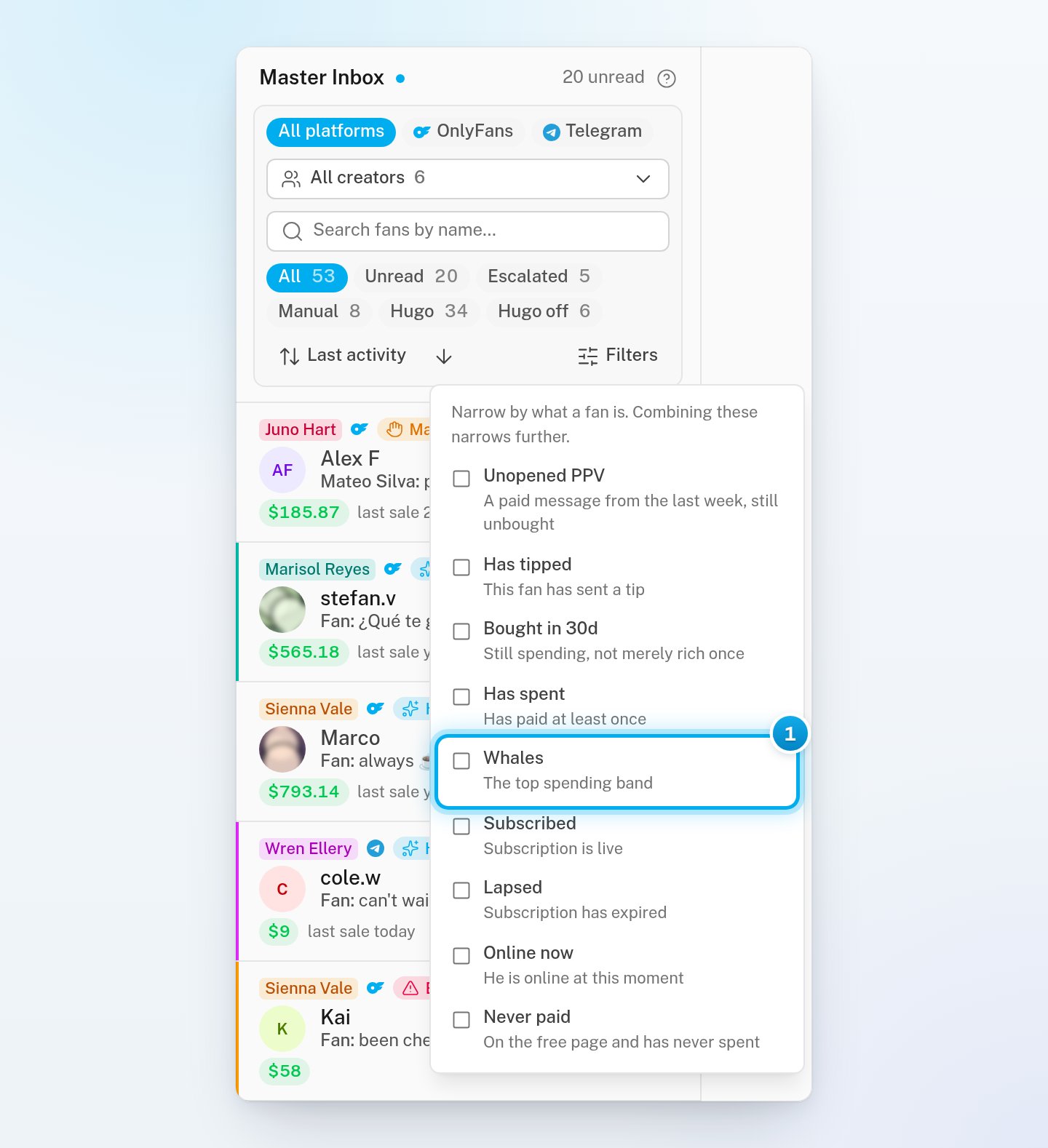
At the top of the list, click Filters.A list of filters opens, each with one line that explains it.
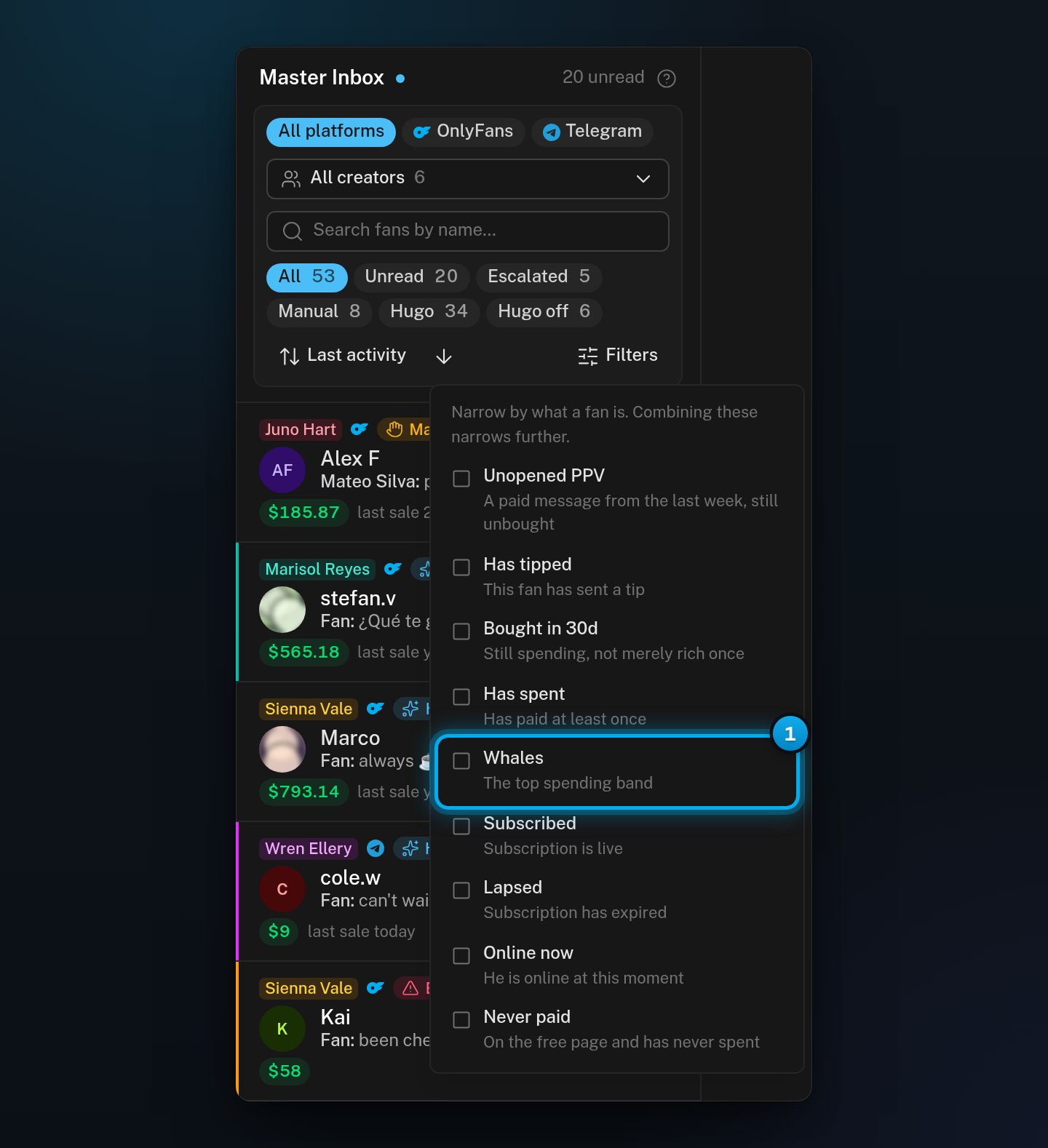
1 Tick a filter to narrow the list
2
Select one or more filters
Click each filter that you want.The button now counts them, for example “2 filters”. A conversation must match every filter that you tick.
3
Close the list of filters
Click anywhere outside the list.Each filter shows as a chip in the “Showing” line.
Filter
Shows fans who
Unopened PPV
Got a PPV in the last 7 days and have not bought it.
Has tipped
Sent a tip in this conversation.
Bought in 30d
Bought something in the last 30 days.
Has spent
Paid at least once.
Whales
Are in the top spending band.
Subscribed
Have a live subscription.
Lapsed
Have an expired subscription.
Online now
Are online now (on OnlyFans, or on Telegram for a Telegram creator), or were in the last 2 minutes.
Never paid
Are on the creator’s free page and have never spent.
To remove one filter, use the X on its chip. To remove the creator, the search, the platform and every filter at once, click Clear all. Clear all does not change the state chip.
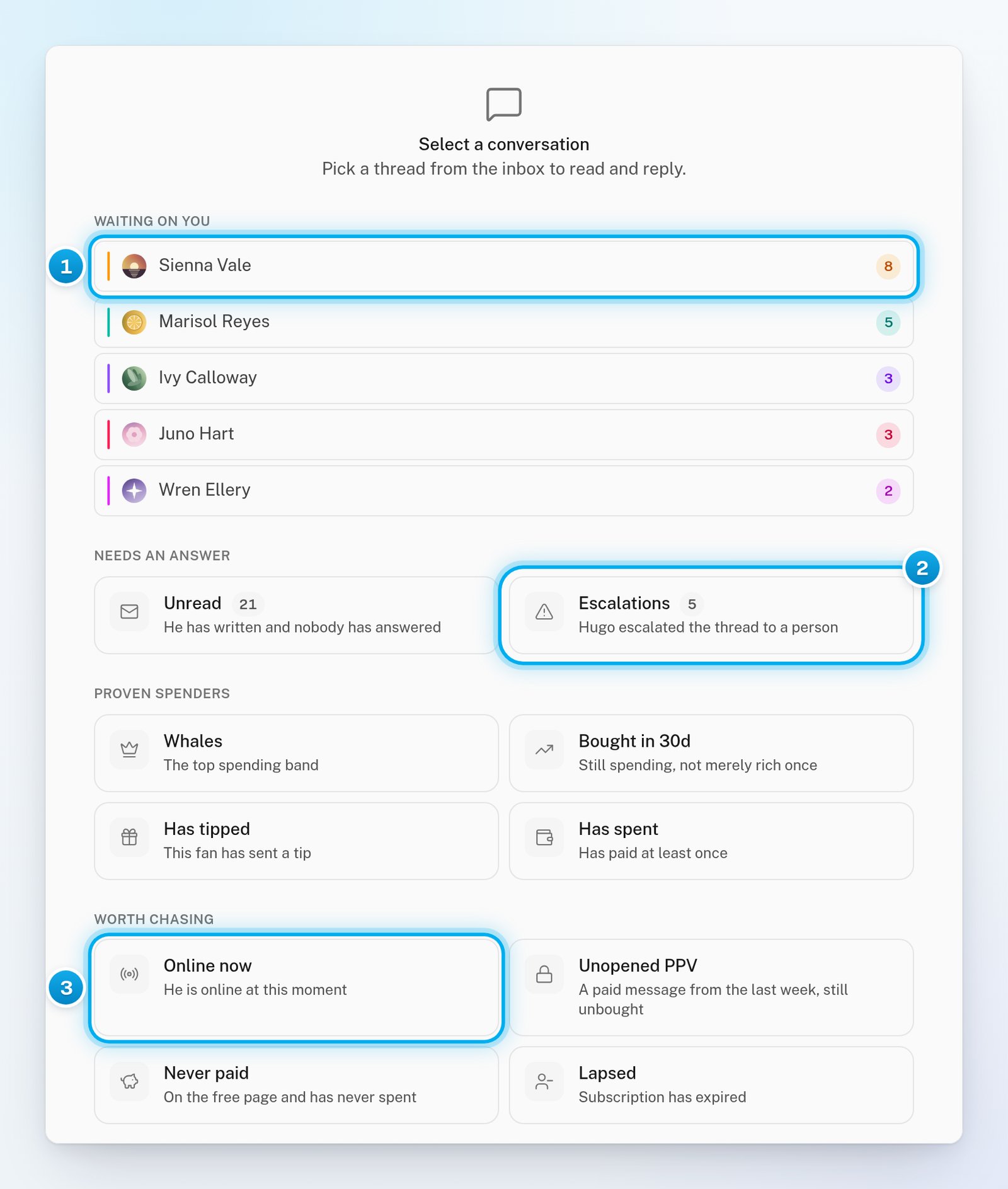
On a computer, when no conversation is open, the middle of the Inbox shows “Select a conversation” and four groups of shortcuts. The app shows their headings in capital letters.
Waiting on you: up to five creators with unread conversations, the busiest first. Click a creator to show her unread conversations.
Needs an answer: the Unread and Escalations cards, with their counts. A card shows only when it has conversations. Escalations shows the same conversations as the Escalated chip.
Proven spenders: Whales, Bought in 30d, Has tipped and Has spent.
Worth chasing: Online now, Unopened PPV, Never paid and Lapsed.
Click a card again to turn it off.
1 Creators with unread conversations · 2 Escalated conversations · 3 A filter shortcut
The chips count every conversation in that state, without your search, Filters or platform. Read the “Showing” line for the number in the list.
The list says "No conversations match these filters."
Nothing matches everything that is on. Click Clear filters, or remove one chip at a time. If only a state chip is on, click All.
My filters are gone
The Inbox does not save filters. Reloading the page or opening the Inbox again starts from All.
The search does not find a fan
The search looks at fan names only, not at messages. Try part of the name he uses on OnlyFans, or the name your team gave him. Also check the creator picker, the platform and the state chip: the search works inside them.
A creator is missing from the creator picker
If you chose Telegram or OnlyFans in the platform row, the picker shows only that platform’s creators. Chatters see only the creators assigned to them.