

The four states
The state is the chip next to the creator’s name on each row of the list.
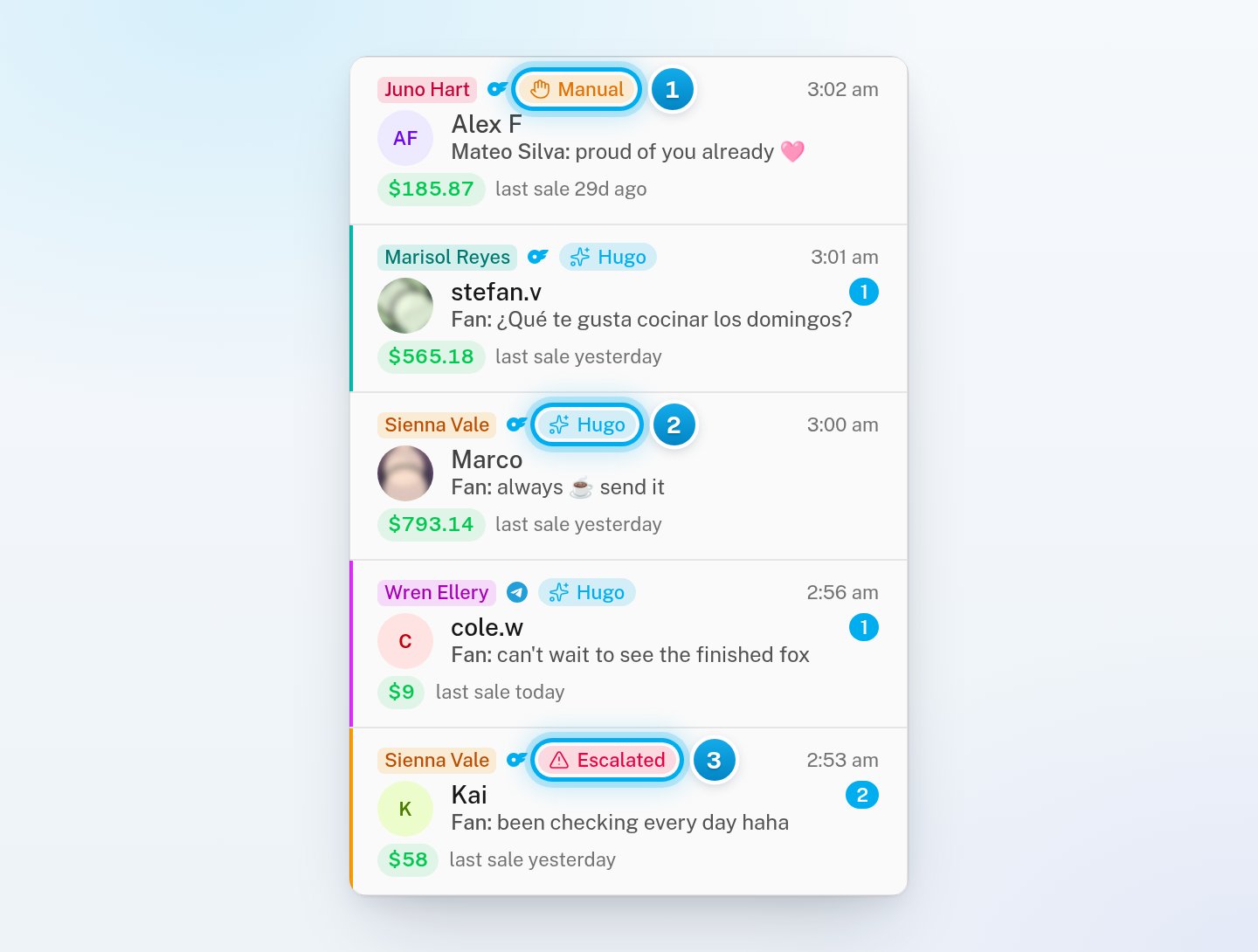
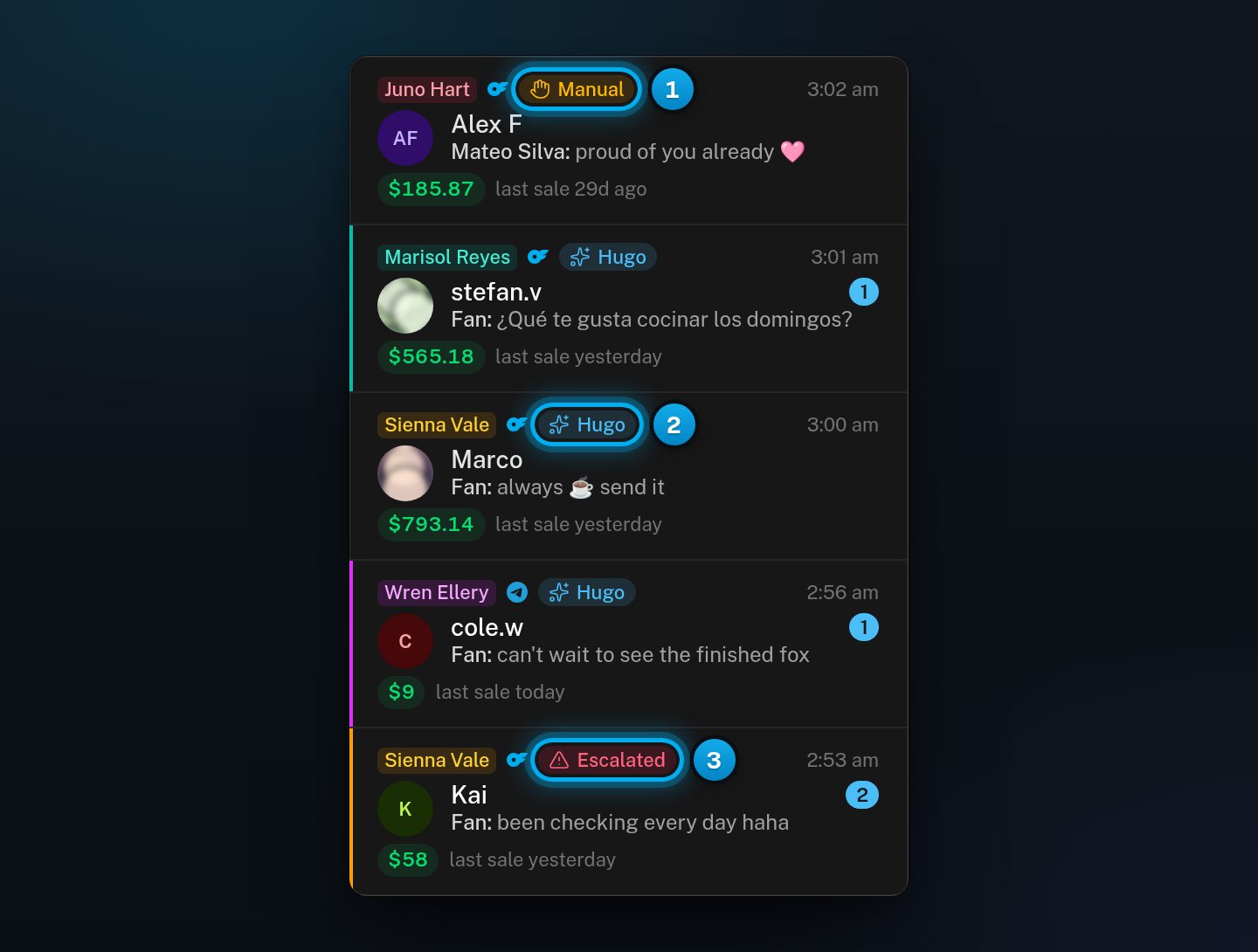
1 A person on your team has it · 2 Hugo answers this fan · 3 Hugo escalated it to your team
Where you see the state
- In the list, each row shows the creator’s name, the state chip and the time of the last message.
- In the open conversation, the same chip is next to the fan’s name. On a phone the chip is hidden, so read the bottom of the conversation instead.
- At the bottom of the conversation, a line or a bar says the state in words.
- In the fan panel, a tag at the top says who has the conversation, for example “Mateo Silva has it”, “Hugo escalated this” or “Hugo off for this fan”. On a Hugo conversation, the tag says what Hugo is doing, for example “Building rapport”.
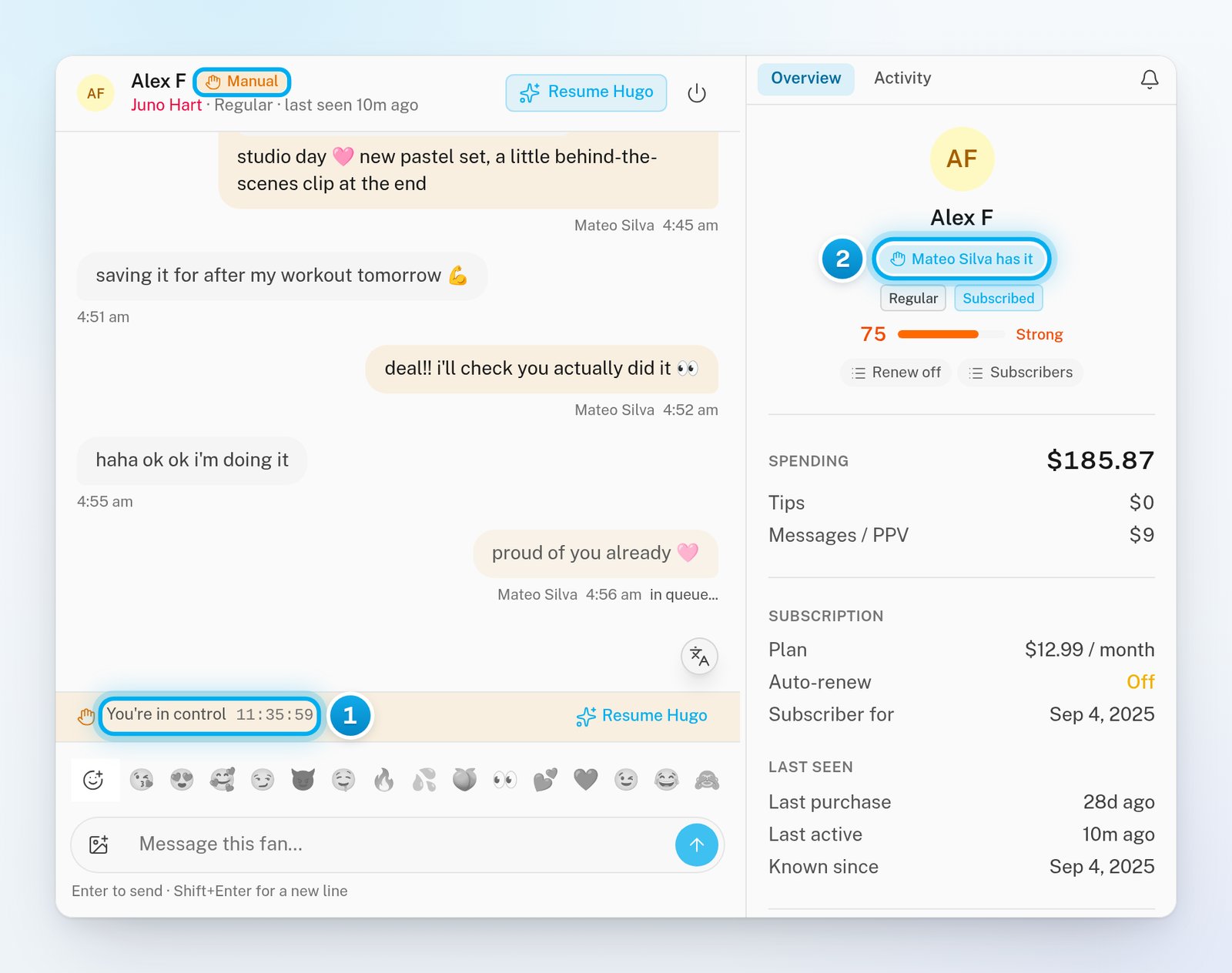
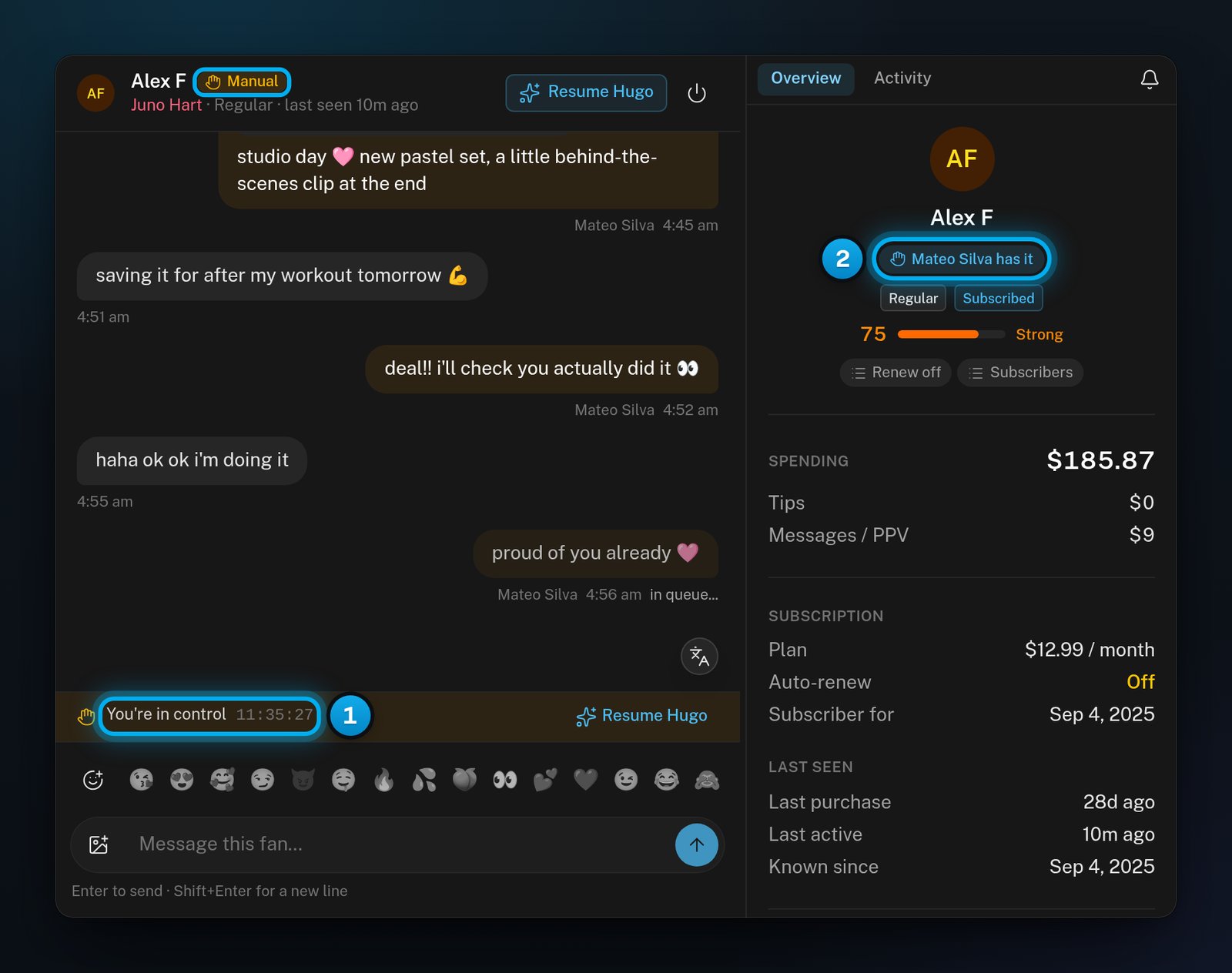
Ringed: the state chip · 1 Time left before Hugo takes it back · 2 Who has the conversation
Why a conversation becomes Manual
A conversation becomes Manual when:- someone on your team clicks Claim;
- someone on your team sends a message in a Hugo or Escalated conversation;
- on Telegram, the creator answers from her own Telegram app. The fan panel tag then reads “A person has it”.
Manual with no countdown
When Hugo is off for a creator, her new conversations start as Manual, with no countdown. They stay with your team. When someone turns Hugo on for her again, these conversations go back to Hugo by themselves. This happens a batch at a time. Conversations where the fan is waiting go first. For a creator with many conversations, this can take several minutes. A conversation where someone on your team replied in the last 12 hours goes back 12 hours after that reply. Conversations that already showed Hugo keep the Hugo chip when Hugo is turned off for the creator. They show “Hugo will not answer this thread” until he is on again.Why Hugo does not answer a Hugo conversation
The Hugo chip says that Hugo owns the conversation. It does not promise that he can answer. Something can stop him, for example:- Hugo is off for the creator;
- the creator’s setup is unfinished;
- her account is disconnected;
- billing has paused Hugo.
Escalated
Hugo escalates a conversation when he decides that a person must answer it. For example, a fan asks for a refund, or says he knows where the creator lives. Hugo then stops answering that fan until someone gives the conversation back. Only Hugo or a safety rule can escalate a conversation: there is no button for it. See Handle an escalation.Hugo off
Hugo off keeps Hugo out of one fan’s conversation, with no time limit. Hugo keeps answering the creator’s other fans. AI Rules can also turn Hugo off for a fan. To turn it on or off, use the power button at the top of the conversation. Its tooltip reads Keep Hugo out of this thread, or Let Hugo handle this thread when Hugo is already off.Do not click Claim on a Hugo off conversation. It becomes Manual for 12 hours. After that, Hugo takes it back. To answer the fan, reply instead: the conversation stays Hugo off.
Filter the list by state
The chips at the top of the list filter by state: All, Unread, Escalated, Manual, Hugo and Hugo off. Each chip shows how many conversations it holds. See Find conversations: search, filters and sort.Who can change the state
- Owners, admins and chatters can click Claim, Resume Hugo and Resolve & resume Hugo, reply, and use the power button.
- In the row menu of the list, only owners and admins see Turn Hugo off and Turn Hugo on.
- Only owners and admins can turn Hugo on or off for a whole creator. That decides where a conversation goes when a hold ends.