Hugo does not quote or sell custom content, and he never names a price for a custom. When a fan asks for one:
Hugo keeps the conversation going, and may offer the nearest thing she already has. The conversation is not escalated, as long as the escalation policy row Any custom while selling is off is off (the default). With that row on, Hugo may escalate it instead.
Owners and admins may get a Custom content request alert, by email and on Telegram. Usually no alert comes when the fan’s message names one of her hard limits. The alert says which fan asked which creator, and what he asked for. It also links to the conversation.
Someone on your team answers the fan in the conversation, and sells the custom by hand if she makes it.
The alert comes at most once a day for each conversation. It is on by default. To check it, see Choose your notifications.
The Custom content selling switch at the top of the Custom Content tab does not change this. Even when it is on, and its message reads “Hugo now sells customs”, Hugo does not sell customs today.
One row in the creator’s Escalation policy decides whether a custom request can come to your team as an escalation: Any custom while selling is off. A few conversations still run on an older version of Hugo; for those, the row decides what happens:
The row is
What happens when a fan asks for a custom
Ticked
Hugo escalates the conversation to your team. It shows Escalated in the Master Inbox, with his reason.
Not ticked (the default)
Hugo names no price and does not say that she doesn’t make customs. He offers the nearest thing she already has instead.
With the row ticked, the newest Hugo may escalate a custom request too. If your agency sells customs by hand, tick the row:
1
Open the creator's AI Persona
In OnlyX, click Creators. Then click the creator, and click AI Persona.
2
Go to the Escalation policy
Click Limits. Then scroll to Escalation policy.
3
Turn on the custom row
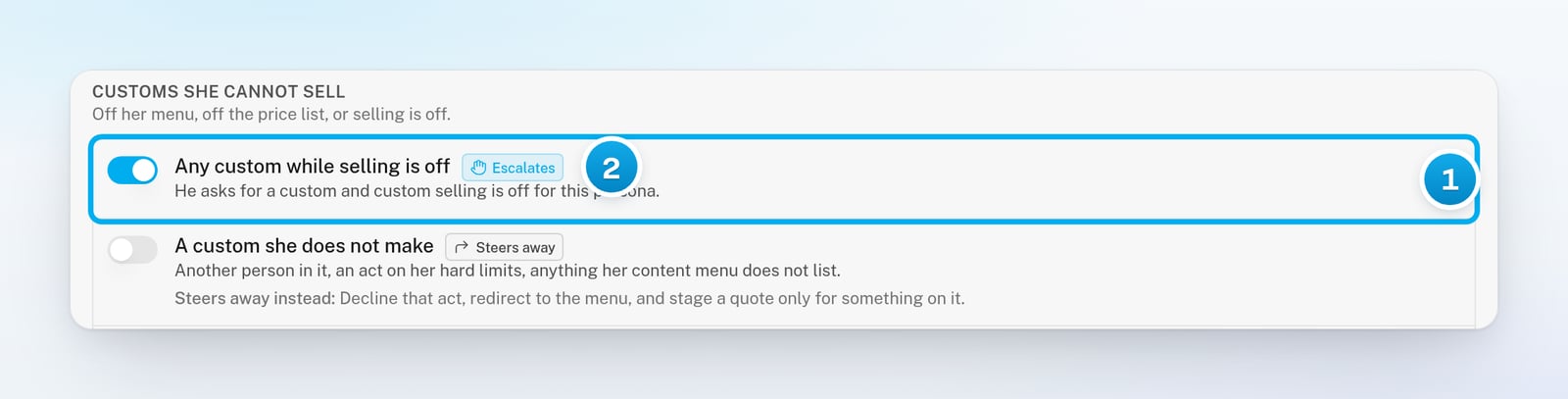
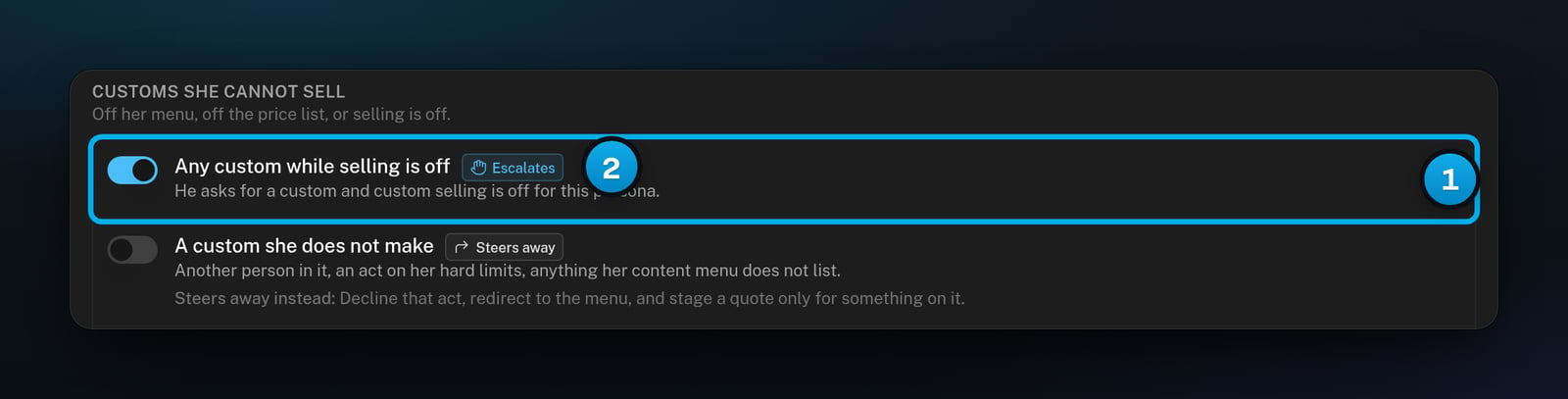
Under Customs she cannot sell, turn on Any custom while selling is off.The row’s badge changes to Escalates.
1 Turn on Any custom while selling is off · 2 The badge now reads Escalates
4
Save the persona
At the top of the tab, click Save.You see “AI Persona saved”.
The prices and the menu are your record of what she charges and what she makes. Hugo does not use the prices or delivery times while he does not sell customs.
1
Open the Custom Content tab
On the creator’s page, click Custom Content.
2
Enter her lowest prices
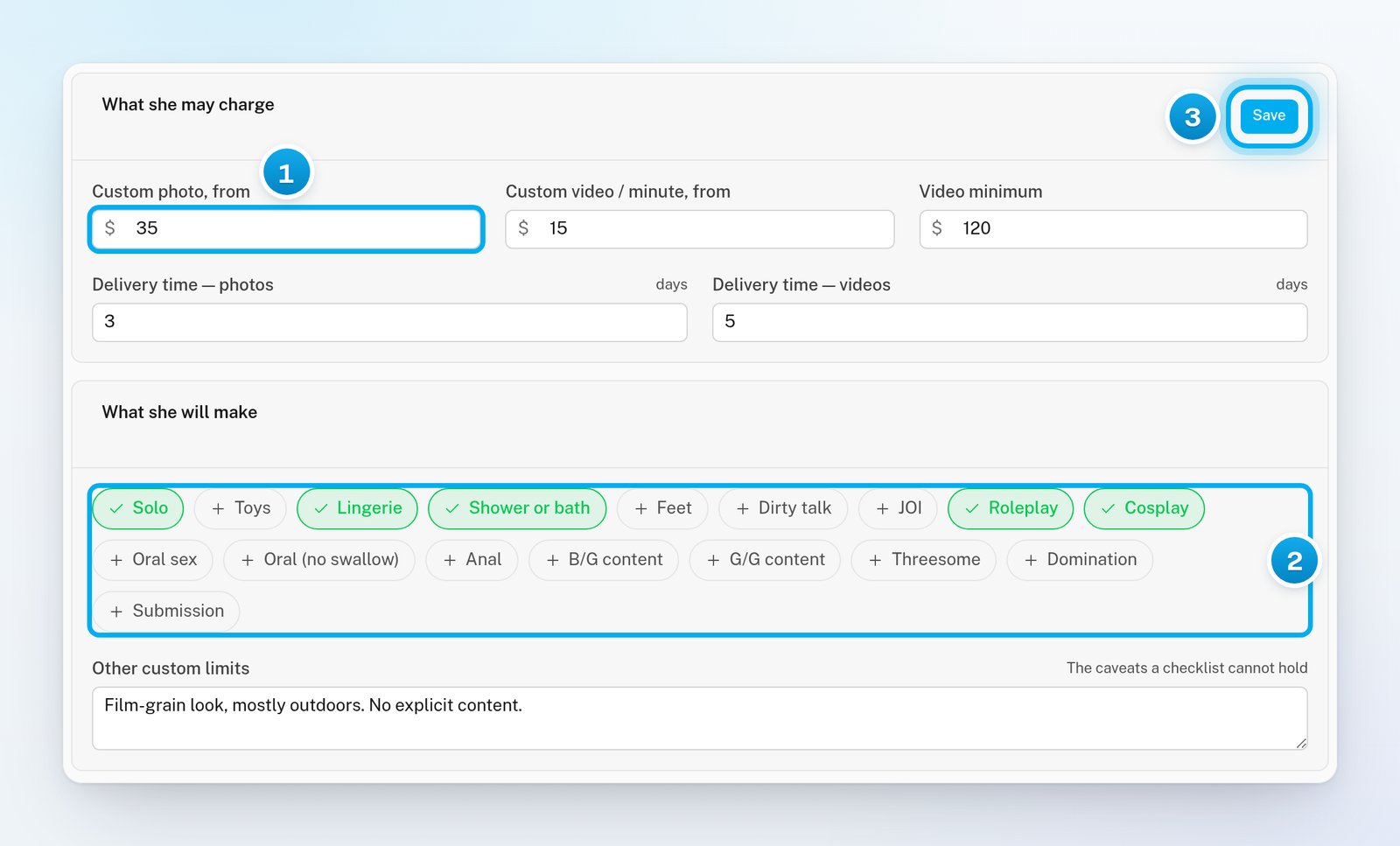
In What she may charge, enter a price in dollars in each field you need:
Custom photo, from: the lowest price for a custom photo.
Custom video / minute, from: the lowest price for each minute of custom video.
Video minimum: the lowest price for any custom video, however short.
Leave a field empty if she does not sell that kind of custom. Each price can be up to $10,000.
3
Set her delivery times
In Delivery time — photos and Delivery time — videos, enter how many days she needs. Use 1 to 60 days.New creators start at 3 days for photos and 7 days for videos.
4
Pick what she will make
In What she will make, click each thing she makes. A picked item turns green with a tick. Nothing is picked at the start.In Other custom limits, type anything a list cannot say, for example that she does not talk in videos.
5
Save the prices and the menu
In What she may charge, click Save.You see “Custom pricing saved”. This one Save stores the prices, the delivery times, the menu and Other custom limits.
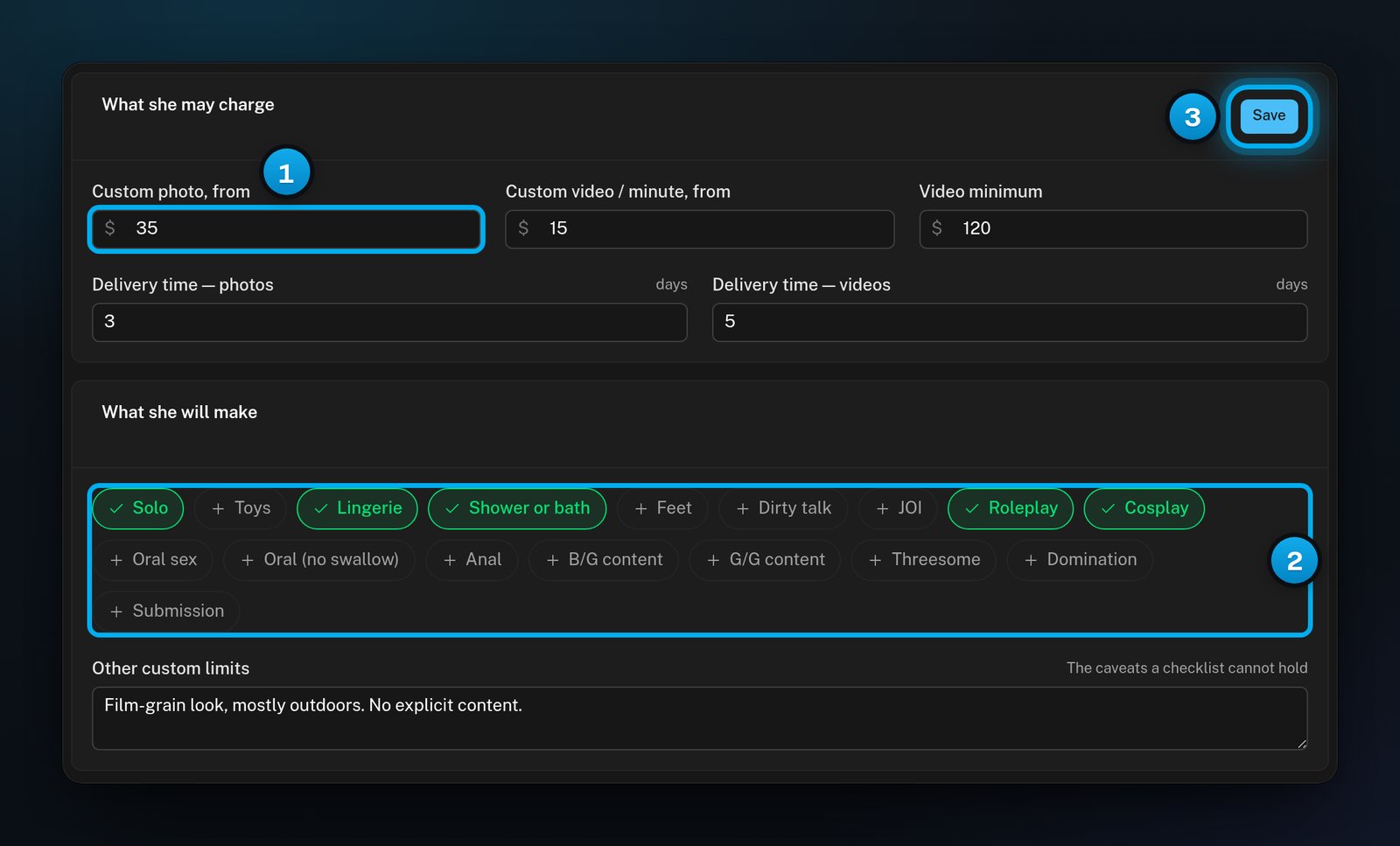
1 Her lowest photo price · 2 What she will make · 3 One Save for all of it
Once a photo price or a per-minute video price is set, the optional Set custom pricing step on Overview shows Done. See Get a creator ready for Hugo.
A row appears in Orders only when a fan has paid for a custom that Hugo quoted. Hugo does not quote customs today, so no new orders arrive here. You may still see older orders.
Status
What it means
New order
The fan paid, and nobody has started it yet.
In progress
Someone on your team started it.
Delivered
Your team marked it as sent to the fan.
Withdrawn
Your team cancelled it.
Overdue
A red mark next to an open order that passed its delivery date.
To work an order, click its row. The window shows What was sold, its dates and The conversation that sold it. Then:
Click Start when she starts working on a new order.
Click Delivered when the fan has it.
Click Cancel to withdraw the order. Cancelling does not refund the fan: any refund happens outside OnlyX.
Click Open chat on the tip to open the conversation at the fan’s payment.
A fan asked for a custom, and nobody on my team was told
While Any custom while selling is off is off, a custom request may reach owners and admins as a Custom content request alert, not as an escalation. Usually no alert comes when the fan’s message names one of her hard limits. Check that the alert is on for them. See Choose your notifications. To let Hugo escalate requests too, tick Any custom while selling is off, as in Have custom requests escalated.
I turned on Custom content selling and saw "Hugo now sells customs"
Hugo still does not quote or sell customs. The switch only saves your choice. Custom requests may reach your team through the Custom content request alert, or as an escalation when Any custom while selling is off is ticked.
"Could not save the pricing"
Each price can be up to $10,000, and Other custom limits can hold up to 1,000 characters. If you are a chatter, ask an owner, admin or content VA to change the prices.
Orders says "Custom selling is off — asks for customs escalate to you instead."
An empty Orders list is normal: Hugo does not quote customs today, so no new orders arrive. Custom requests may reach owners and admins through the Custom content request alert instead.
"Could not start it" or "Could not mark it delivered"
Someone else may have changed the order first. Reload the page to see its status.