AI Mass DMs work for OnlyFans creators only. Telegram creators do not have them.
You need an owner or admin account to change AI Mass DMs. Chatters and content VAs can see the lists and how often it goes out, but they cannot change anything.
A mass DM is one message, written by Hugo in her voice, that goes to whole lists at once. Its job is to start conversations. It never sells: it carries no price and no locked content. As the card says, “Anyone who replies is answered normally.”
AI Mass DMs are off for every creator until someone turns them on.
They go out only while Hugo is on for the creator and her account is connected. They stop when OnlyX pauses Hugo, but a billing pause does not stop them.
OnlyFans decides which fans on the lists get the message. OnlyX does not receive a count of who got it.
In OnlyX, click Creators. Then click the creator, and click AI Follow-ups.The AI Mass DMs card is next to the AI Follow-ups card.
2
Choose the lists that get it
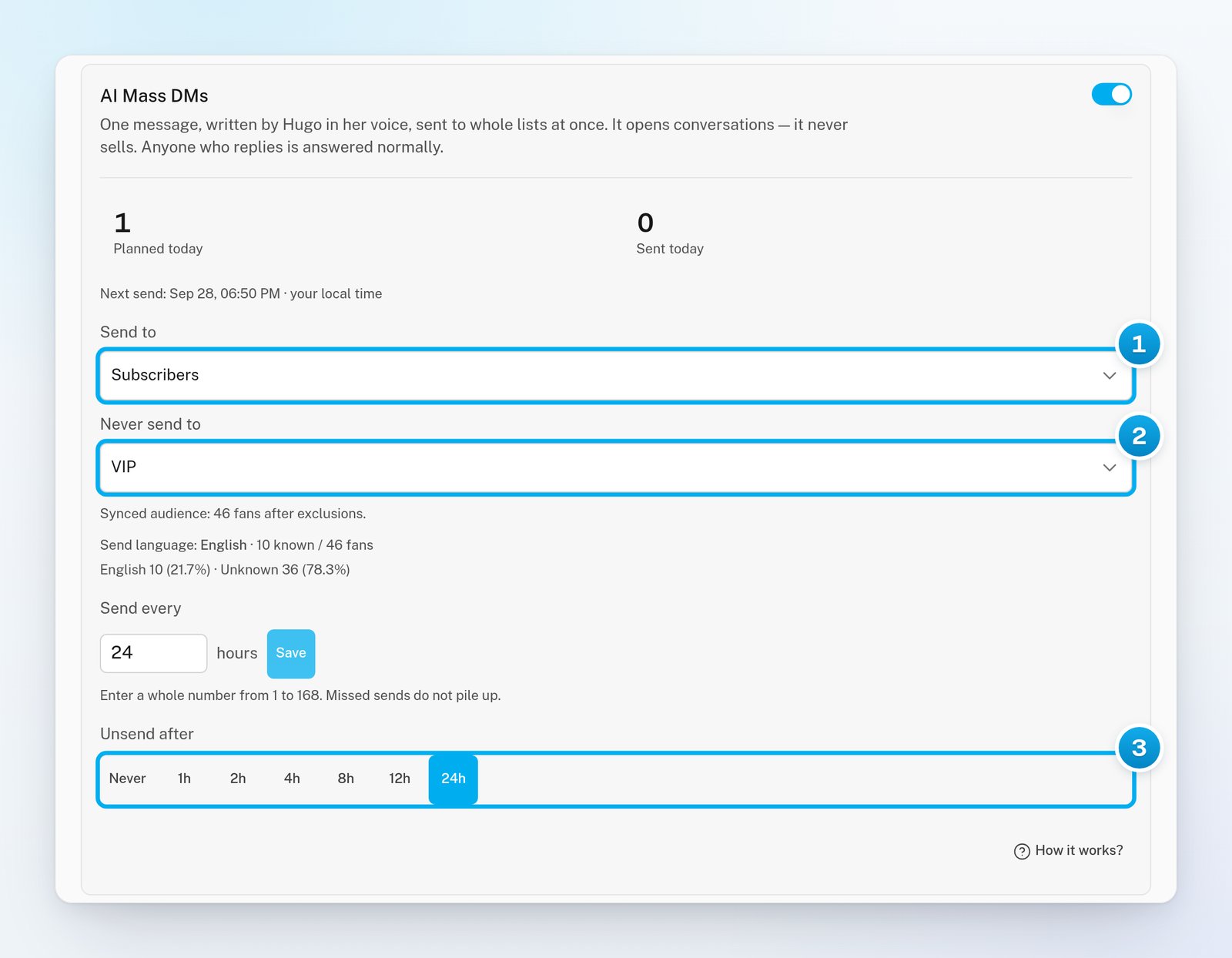
Next to Send to, click Add a list. Then select one or more lists.OnlyX saves your choice at once. The line under the lists shows how many fans are on them, for example “About 40 fans before exclusions”. When every list member has synced, it reads “Synced audience: 36 fans after exclusions” instead. Either way, it is the most a mass DM can reach, not how many fans get it.
3
Choose the lists that never get it
Next to Never send to, click Add a list. Then select the lists to keep out.A list can be on one side only. Fans on her OnlyFans Muted list never get a mass DM: OnlyX leaves that list out by itself.
4
Set how often it goes out
Next to Send every, enter a whole number of hours, from 1 to 168. Then click Save.If you never change it, one mass DM goes out every 24 hours. Missed sends do not pile up.
5
Choose when to take it back
Next to Unsend after, click Never or a time from 1 to 24 hours.OnlyX saves your choice at once. At that time, OnlyX asks OnlyFans to take the message back.
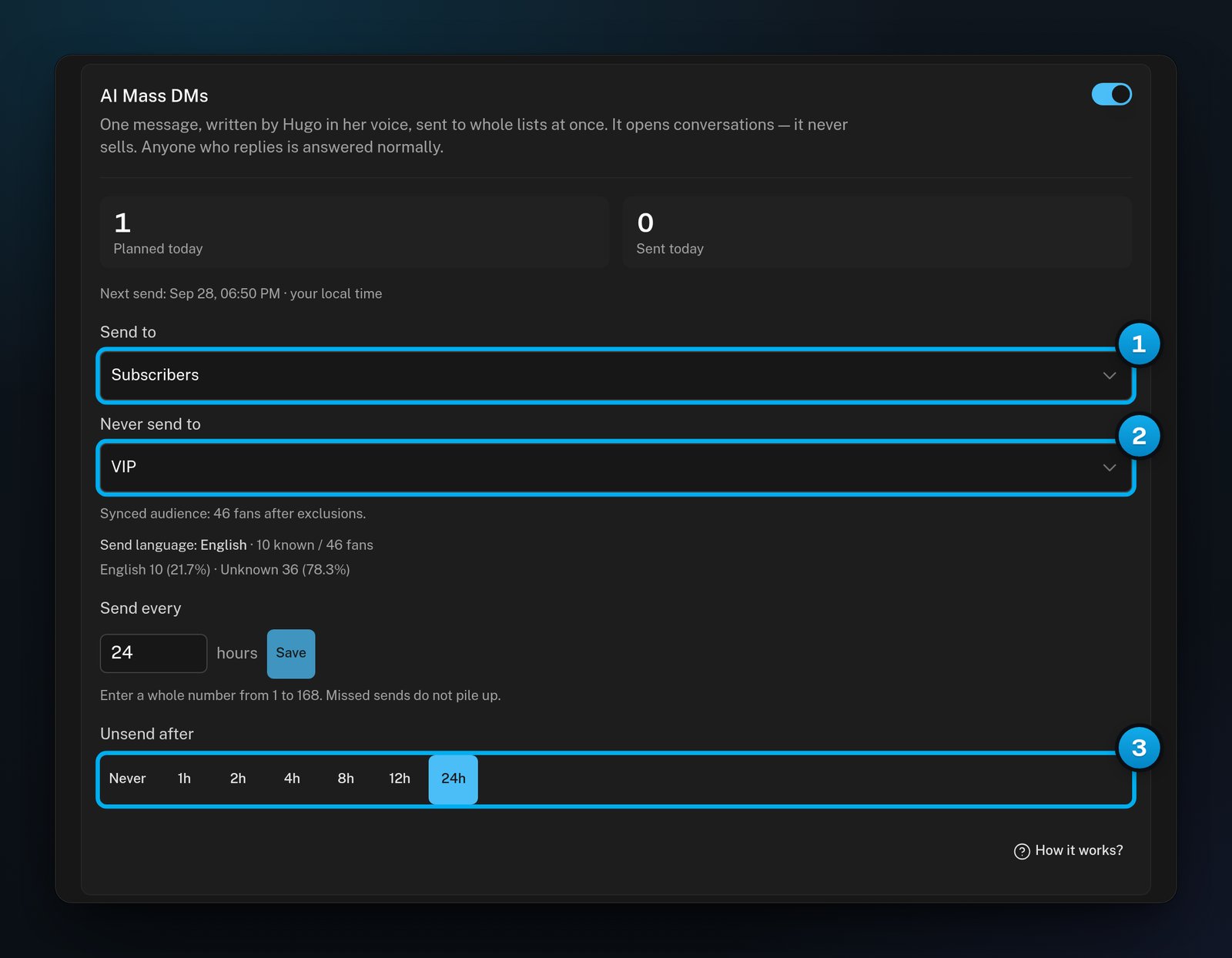
1 The lists that get the message · 2 The lists that never get it · 3 When to take it back
6
Turn on the switch
At the top of the AI Mass DMs card, turn on the switch.The message “Mass DMs enabled” appears. When Hugo has planned the next mass DM, the card shows when it goes out, for example “Next send: Sep 28, 06:00 PM · your local time”.
A mass DM reaches every fan on the lists you chose at once. OnlyFans lets you take it back only within 24 hours, and a fan may already have seen the notification.
The card also shows the Send language: the language Hugo writes in, based on the fans on your lists. If many fans use another language, the card warns you and suggests separate lists for each language.
On the AI Follow-ups tab, scroll to What went out.
2
Show only mass DMs
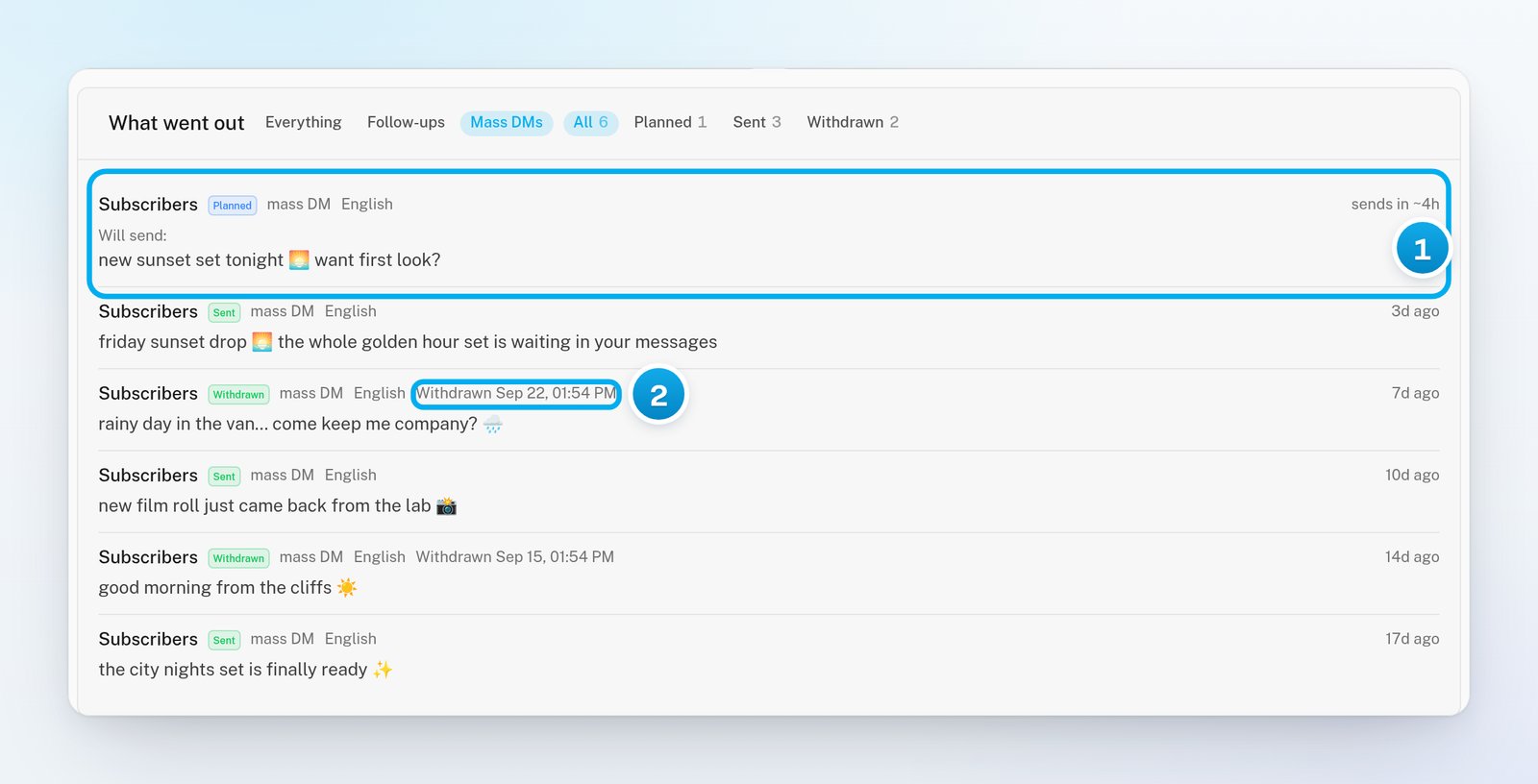
Click Mass DMs.The next planned mass DM is at the top, with “Will send:” and its words. Each row names the lists it goes to. A list in “(not …)” is one it never goes to.
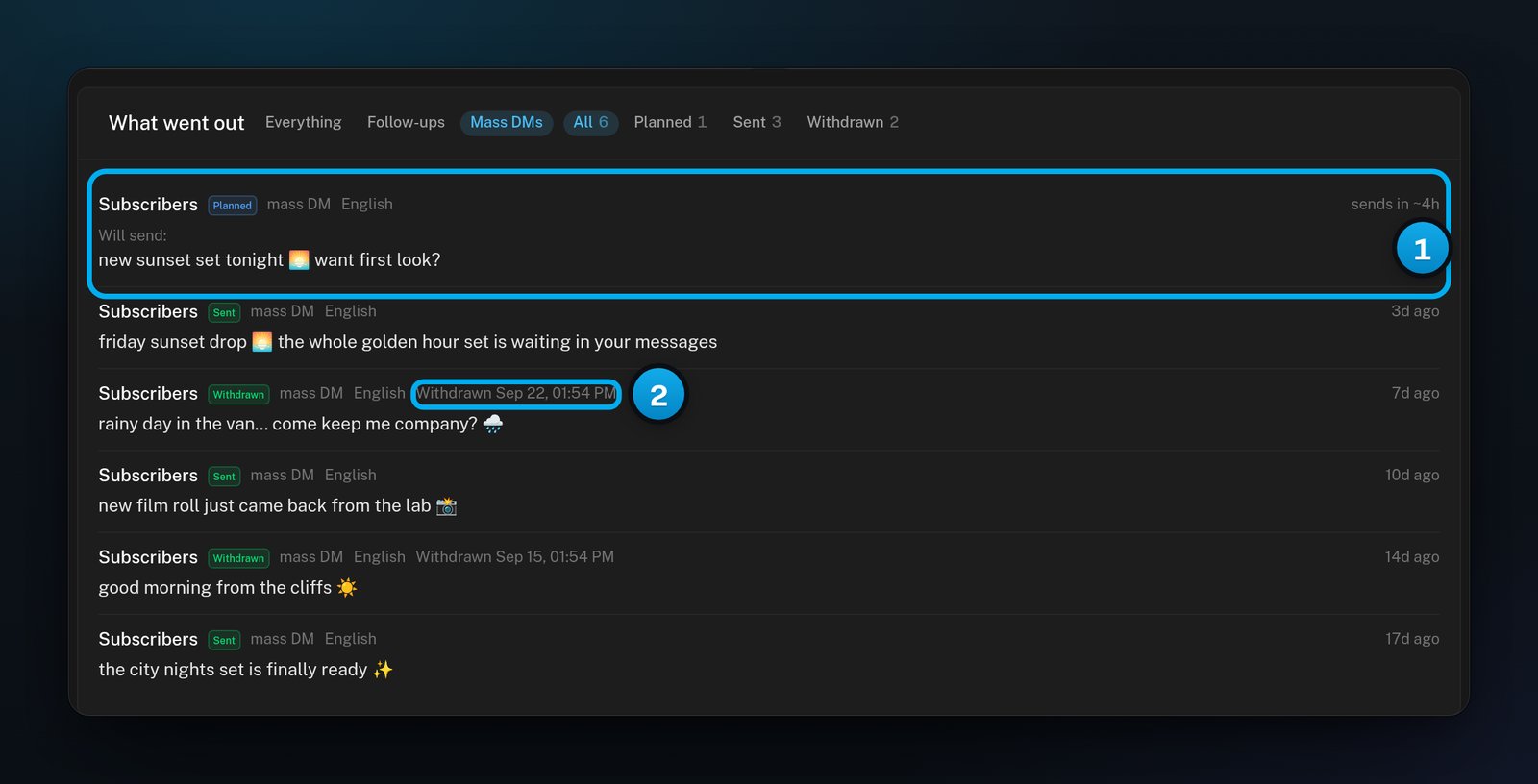
1 The next mass DM and its words · 2 Taken back on time
State
What it means
Planned
It waits to go out. The row says when, for example “sends in ~5h”.
Sending
It is going out now.
Sent
It went out. If you chose a time under Unsend after, the row says when OnlyX takes it back.
Withdrawn
OnlyFans took it back, at your Unsend after time.
Failed
It did not go out. The row says why.
Cancelled
It was stopped before it went out. The row says why, for example “settings changed”.
The rows show the lists, not how many fans got the message. OnlyX does not receive that count from OnlyFans.
When you change the lists, Send every or Unsend after, OnlyX cancels the planned mass DM that has not gone out yet. The next one is planned with your new settings.To stop, turn off the switch in the AI Mass DMs card. The message “Mass DMs disabled” appears. Planned mass DMs are cancelled. Messages that already went out are still taken back at your Unsend after time.A message that OnlyFans takes back leaves the fans’ inboxes. It does not take back a notification that a fan already received.
The card says "No lists chosen yet — nothing will be sent."
No list is chosen under Send to, so Hugo has nobody to write to. Add at least one list.
The card says "Mass DMs are enabled, but Hugo is paused for this creator."
Hugo is off or paused for this creator, so no mass DM goes out. OnlyX keeps your settings. Mass DMs start again when Hugo is on. See Turn Hugo on for a creator.
A mass DM shows "Cancelled"
The row says why. “settings changed” means someone changed the lists, Send every or Unsend after, or turned the switch off. “creator unavailable” means Hugo was off or the account was not connected when it was due.
The card says "Draft generation failed."
Hugo could not prepare the next messages, so no new mass DM is planned. If the message stays on the card, email support@onlyx.ai. Include the creator’s name and the text on the card.
"Could not save that"
OnlyX did not save the change. Only owners and admins can change AI Mass DMs. Reload the page and try again.