Pick which OnlyX alerts reach you by email and on Telegram, for every creator or only some. Only owners and admins receive them.
Owners and adminsIn Settings > Notifications, you choose which alerts OnlyX sends you, by email and on Telegram.
Only owners and admins receive these alerts. Chatters and content VAs can open the tab and change the switches. But OnlyX never sends them these alerts.
In OnlyX, click Settings. Then click Notifications. On a phone, Settings is under More.The tab shows three cards: Telegram, Workspace alerts and Creator activity.
2
Check the workspace name
Under Workspace alerts, read the line “These settings apply to” and the workspace name.If it names another workspace, switch workspaces first. See Work in several workspaces.
3
Find the alert
Workspace alerts holds the five billing alerts. Creator activity holds the alerts about creators, fans and conversations.
4
Click the switch
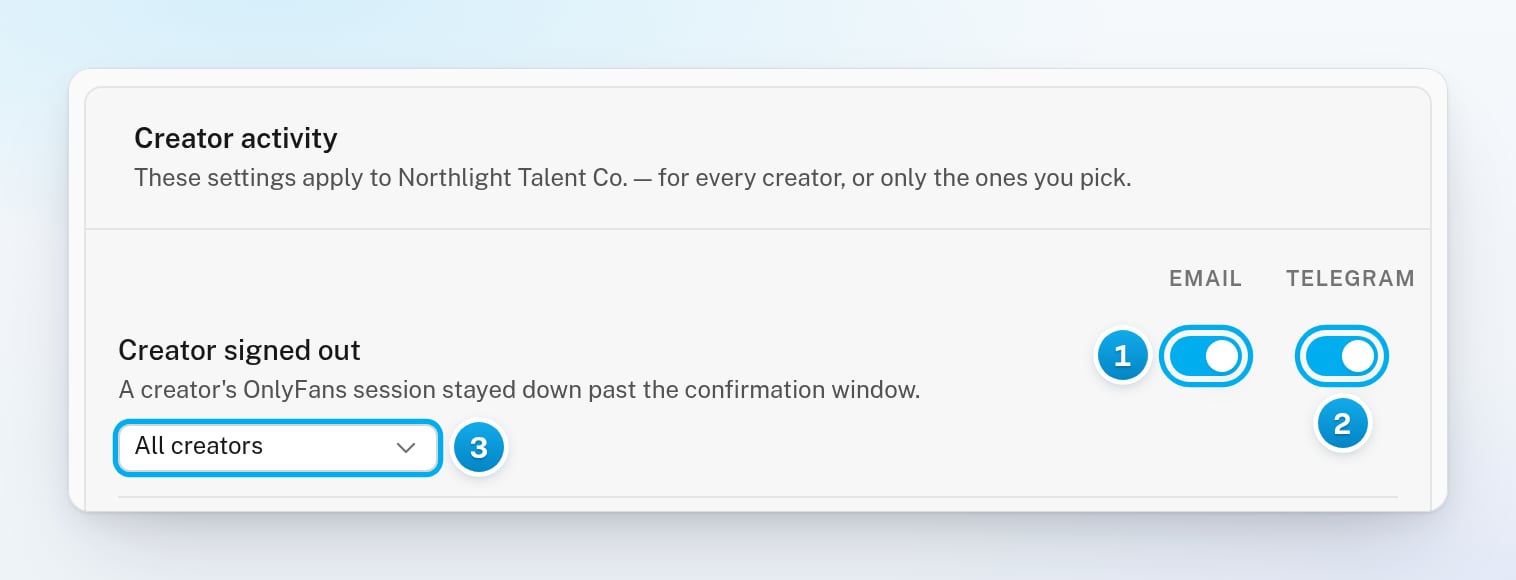
In the alert’s row, click the Email switch or the Telegram switch. The change saves at once.
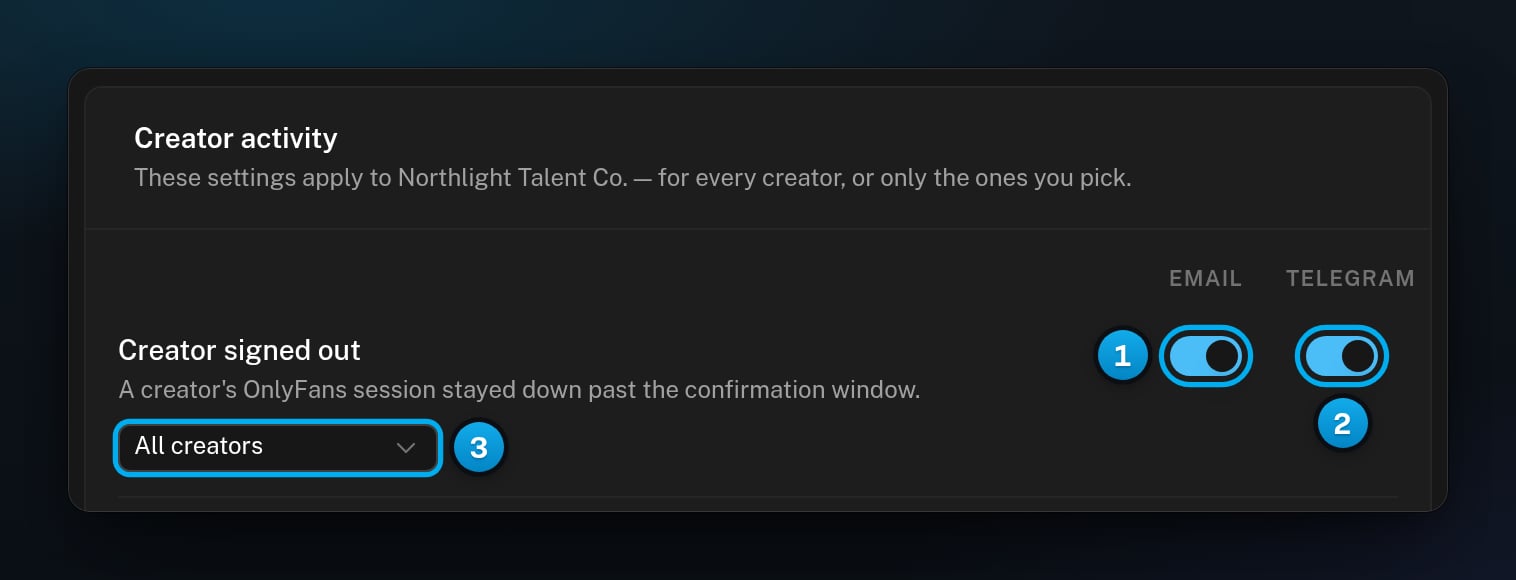
1 Email · 2 Telegram · 3 All creators, or only the ones you pick
Each row in Creator activity has a menu under the alert’s name. It is set to All creators until you change it.
1
Choose Selected creators
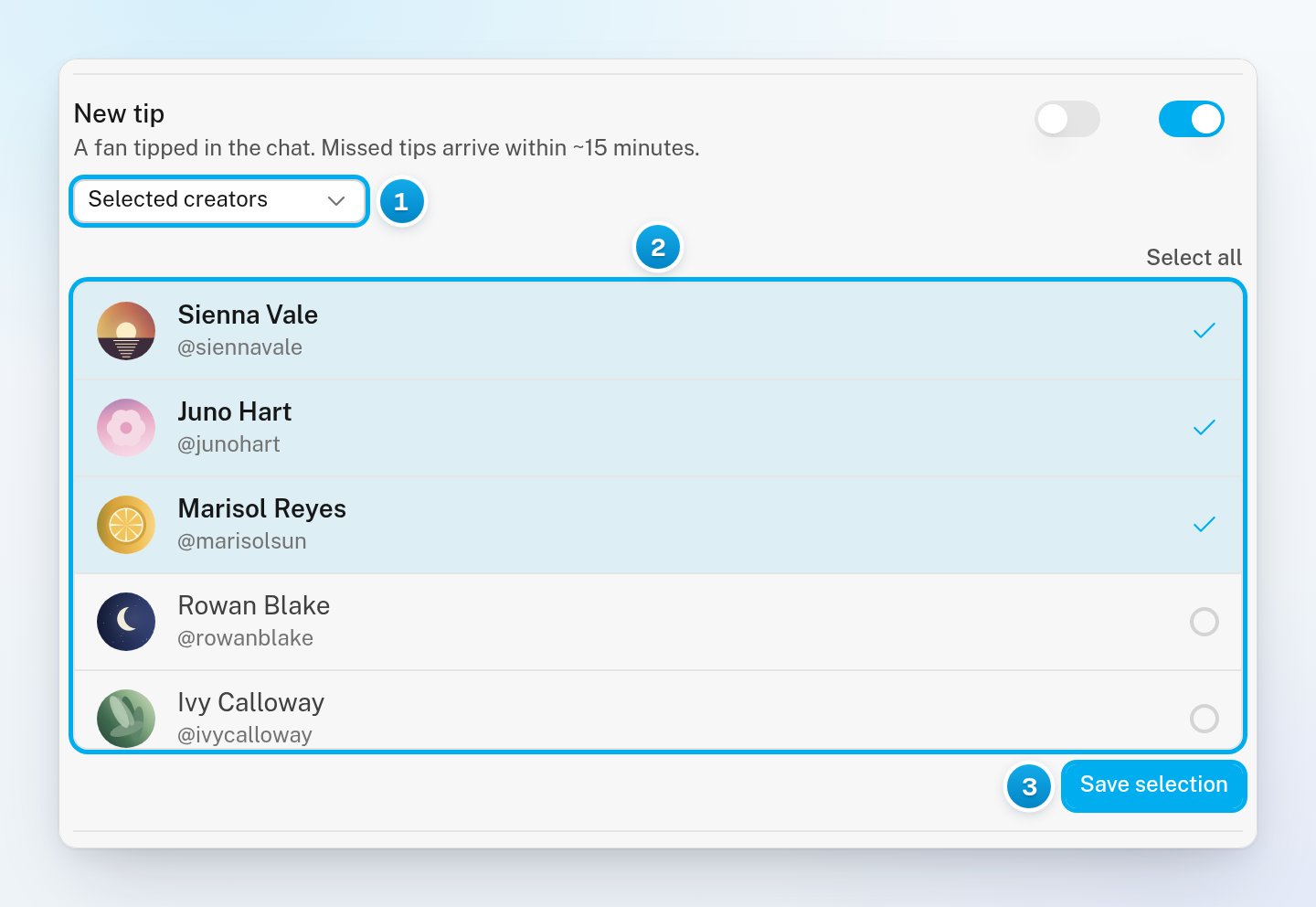
In the alert’s row, open the All creators menu. Then select Selected creators.A list of your workspace’s creators opens in the row.
2
Pick the creators you want
Click each creator you want this alert for. To tick them all, click Select all.
3
Save the selection
Click Save selection.This alert now comes only for those creators, by email and on Telegram. Alerts about other creators do not reach you.
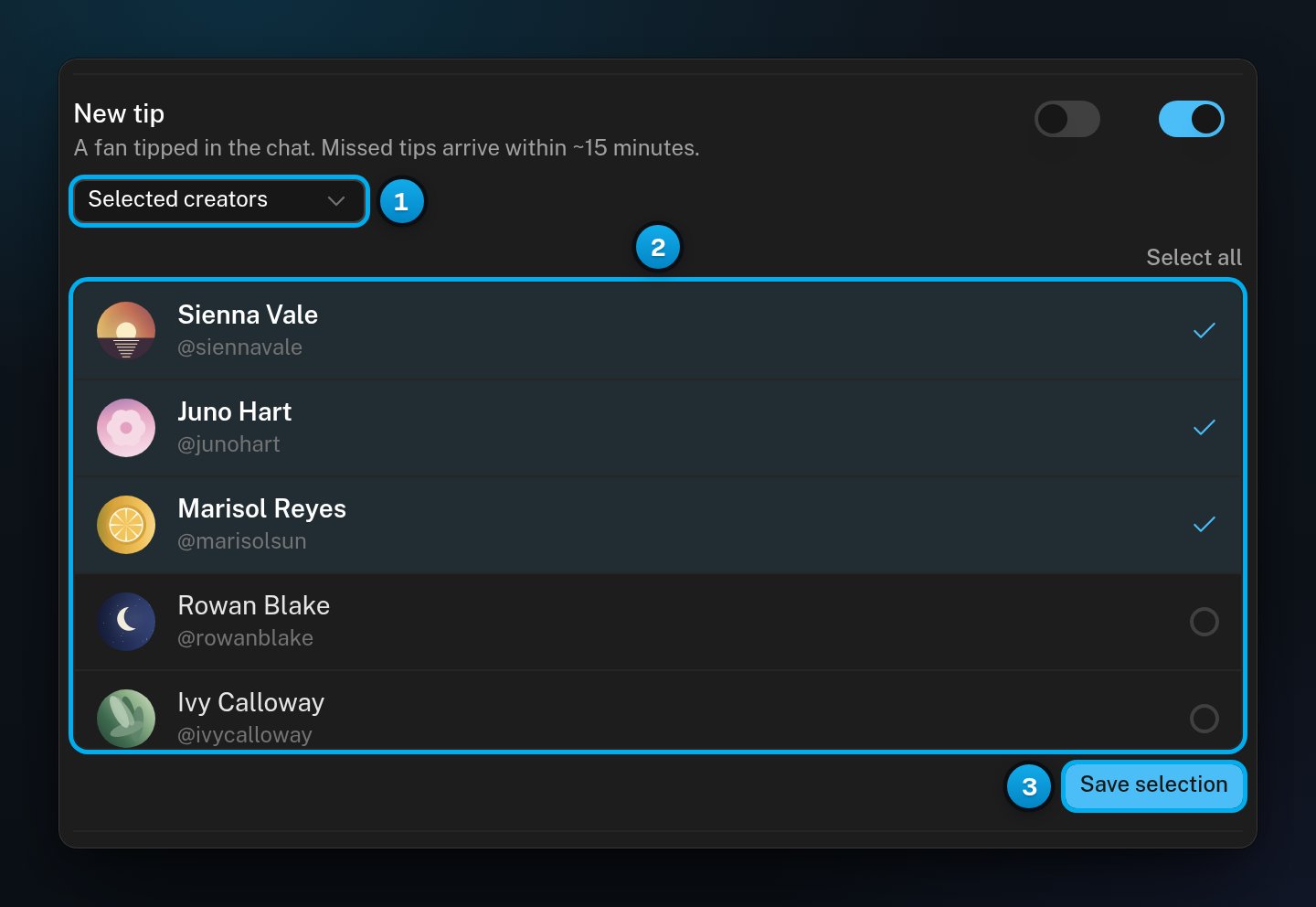
1 Selected creators · 2 The creators you want this alert for · 3 Save selection
To get the alert for every creator again, select All creators in the menu. That saves at once, and OnlyX keeps your list for the next time you pick Selected creators.
A creator’s OnlyFans account stayed signed out. OnlyX sends one alert each time this happens, with no reminders.
New custom order
A fan paid for a custom photo or video.
Custom order overdue
A paid custom order passed its delivery time and is not delivered yet.
PPV sent
A PPV reached a fan. When one message goes to many fans, you get one summary each hour instead.
PPV unlocked
A fan paid to open a PPV. The alert comes within about 15 minutes.
New tip
A fan sent a tip in a conversation. A tip that OnlyX notices late comes within about 15 minutes.
New escalation
A conversation needs a person: Hugo escalated it, or a paid delivery failed.
Custom content request
Hugo read a fan’s message as a request for custom content. Hugo does not take custom orders, so this alert lets someone on your team reply. You get at most one a day for each conversation. You usually get none when the fan asks for one of her hard limits.
You get alerts from every workspace you manage, not only the one you have open. If you belong to two or more workspaces, each alert ends with “Agency:” and the name of its workspace.
The link in an alert opens the workspace you have open. If the alert is about another one, switch to it first.
If every owner and admin turns an alert off, nobody gets it.
Workspace alerts have no creator menu. They always cover the whole workspace.
Only owners and admins receive these alerts, whatever the switches of other roles say. For what each role can do, see What each team role can see and do.
The Telegram switches are greyed out
You have not connected the Telegram bot yet. Point at a switch to see “Connect Telegram above to use this”. Connect the bot in the Telegram card at the top of the tab. See Connect the Telegram notifications bot.
"Could not save notification settings"
The switch did not save, so it went back to where it was. Click it again. If it keeps failing, reload the page.
"Could not load notification settings"
The tab could not load your choices. Click Retry, or reload the page.
Save selection is greyed out
You have not changed the list yet, or no creator is ticked. The row says “Pick at least one creator.” when the list is empty.
I still get alerts from another workspace
Your choices apply to one workspace at a time. Switch to the other workspace, then change its switches too.