

Before you start
- You need an owner or admin account.
- “Today” means today in your workspace’s reporting timezone. It can differ from the clock on your computer. See Net or gross, periods and the reporting timezone.
Open Today
You can read today’s numbers in two places:- On the Dashboard, the Today card shows a summary for all your creators.
- In Analytics, click Today in the list of reports. There you can pick creators with the All creators button.
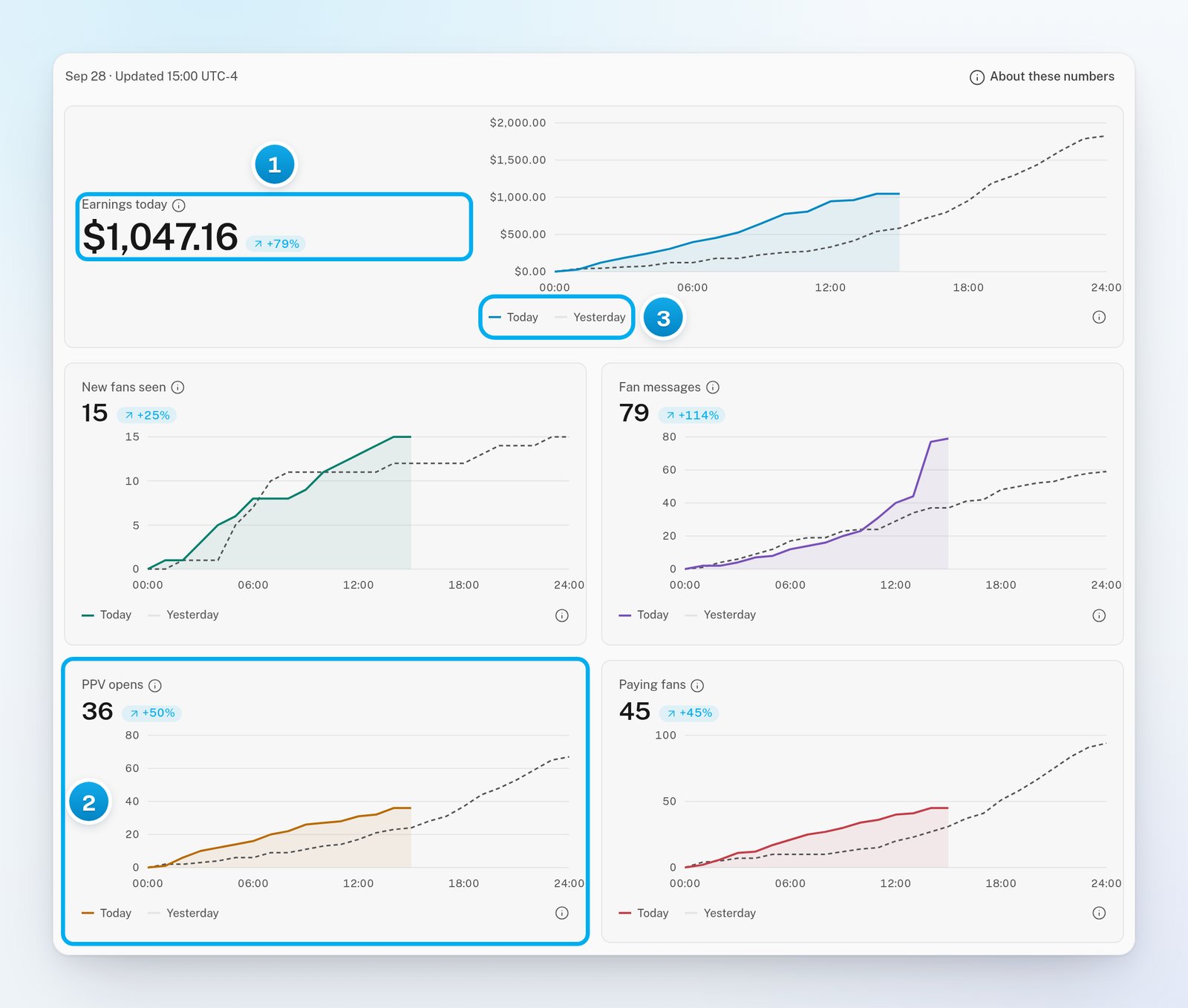
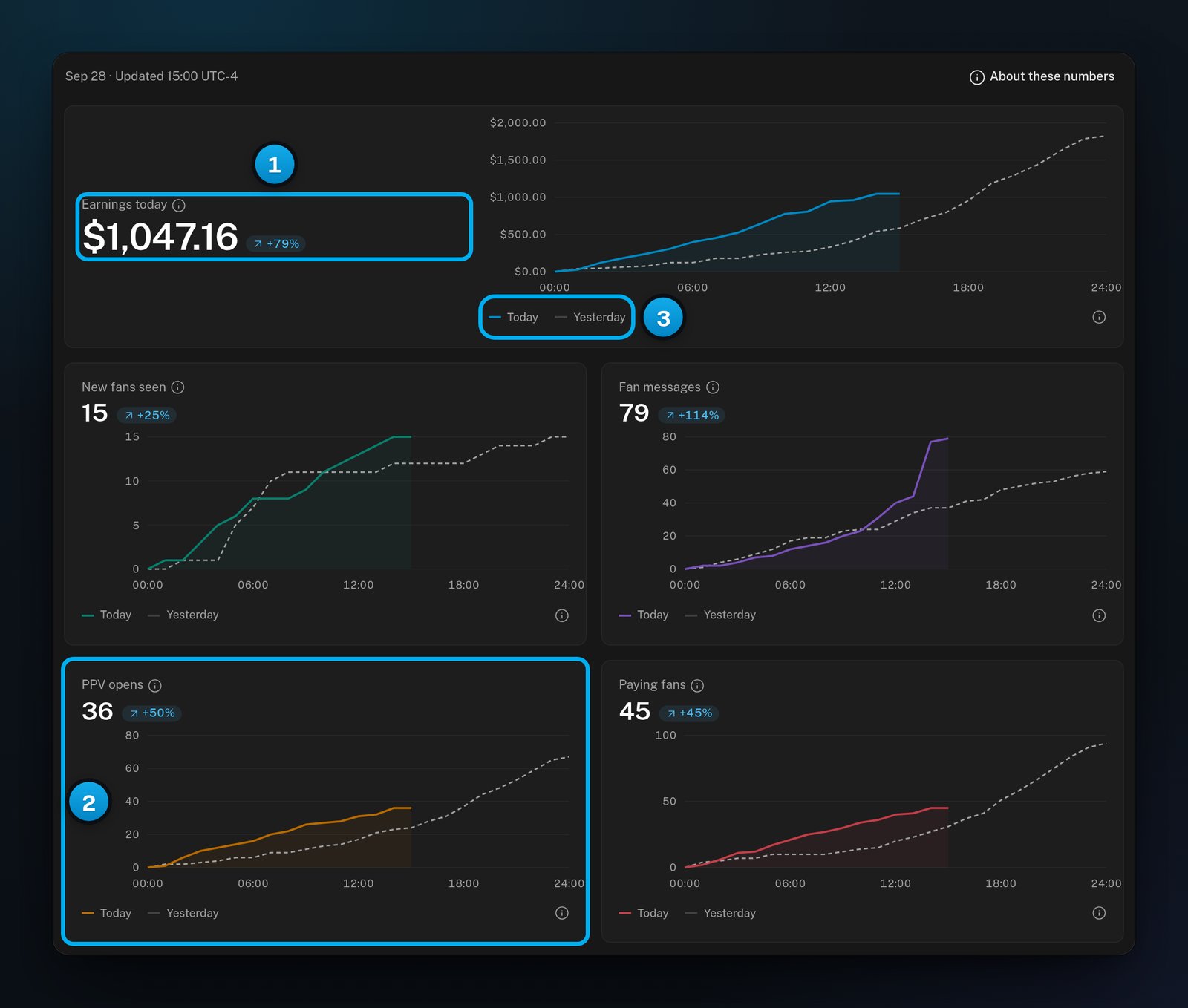
1 Earnings so far, against the same time yesterday · 2 Paid PPVs bought today · 3 Pick the day to check
What each number counts
Click the small (i) icon next to a number to read its full definition. On the report, the (i) next to Earnings today also splits today’s earnings into cleared, pending and unknown status.
Earnings today is always net: what reaches the creator after OnlyFans’ cut. It is not the amount the creator can withdraw.
Read the comparison
Each number has a small pill that compares it with yesterday up to the same time. Point at the pill to read “vs yesterday at this time”.
When both days are at zero, there is no pill.
Each chart draws today’s running total as a solid line, from midnight to now. Yesterday’s running total is the dashed line. Point at the chart to read the Today and Yesterday values for any hour.
See the records behind an hour
1
Choose the day
Under a chart, click Today or Yesterday.
2
Click an hour
Point at the chart to find the hour you want. Then click it.A window opens, for example “Earnings details · today”. It lists everything counted from midnight up to that hour.
3
Optional: Export the records
Click Export all records to download them as a CSV file.To close the window, press Esc.
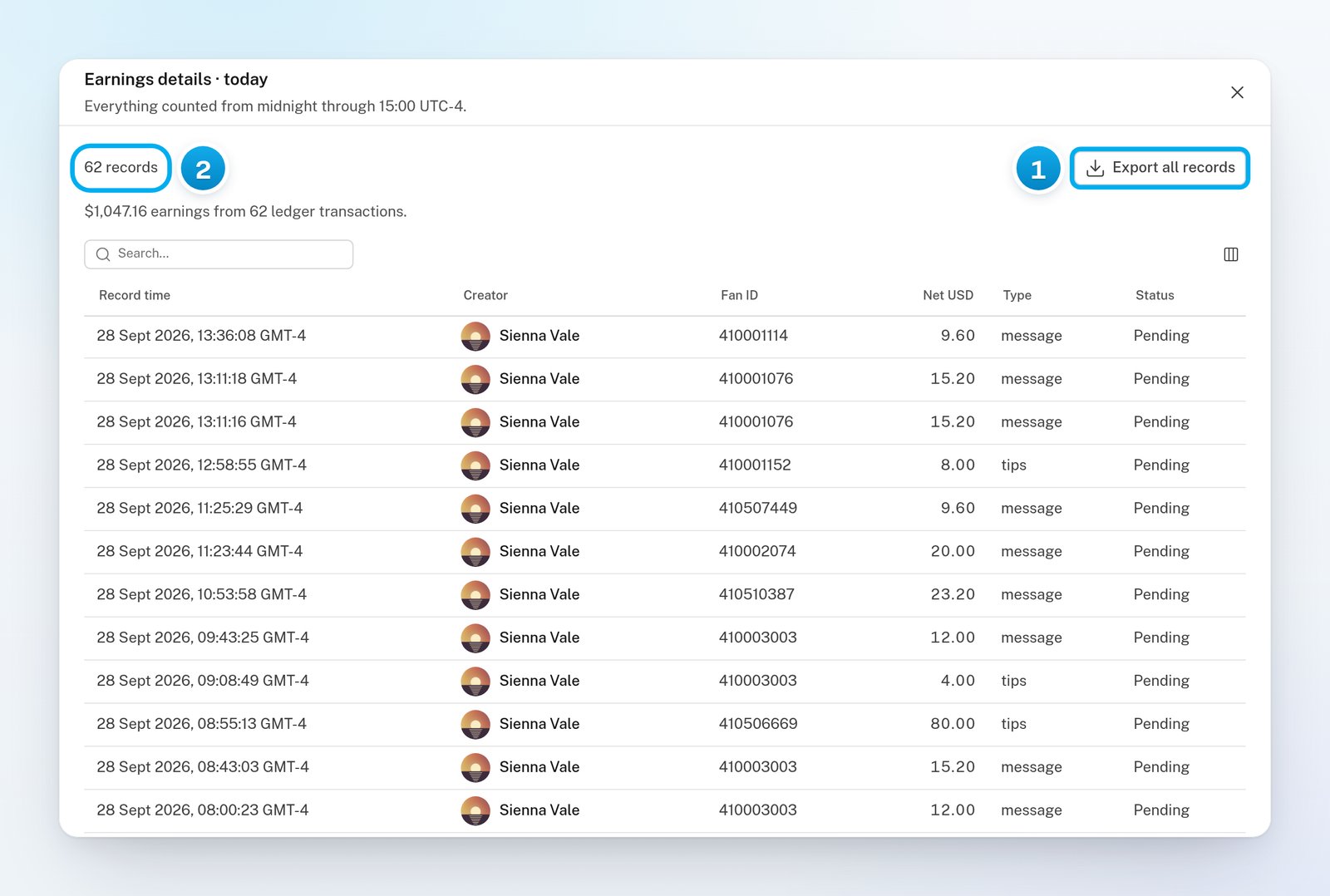
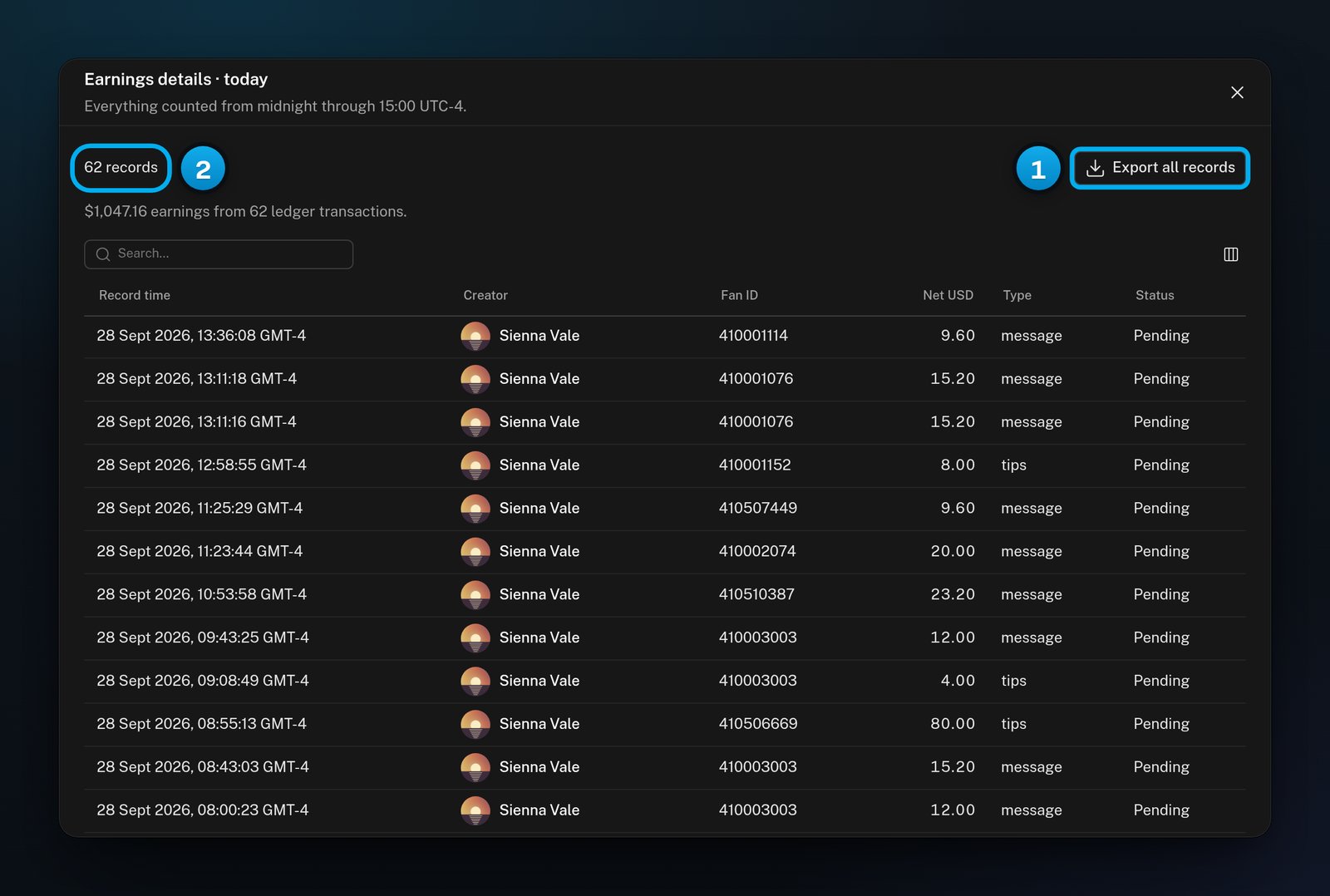
1 Download every record in the window · 2 How many records the window holds
How often it updates
While the report is open in front of you, OnlyX reads new figures once a minute. A calculated copy of the figures is kept for about 90 seconds. When the Dashboard card shows an older copy first, it adds “updating” next to the time. The new figures usually follow within a minute. On a day when the clocks change, the chart counts hours from midnight. Its (i) help then says how many hours each day had.If something goes wrong
The report says "Revenue is not wired up"
The report says "Revenue is not wired up"
None of the creators in the report is an OnlyFans creator whose earnings OnlyX reads. This happens when all your creators are on Telegram, or when you picked only Telegram creators in the creator picker. Earnings today and PPV opens show a dash. Fan messages and New fans seen still count.
The report says "Could not load today"
The report says "Could not load today"
The figures are missing, not zero. Pick other creators, or reload the page, to try again.
Earnings today is lower than on the creator's OnlyFans page
Earnings today is lower than on the creator's OnlyFans page
Earnings today is net, after OnlyFans’ cut, while OnlyFans’ page often shows what fans paid. Also check the timezone: today starts at midnight in your reporting timezone. See Why numbers differ between screens.
Today started at an odd hour
Today started at an odd hour
The report uses your workspace’s reporting timezone, not your computer’s clock. To change it, see Net or gross, periods and the reporting timezone.