

Before you start
- You need an owner or admin account.
- In Analytics, click Content sales or Chat activity in the list of reports.
- Both reports use the creator picker and the period. Neither has a Net or Gross switch. See Net or gross, periods and the reporting timezone.
- Both reports include Telegram creators. Conversations between two of your own creators are left out.
Content sales
Content sales looks at the paid messages (PPVs) sent in the period, and how many fans opened them.Content sales counts each PPV on the day it was sent, and uses the price you asked. It does not show money that was collected. For real earnings, use Revenue overview.
The four tiles
A PPV counts on the day it was sent. If a fan unlocks it later, the figures for that earlier day go up. So recent days can look weak: their PPVs have had less time to be opened. A line under the tiles says so.
The charts
- Sent and opened per day: each day’s PPVs, split into Opened and Not opened yet. The dashed Typical day line is the median of complete days.
- Who sent them?: the PPVs sent by Hugo, by Creator & team, and by an Unknown author, each with its open rate. These groups may reach different fans, so compare them with care.
- By creator: Sent, Opened and Open rate for each creator. Click See sends on a row to list that creator’s PPVs.
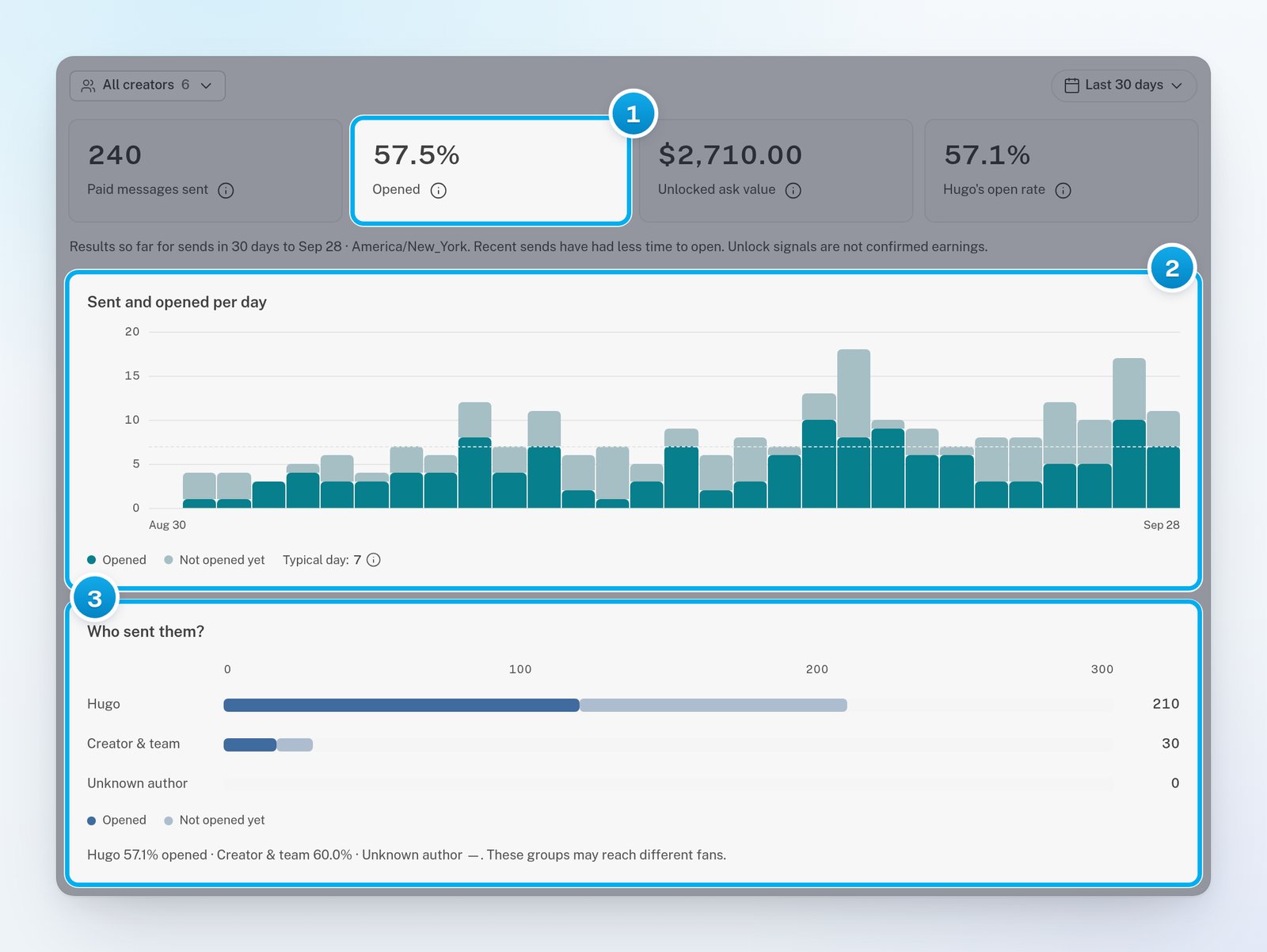
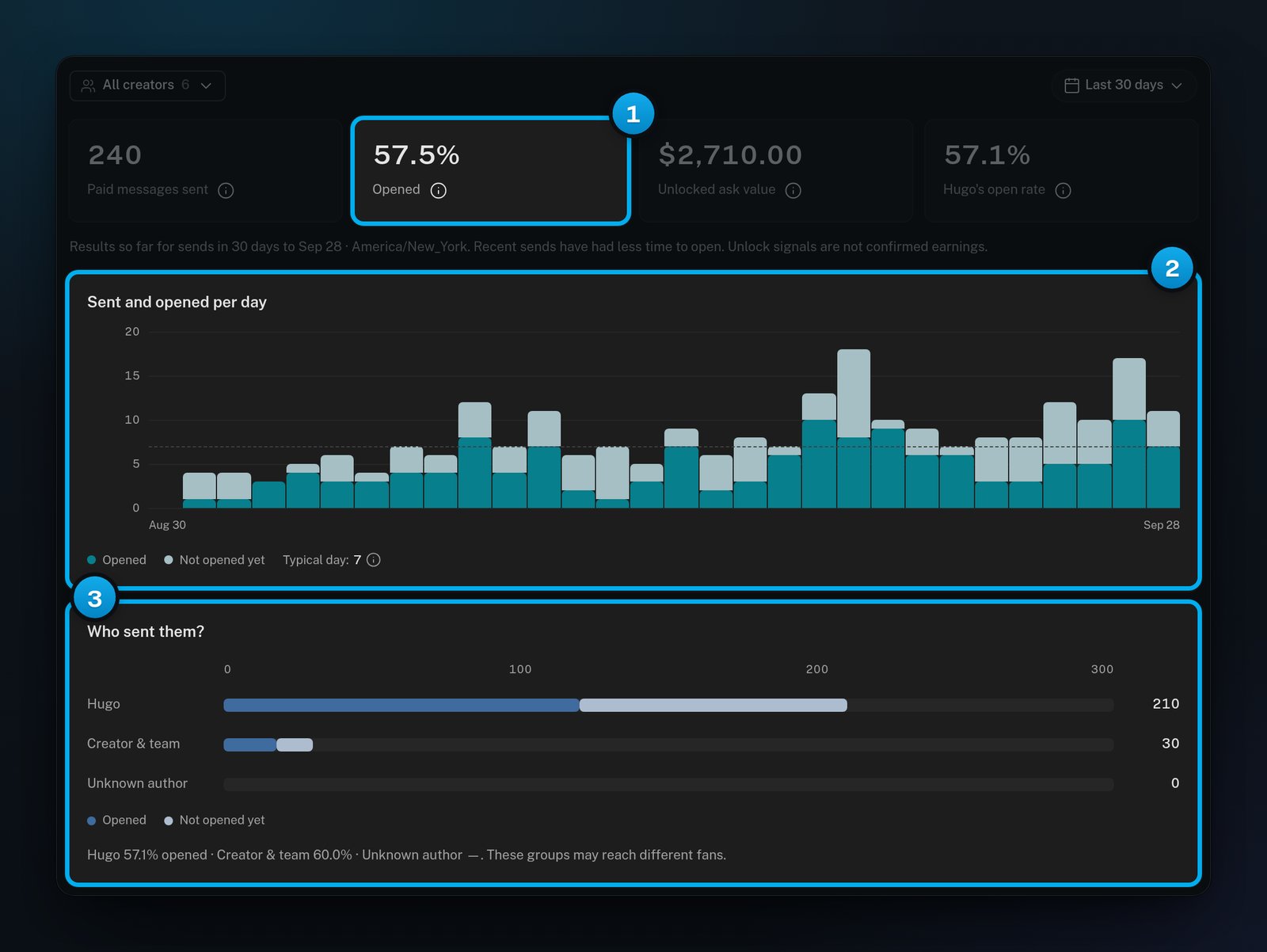
1 The share of PPVs that fans opened · 2 Each day's PPVs, opened or not · 3 Hugo against your team
Prices and repeated sends
Click Prices and repeated sends to open two more charts:- Which prices get opened?: the PPVs in price bands, from “Under 50+”, each split into opened and not opened. The price is the price of the whole message.
- Sending the same media again: the 1st, 2nd, 3rd, 4th and 5th+ send of one paid file to the same fan. Each bar shows how many of those sends were opened. Only sends in the period count. Sends from before the period are unknown.
Which media get opened?
Click Which media get opened? It lists every paid file sent in the period. The top 12 show as previews: “Media 1”, “Media 2” and so on. Each preview shows the share of sends that fans opened. The previews are blurred. Point at a preview to see it without the blur. Click a preview, or See sends in the table, to list the PPVs that used that file. When a PPV holds several paid files, its price is split evenly between them. Free previews are not counted. A line at the end gives the unlocked ask value that OnlyX could not tie to a paid file.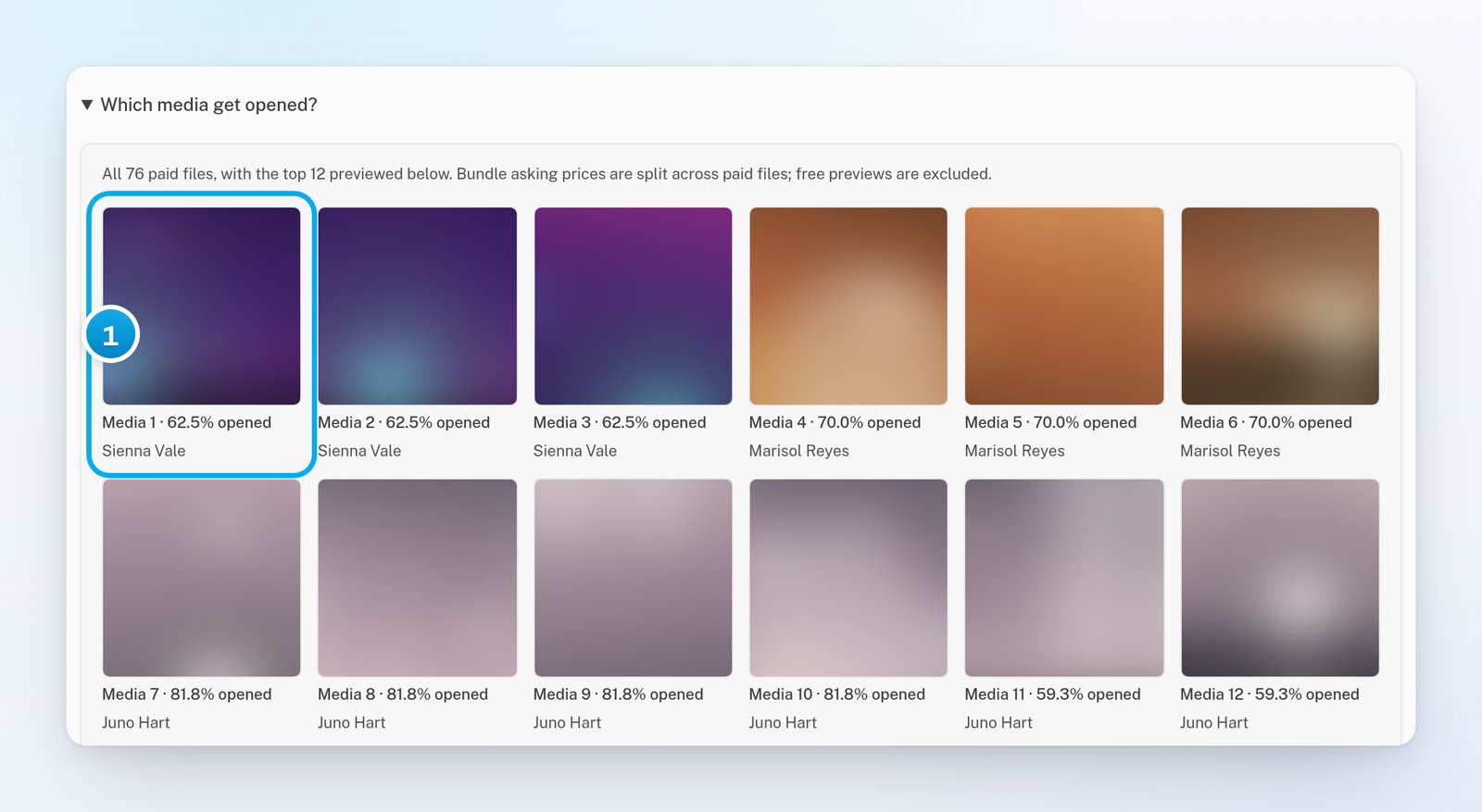
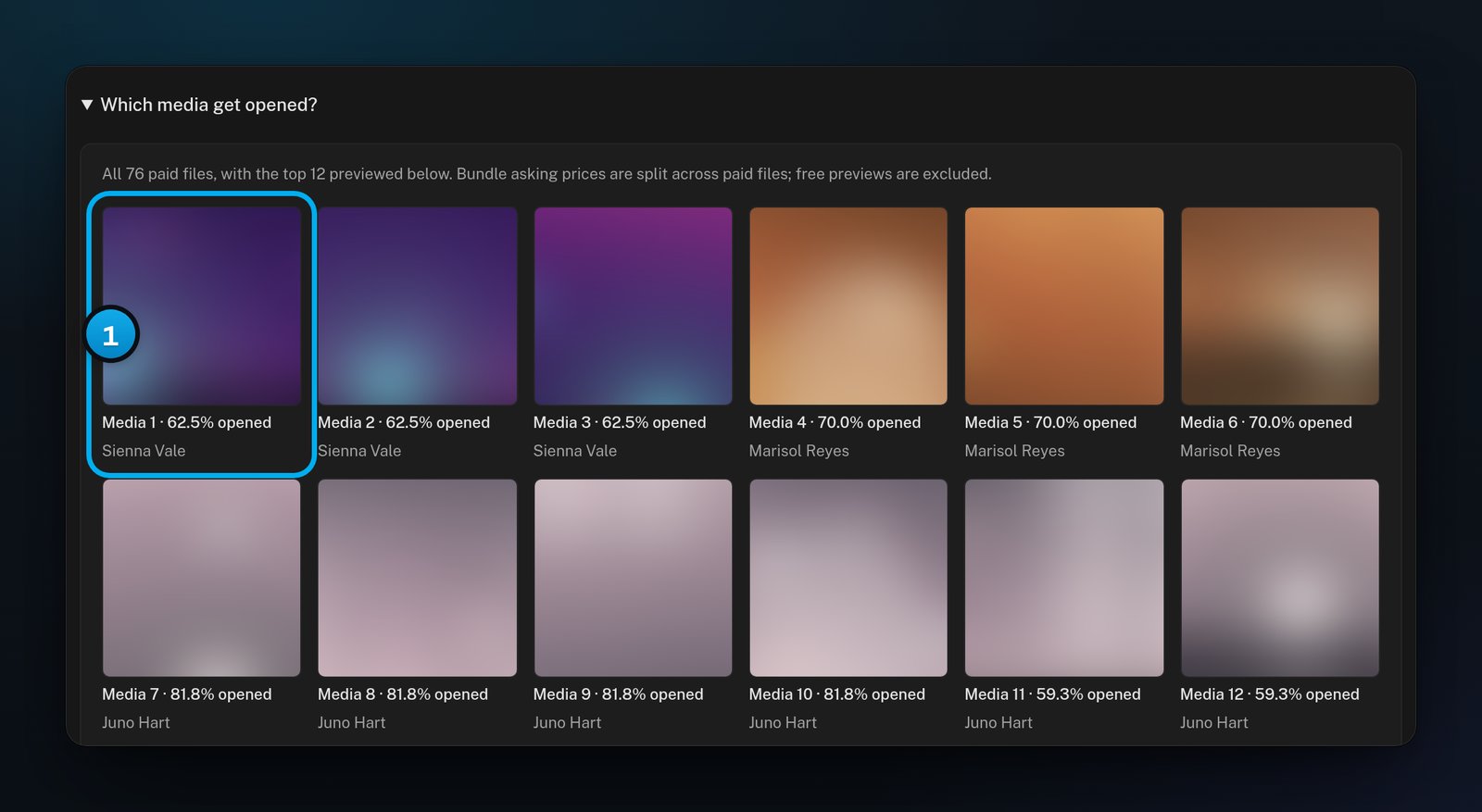
1 A paid file, with the share of sends that fans opened
Chat activity
Chat activity looks at the messages in the period. It shows what fans wrote, and how fast and by whom they got a reply.The four tiles
Reply times read as seconds under 90 seconds, for example ”45s”. They read as minutes under 90 minutes, for example “12m”, and as hours after that, for example “1.5h”.
Messages that still have no reply are not in the reply times. Click See replies to list each wait and its reply time.
If some replies were queued or failed, a line under the tiles gives their number, for example “1 queued · 1 failed”.
The charts
- Messages per day: for each day, the messages From fans and the Replies sent.
- When fans write: fan messages by hour of the day, in your reporting timezone, across all the days in the period. Use it to plan your team’s busy hours.
- Who replied: the replies sent by Hugo, by Your team and by an Unknown author. A line says, for example, “Hugo sent 77% of replies”. Your team counts messages that a person sent: the creator herself, or someone on your team.
- Conversations now: how many conversations are in each stage now: Talking, Sexting or Selling. This is the inbox as it is today, whatever period you pick.
- By creator: Fan messages, Replies sent, Hugo share and Typical reply for each creator. Click See messages on a row to list that creator’s messages.
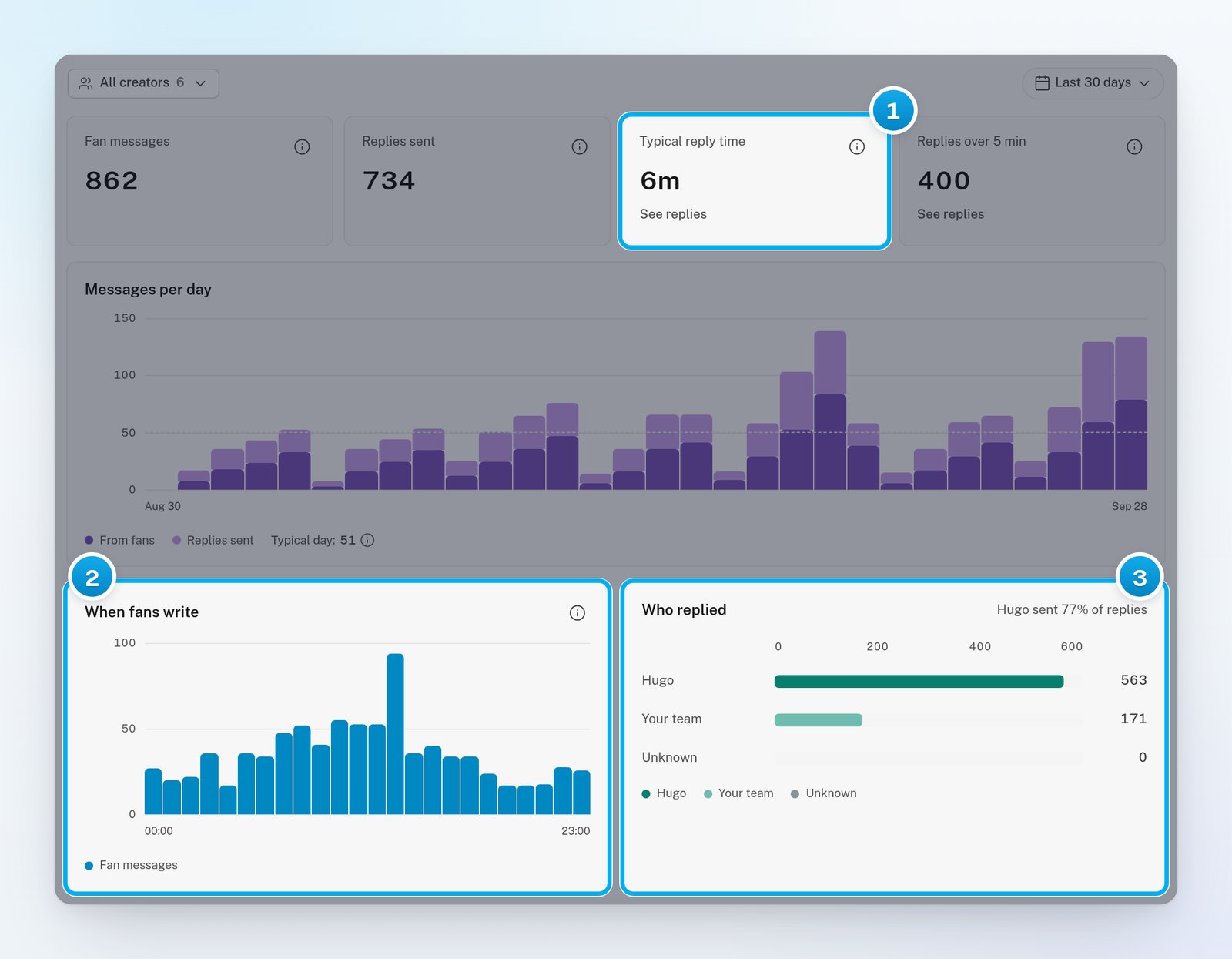
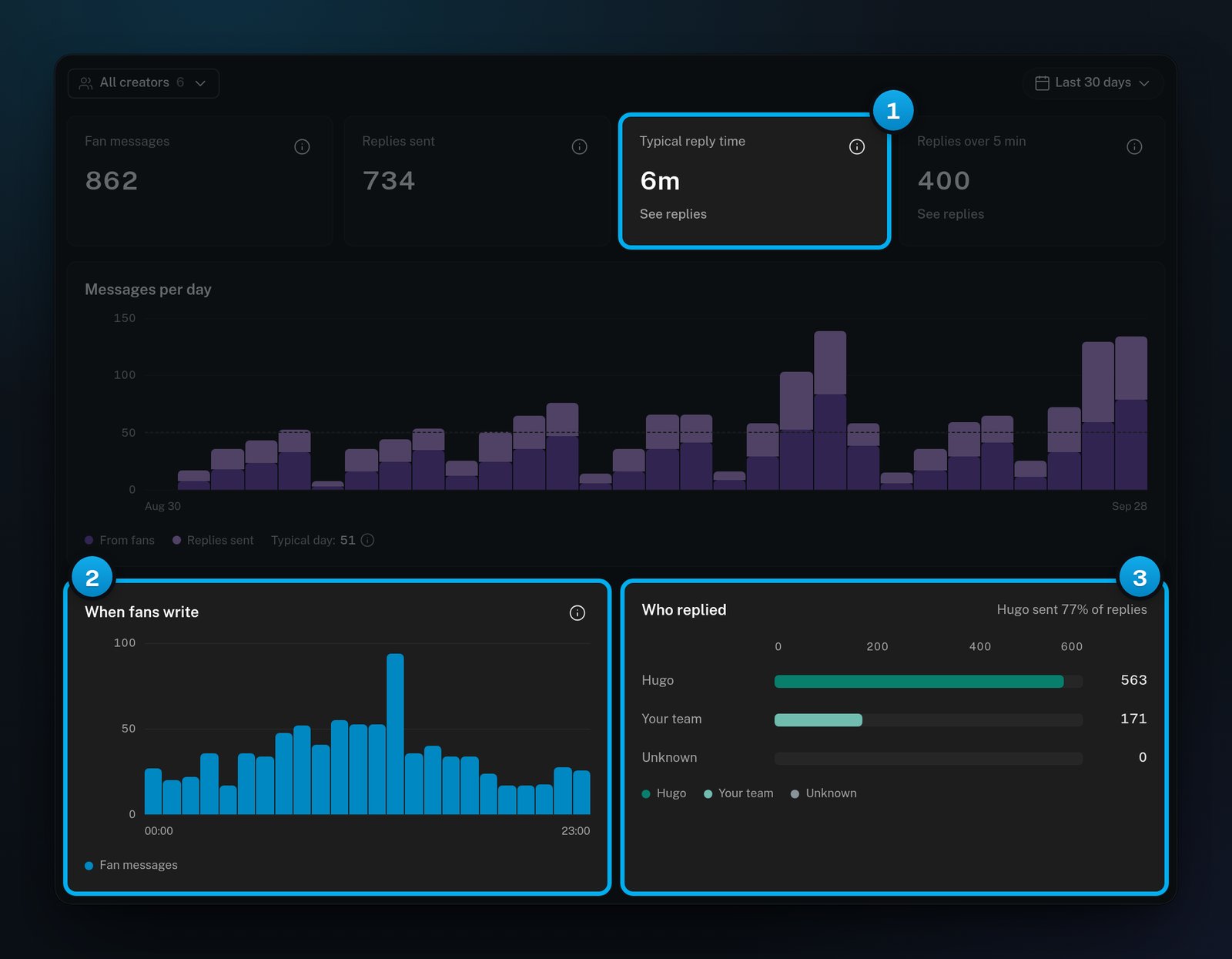
1 How long fans wait for a reply · 2 The hours when fans write · 3 Who sent the replies
See the messages behind a figure
In both reports, click a bar, or a See sends, See replies or See messages link. A window lists the PPVs or messages behind that figure. You can search it, choose its columns and download it with Export all records. Each By creator table also has an Export button. See Open the records behind a number and export CSV.If something goes wrong
Unlocked ask value is higher than my earnings
Unlocked ask value is higher than my earnings
Unlocked ask value adds the prices you asked, not the money OnlyFans recorded. It counts by the day of sending, not the day of payment, and it is before OnlyFans’ cut. For money, use Revenue overview.
Last week's open rate went up since yesterday
Last week's open rate went up since yesterday
That is expected. A PPV counts on the day it was sent. A fan who unlocks it days later raises the figures for that day.
A report says "Paid messages could not be loaded" or "Could not load this report"
A report says "Paid messages could not be loaded" or "Could not load this report"
OnlyX could not read the figures this time. The missing figures are not zero. Click Try again.
Replies over 5 min shows a dash
Replies over 5 min shows a dash
No fan got an answer in the period, so there is no wait to measure.
Conversations now does not change with the period
Conversations now does not change with the period
That is by design. Conversations now and the unread counts in the By creator table always describe the inbox as it is today.