

Before you start
- You need an owner or admin account to open Analytics.
- Choose Net or Gross and a period first. See Net or gross, periods and the reporting timezone.
Revenue overview counts OnlyFans creators only. Telegram creators’ sales are not in OnlyFans’ earnings records, so they are not in this report. A Telegram creator’s sales are on the Earnings tab of her creator page.
Open the report
1
Open Analytics
In OnlyX, click Analytics. On a phone, tap Analytics in the tab bar.Analytics opens on Revenue overview, the first report in its list.
2
Optional: Pick creators
Click All creators. In the list, click each creator you want to see.The report reloads for those creators. The button shows their names, or the number of creators when you pick more than three.
3
Choose the unit and the period
Click Net or Gross. Then click the period button and pick a period.The creators and the period stay the same when you open another report.
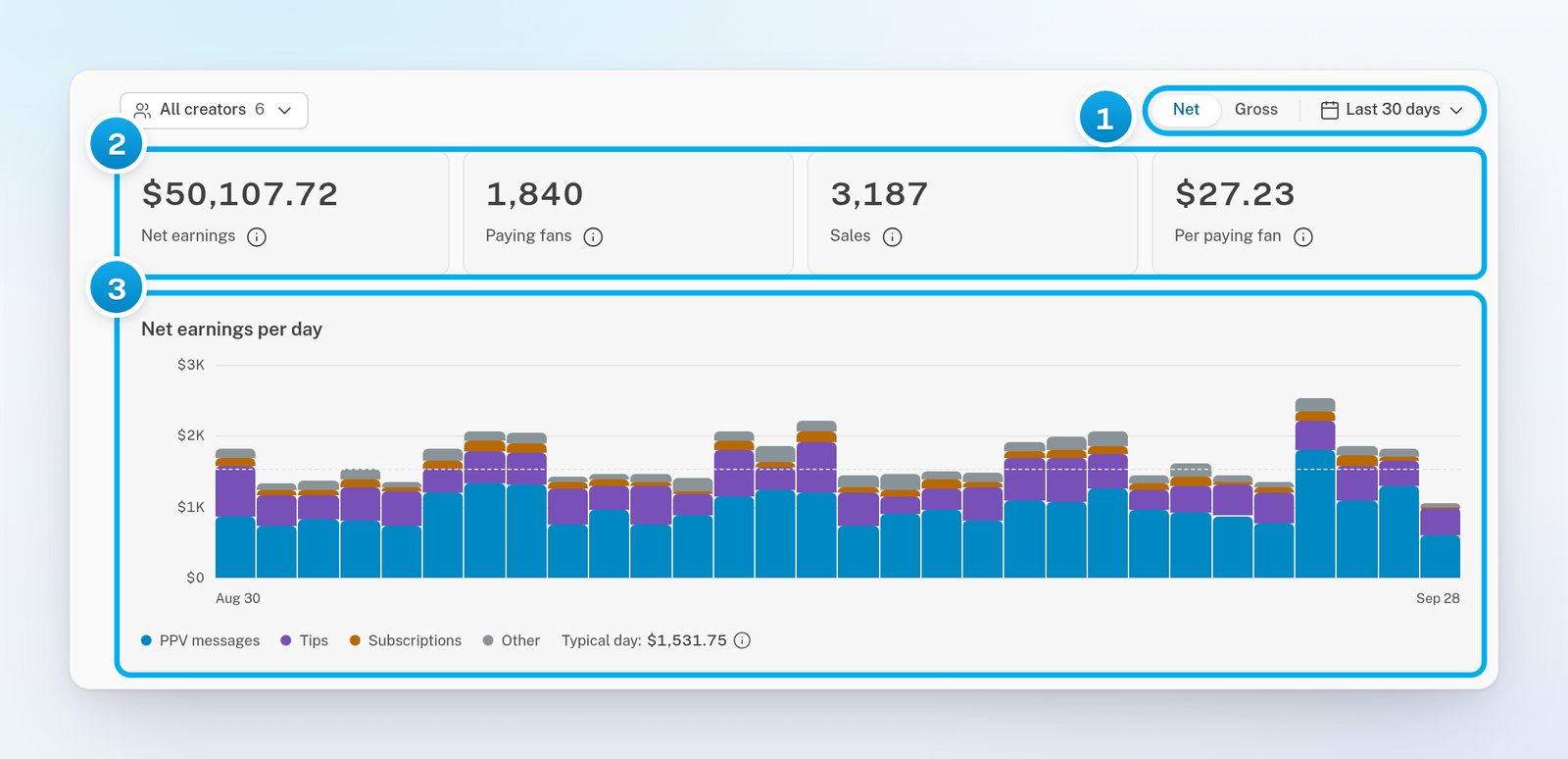
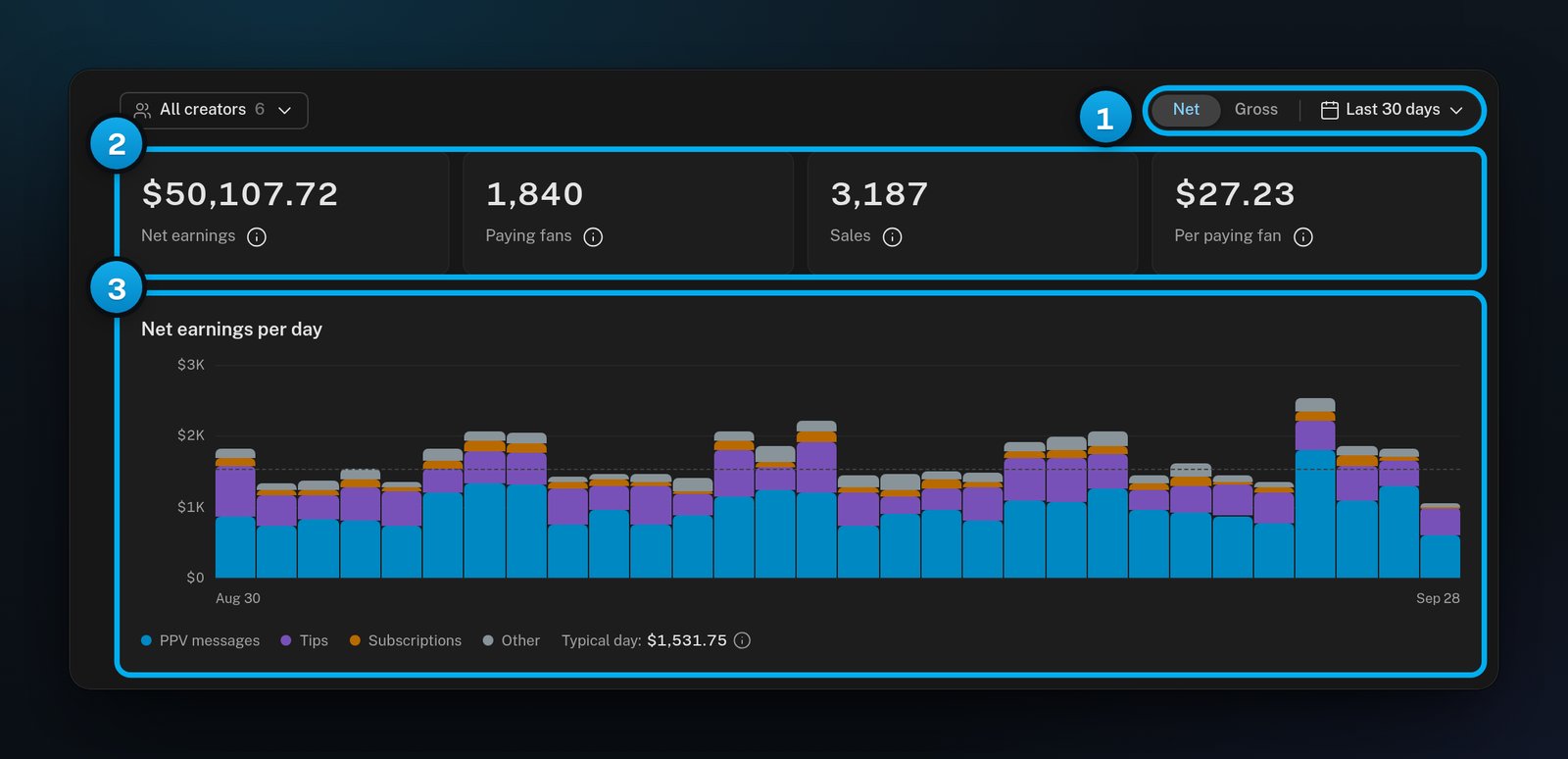
1 Net or Gross, and the period · 2 The four totals for the period · 3 Earnings for each day
The four tiles
To read a tile’s full definition, click the small (i) icon next to its name.
A sale counts on the day the fan paid, even while OnlyFans is still clearing the money. OnlyFans holds a sale for about a week before it clears.
If there were refunds in the period, a line under the tiles gives the total, for example “$42.00 refunded across 3 sales, excluded from earnings.”
Earnings per day
The chart Net earnings per day (or Gross earnings per day) has one bar for each day of the period. Each bar is split by sale type. With more than four types, the three biggest keep their own colour. The rest are grouped as Other.
The dashed Typical day line is the median of the complete days in the period. Days with no sales count. Today does not, because it is not over yet.
Point at a bar to see its split. Click a bar to list every sale of that day. See Open the records behind a number and export CSV.
Payment status: has the money cleared?
Click Payment status under the chart. It opens Has the money cleared? with three amounts:
These amounts are always net, even when the report shows gross. “Cleared” means that OnlyFans reports the sale as done. It does not prove that the money reached a bank account.
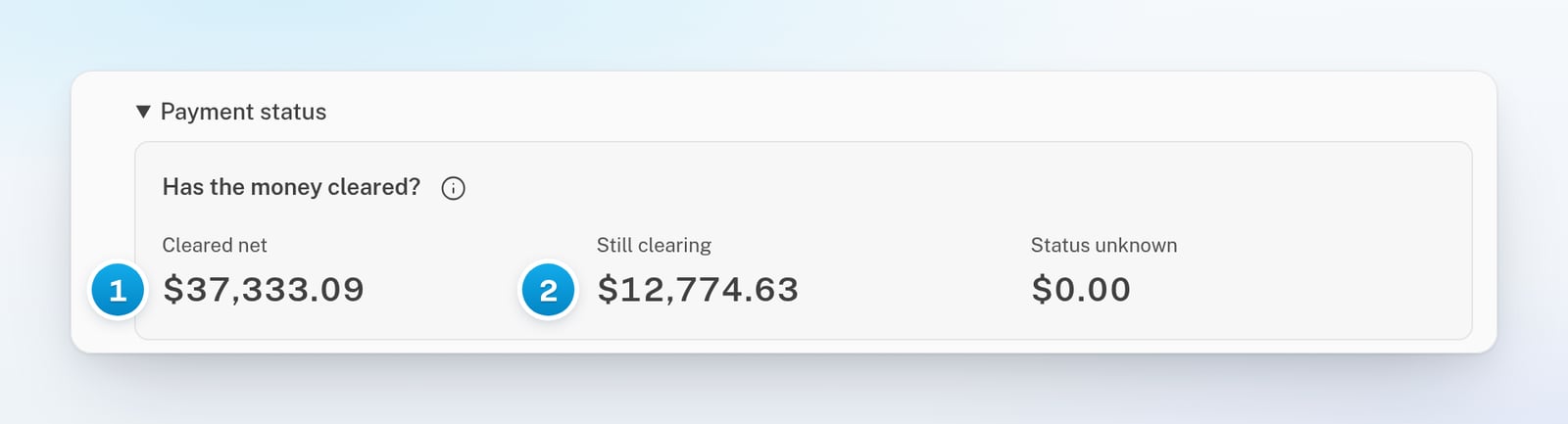
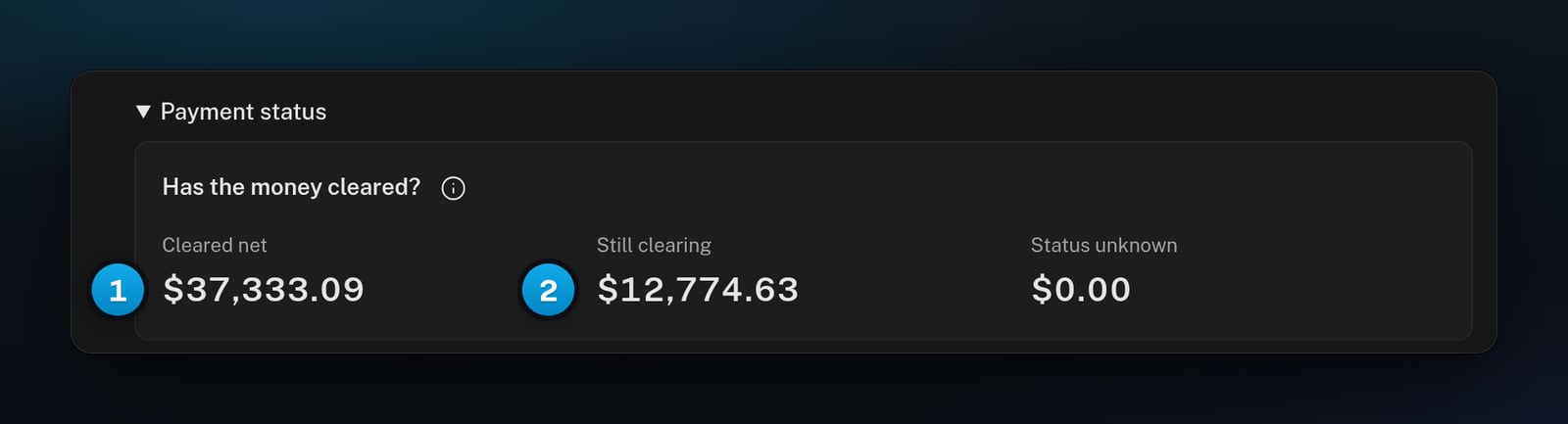
1 Sales that OnlyFans marks as done · 2 Sales that OnlyFans still holds
Which creators earned each day?
Click Which creators earned each day? It opens Daily earnings by creator, with one colour per creator in each bar. When the report has more than four creators, the three biggest earners keep their own colour. The rest are grouped, for example as “2 more creators”, even if some of them earned nothing. Click a bar to list that day’s sales.By creator
The By creator table has one row per creator, with the biggest earner first. It shows each creator’s earnings, Paying fans and Sales.- Click a column heading to sort by it. Click it again to reverse the order.
- Type in the Search box to find a creator.
- Click the columns button, which shows Choose columns when you point at it. Then tick more columns: Per paying fan, Gross USD, Net USD or Creator ID.
- Click Export to download the table as a CSV file. The file has every row and every column, including hidden ones.
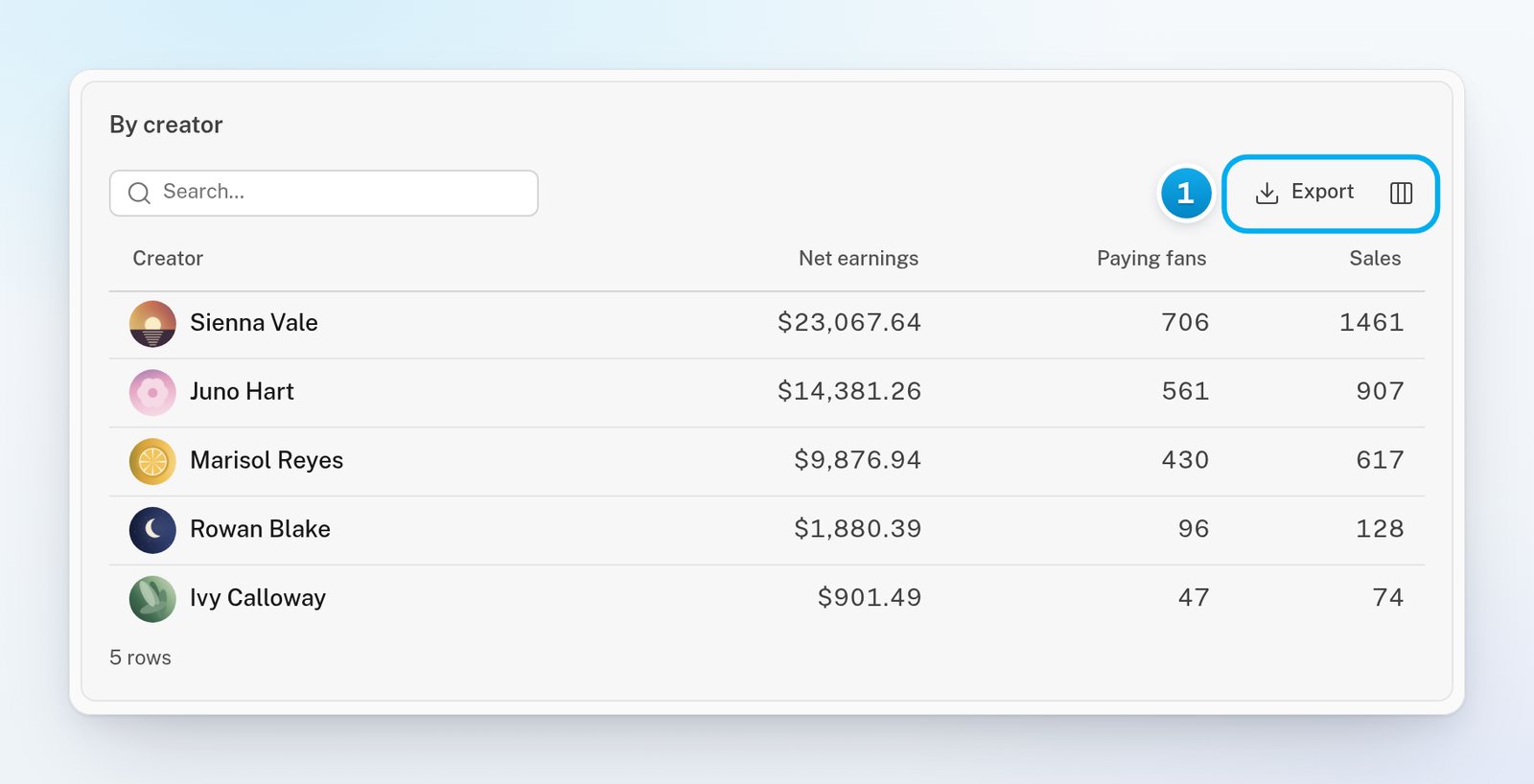
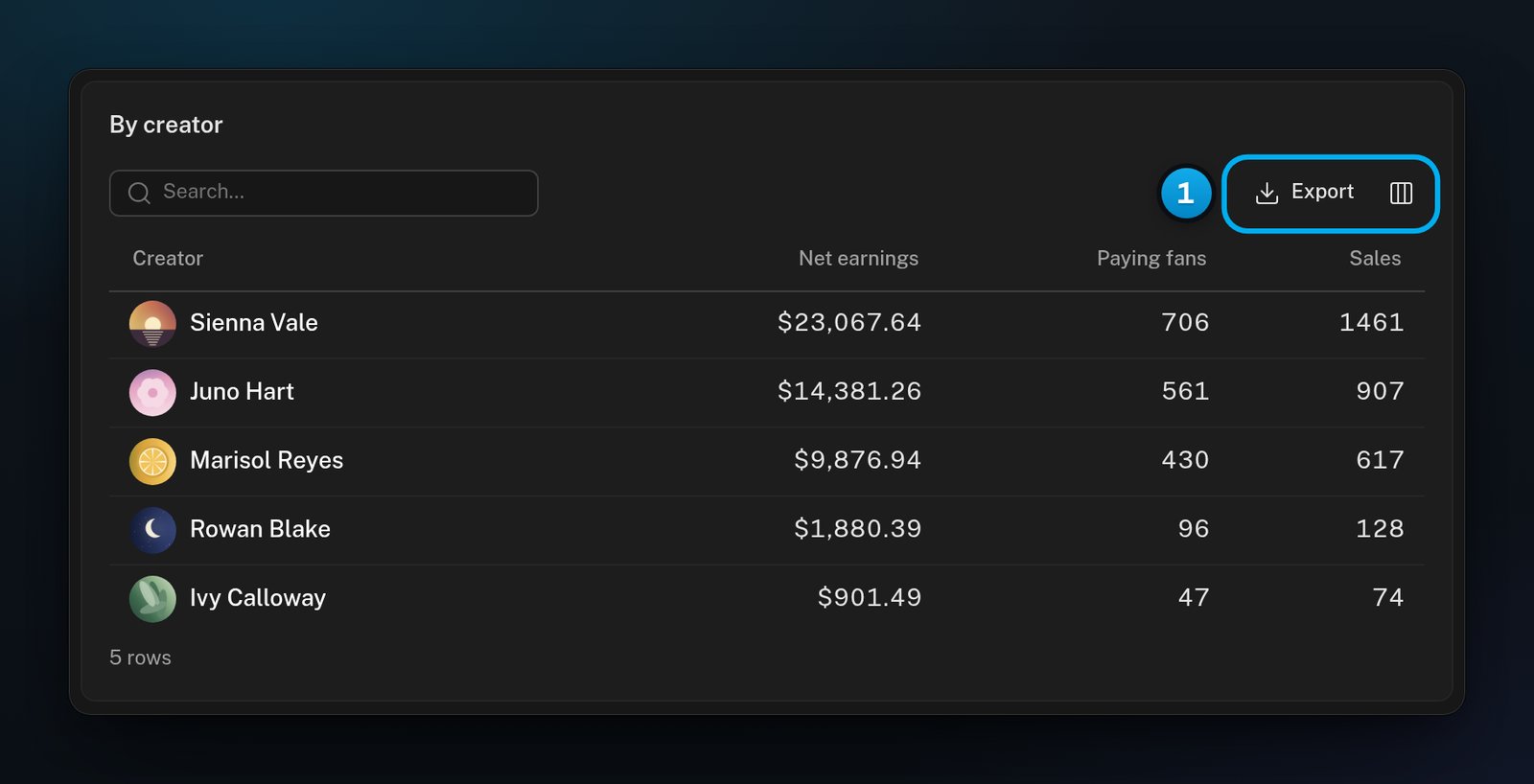
1 Export the whole table, or choose its columns
Who paid?
Click Who paid? It shows three figures about the fans who paid in the period:About these numbers
Click About these numbers at the end of the report. It says that the figures come from the imported OnlyFans records, in US dollars. It can also say how far back those records go. The figures can differ from a creator’s Earnings tab. The two screens do not sync at the same time, and they do not filter the same way. OnlyX reuses a calculated report for up to 5 minutes. After a quiet spell, the first view can show a copy up to 10 minutes old. A new one is calculated in the background. A new sale can take that long to appear, plus the time OnlyFans’ own records take to sync. For the other reasons, see Why numbers differ between screens.If something goes wrong
A Telegram creator is missing from the report
A Telegram creator is missing from the report
That is expected. Revenue overview reads OnlyFans’ earnings records, and Telegram sales are not in them. Open the creator’s page and click Earnings to see her sales.
The report says "Earnings could not be loaded"
The report says "Earnings could not be loaded"
OnlyX could not read the earnings this time. The missing figures are not zero. Click Try again.
The report says "Refresh failed"
The report says "Refresh failed"
The report on screen is the last one that loaded for these filters. Reload the page to try again.
The (i) help says "Source coverage is incomplete; totals may change as data syncs."
The (i) help says "Source coverage is incomplete; totals may change as data syncs."
OnlyX has not read all of a creator’s OnlyFans history yet. This is common for a creator you connected recently. The totals can still grow. If one creator could not be read at all, the help names her after “Unavailable creators”.
First-time payers always shows a dash
First-time payers always shows a dash
That is by design. OnlyX cannot prove that a payment was a fan’s first ever, so it does not guess. Use Paid more than once instead.
Today's sale is not in the report yet
Today's sale is not in the report yet
A calculated report can be up to 10 minutes old, and OnlyFans’ records sync on their own schedule. Check again in a few minutes. For today’s figures, open the Today report.