

At a glance
Hugo’s tabs are the same on both platforms: Overview, AI Persona, AI Content, Custom Content, AI Follow-ups, AI Rules and AI Sexting.
Her creator page
The menu on her page has two groups. The first group is Hugo’s tabs. The second group is headed Telegram and has four tabs:- Payments: her own Stripe account. Fans pay to unlock her content through it. See Connect Stripe payments.
- Media: the photos and videos that OnlyX keeps for her. It takes the place of the Vault. See Upload media for a Telegram creator.
- Earnings: what fans paid to unlock her content.
- Fans: her fans. Chatters and content VAs do not see this tab.
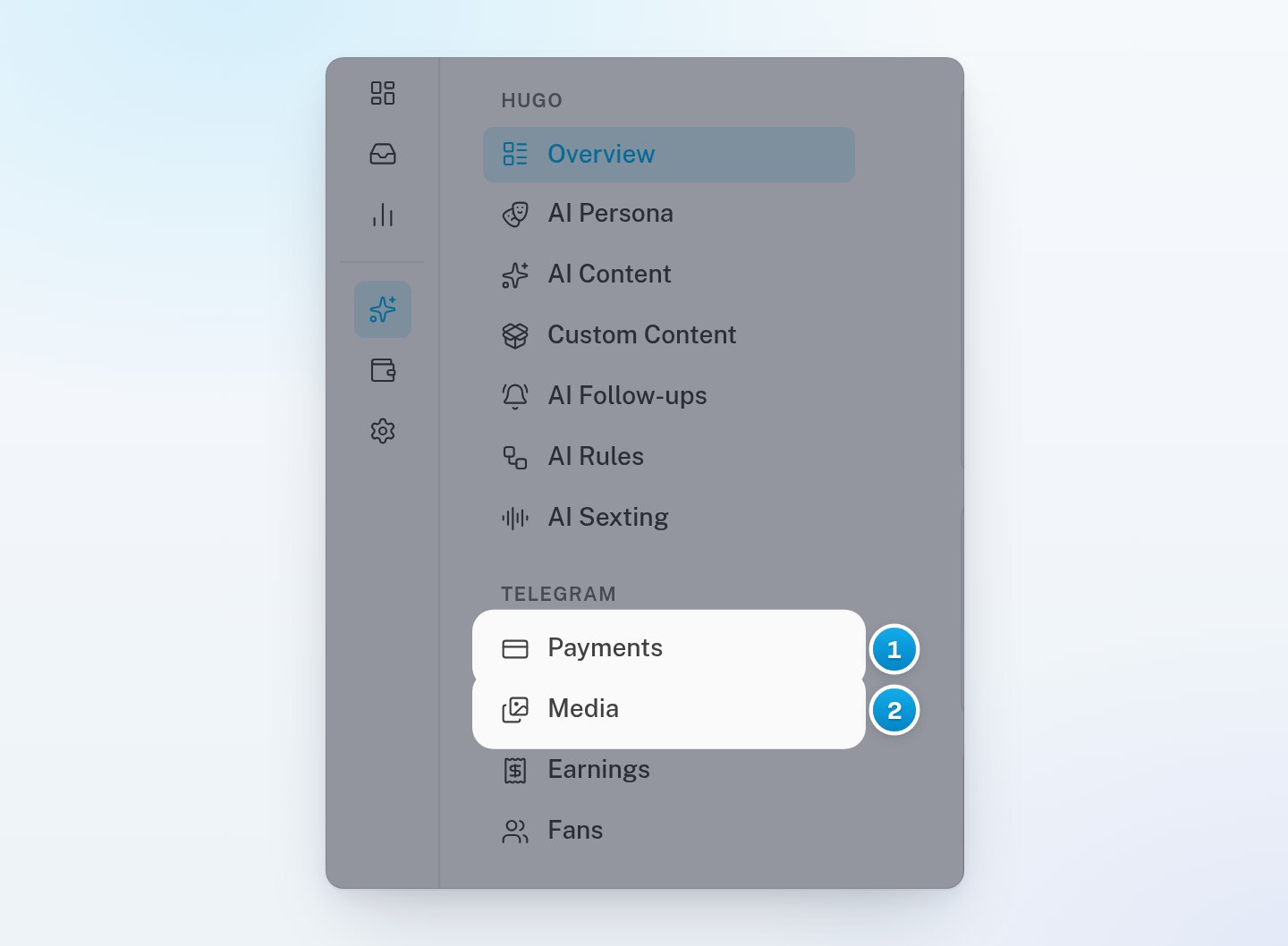
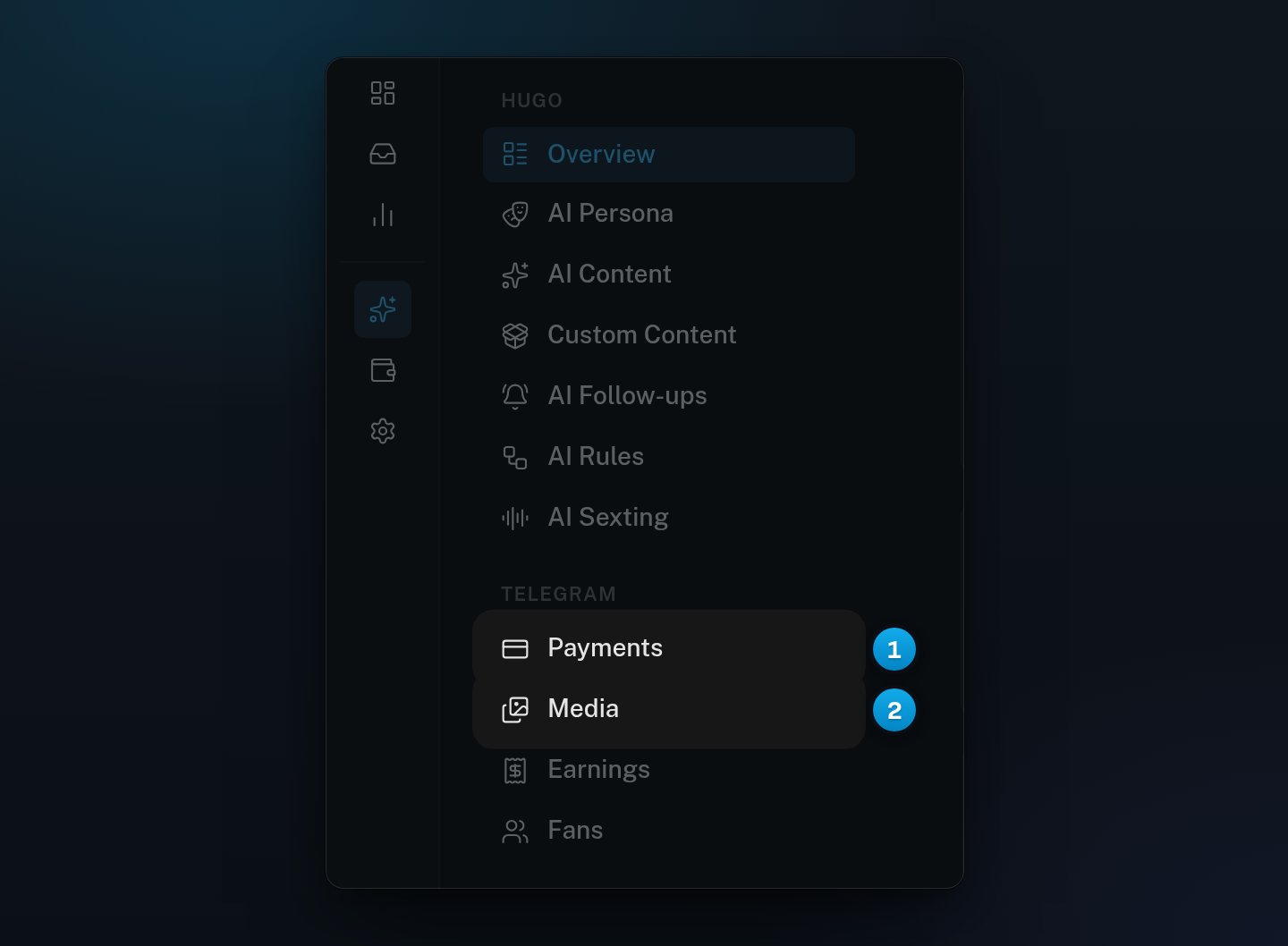
1 Payments and 2 Media are in her Telegram group of tabs
Seven setup steps
Her Overview tab lists the setup steps. An OnlyFans creator has five. A Telegram creator has these seven:- Connect the account. Its button reads Connect Telegram.
- Write the persona.
- Set the hard limits.
- Let the fans sync. It is done when her first fan writes to her, or when OnlyX has read her existing chats.
- Map the content.
- Payments connected. It is done when Stripe has accepted her secret key.
- Media uploaded. It is done when OnlyX holds at least one file for her. A photo that a fan sends her also counts. So check that her Media tab has her own photos and videos.
The Payments connected and Media uploaded steps show no status and no button. To do them, click Payments or Media in her menu.
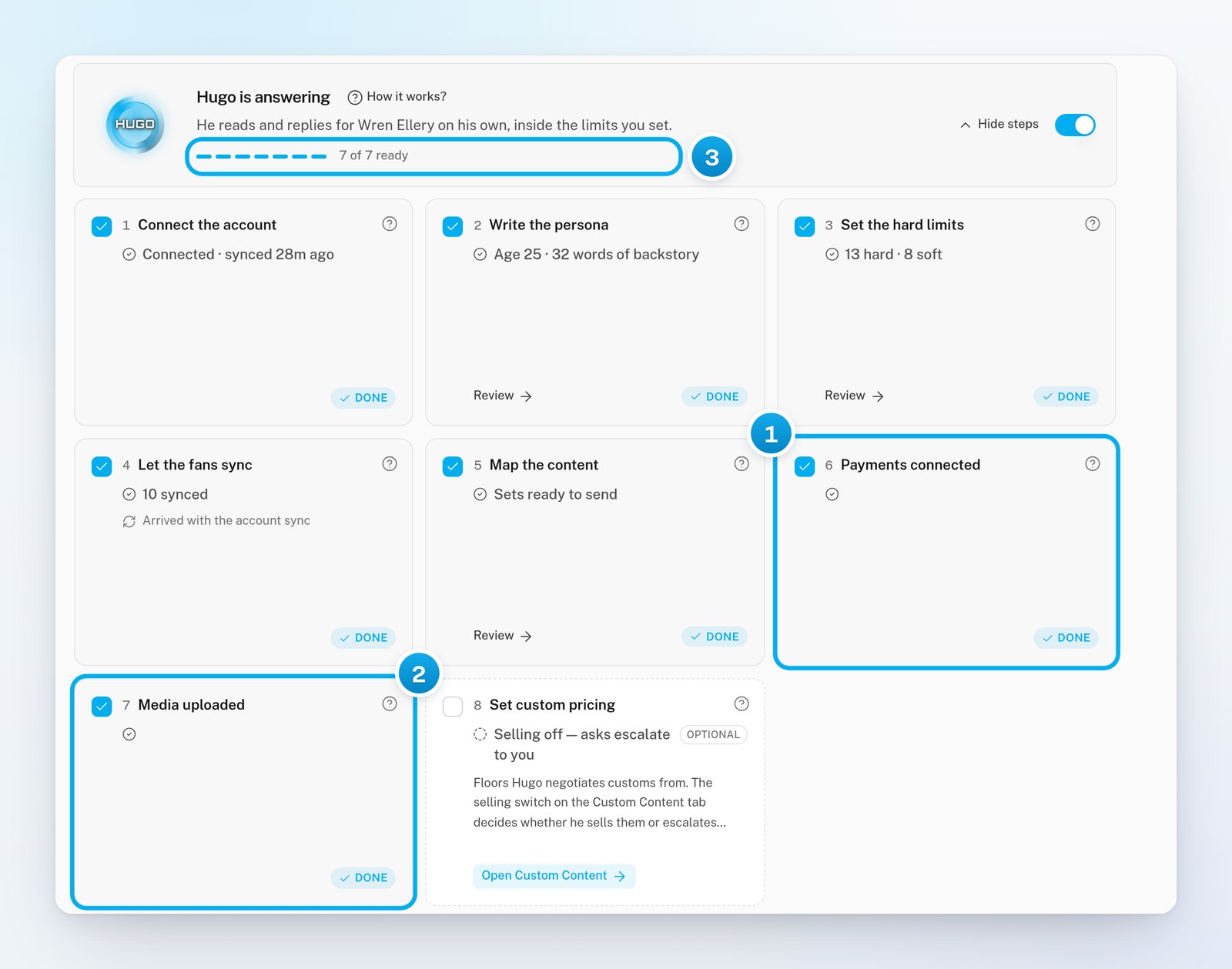
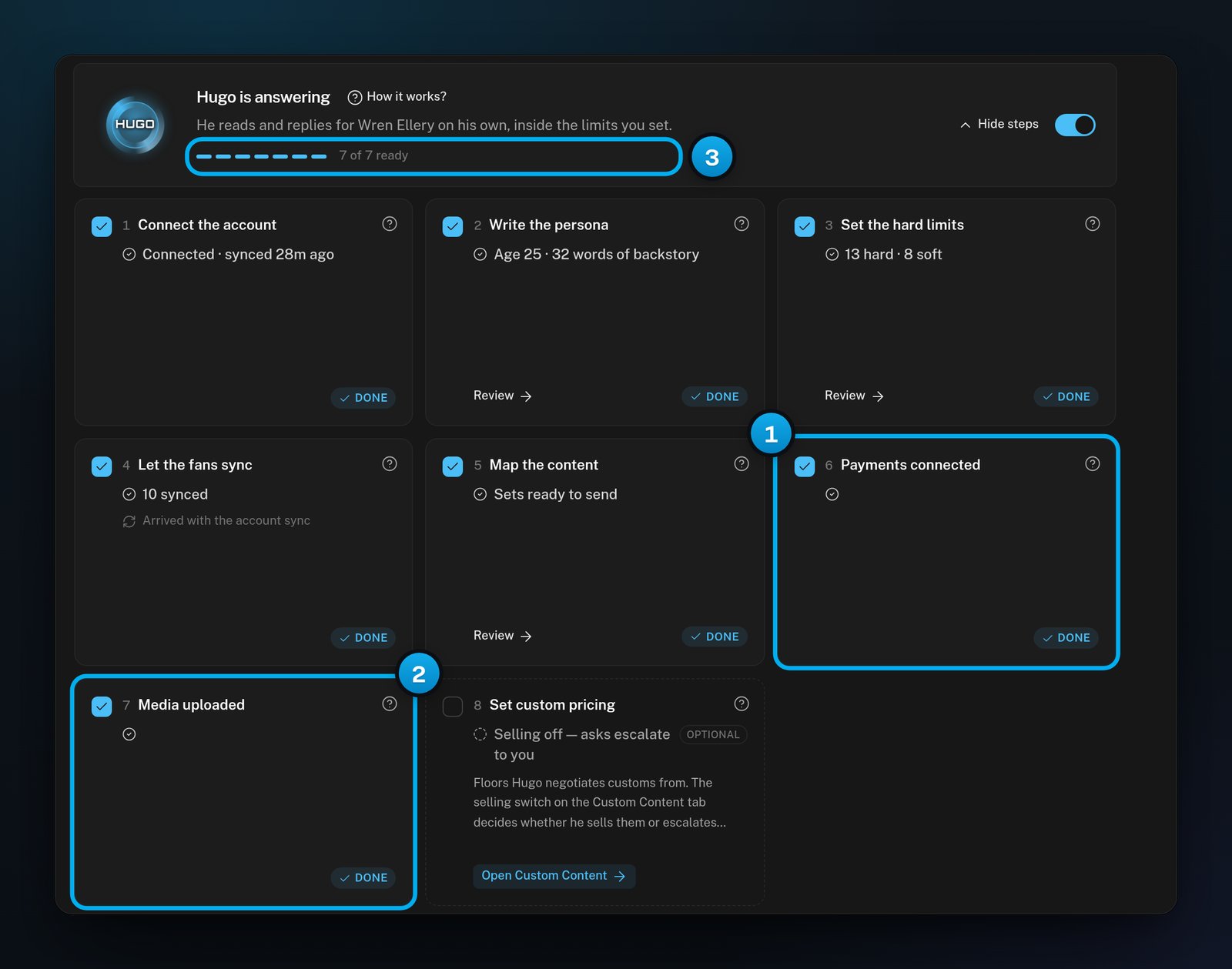
1 and 2 The two Telegram steps · 3 Seven steps in all
Connecting her account
When you add a creator and pick Telegram, you choose where her account comes from:- Use a managed account: a Telegram account that OnlyX has ready. It connects at once. See Connect a managed Telegram account.
- Connect my own account: her own number. Telegram sends her a code, and you type it in OnlyX. See Connect her own Telegram account.
Money
When a fan wants locked content, he pays on a page that looks like part of the chat. The money goes to the Stripe account that is connected on her Payments tab. Her sales are on her Earnings tab. OnlyX adds each unlock as the money arrives, so there is no Sync now button. The Dashboard, Revenue overview and Today read OnlyFans’ earnings records, so her sales are not in them.In the inbox
- When you open an unread Telegram conversation, OnlyX also marks it read on Telegram. The fan can see that his messages were read.
- Unsend is greyed out on her messages, with the note “Unsend is not available here.”
- If your workspace has creators on both platforms, the Master Inbox shows a platform filter: All platforms, OnlyFans and Telegram.
Hugo’s settings
- AI Content works the same way. You build her levels from her Media instead of a Vault.
- AI Rules does not offer Follow the fan back, Add the fan to a list or List membership: Telegram has no pages to follow and no lists.
- Telegram has no subscriptions and no tips. A rule that starts when a fan subscribes or tips never runs for her.
- Every creator starts with the rule Auto-follow fans back. On Telegram it has nothing to do. You can turn it off.
- AI Follow-ups works for her, but AI Mass DMs is for OnlyFans creators only.
- Two hard limits have Telegram wording: Moving the chat off Telegram and Payment outside the pay link.
Removing her
A Telegram creator’s page has no separate button to disconnect her account.On her Overview, the Disconnect button in the Danger zone deletes the creator, with her fans and conversations. It does not only disconnect her account.