Upload a Telegram creator’s photos and videos to her Media tab, tag them and delete them. Hugo sells them once you add them to AI Content.
Owners and adminsA Telegram creator has no OnlyFans vault. OnlyX keeps her photos and videos on her Media tab. Hugo sells from them once you add them to AI Content.
Your team sees each file as it is, unless Blur media is on in your appearance settings.When a file is sent locked, a fan sees only a blurred preview of it until he pays. A file in the free Preview part of a paid message is not blurred: he sees it as it is.Photos that fans send her are kept apart. They never appear in her Media and are never offered for sale.
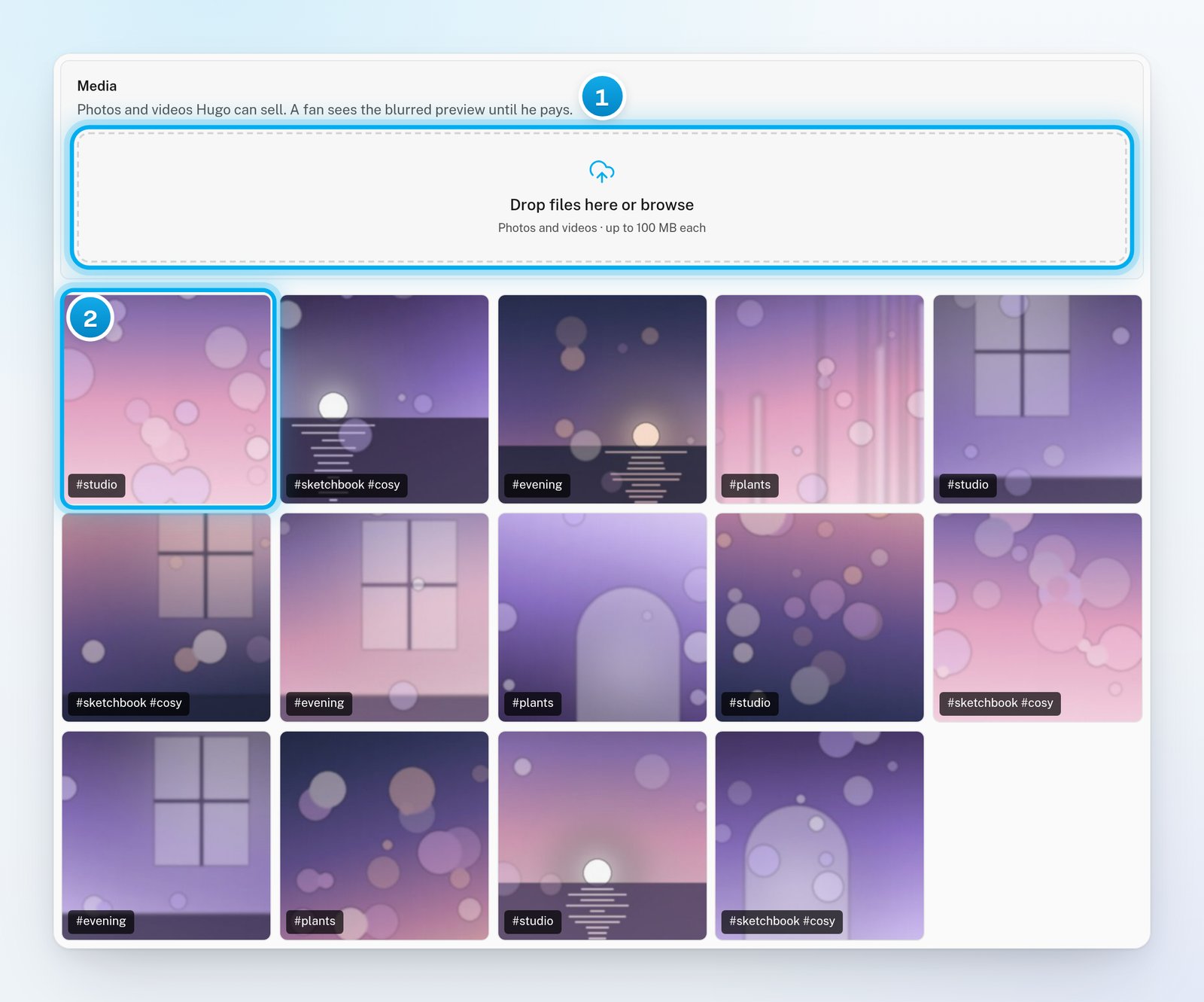
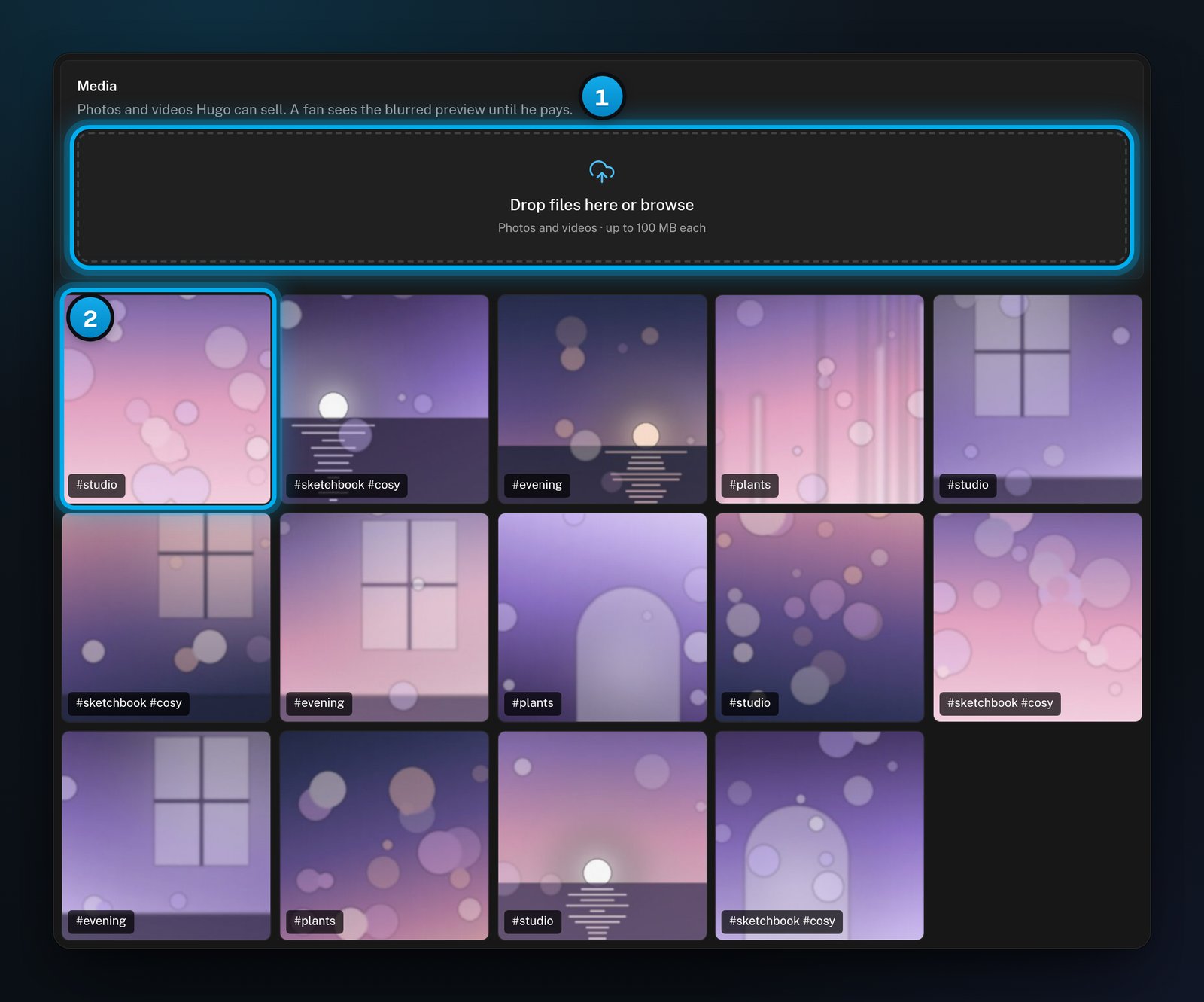
In OnlyX, click Creators. Then click the creator. In her menu, under Telegram, click Media.The Media card opens, with the upload area and her files.
1 Drop files here, or click to choose them · 2 Her files, newest first
2
Add the files
Drag photos or videos onto Drop files here or browse. Or click it and choose files. You can choose several files at once.OnlyX uploads them one after another.
3
Check the upload list
A list shows each file. A spinner means the file is uploading. A tick means it is done. A file that failed stays in the list with the reason.To remove finished files from the list, click Clear.
4
Find the new files
New files appear first in the grid. Videos show a play mark and their length. When her first file is in, the setup step Media uploaded is done.
5
Put the files on sale
Uploading does not put a file on sale. Hugo sells only the files that you add to a level in AI Content. See Build your first collection.
The grid shows 60 files at a time. To see more, click Load more at the end of the grid.
File tags are labels for your team, and they show on the file in the grid. Hugo matches what a fan asks for with the tags on AI Content levels, not with file tags.
1
Open the file
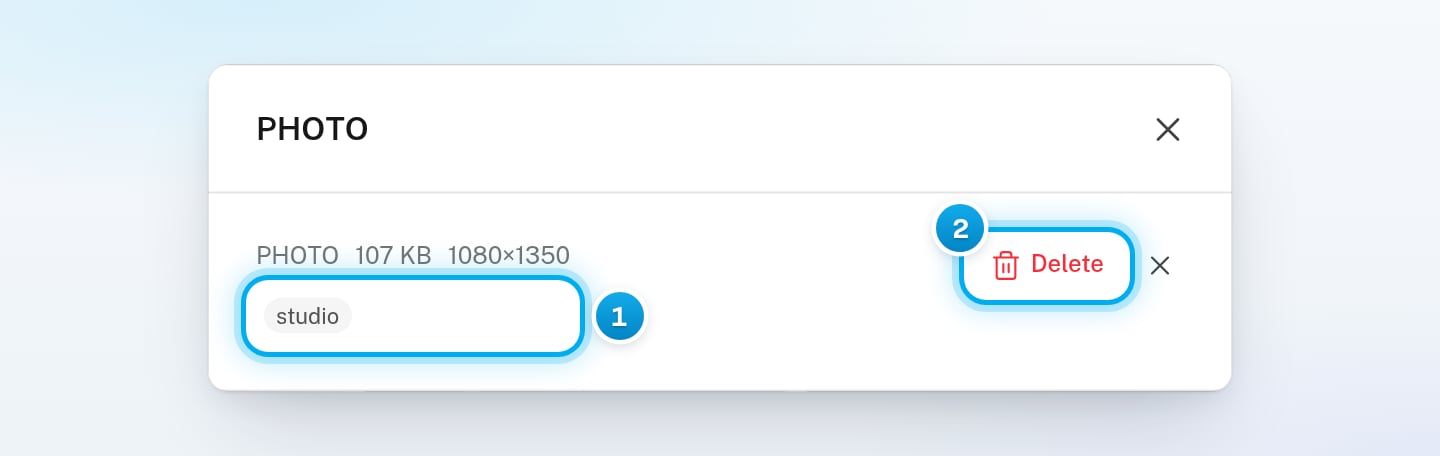
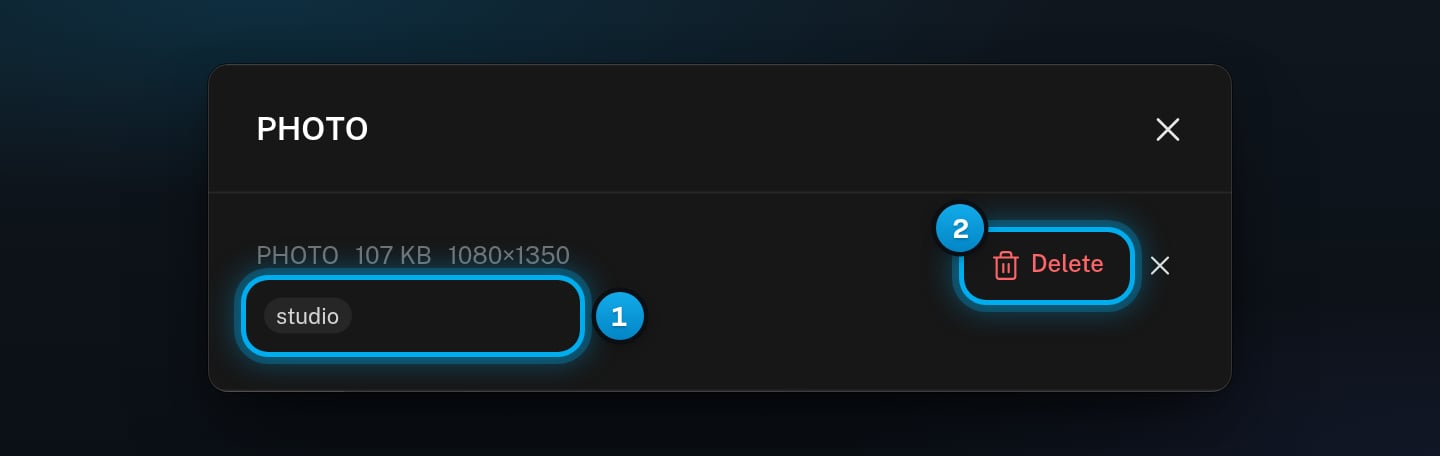
On her Media tab, click the file.A window opens. Its title is the kind of file, such as PHOTO or VIDEO. It shows the file size, and the length of a video.
1 Add or change tags · 2 Delete the file
2
Enter the tags
Click Add tags. If the file already has tags, click them instead. Type the tags, with a comma between them.A file can have up to 20 tags, with up to 40 characters each.
"Too large — 100.0 MB is the most one file can be."
The file is over 100 MB. Make it smaller, for example by shortening the video. Then upload it again.
The upload says "No room" and how much is left in her library
Her storage is full. Delete files that she no longer needs, then upload again. Deleted files free their space.
"The file did not reach us — the connection dropped or was too slow to finish. Try again, and on a slow connection send a smaller file."
Your internet connection dropped during the upload. Upload the file again. On a slow connection, try a smaller file.
"Choose a photo, video or audio file"
OnlyX cannot use this kind of file. Upload a photo, video or audio file.
"Could not delete it"
The message under it says why. If it says the file “is part of an unlock offer a fan has not received yet”, it is in an offer that is not finished. Try again when that offer is settled.
"Use up to 20 tags, with 40 characters per tag."
Remove some tags, or make them shorter. Then click Save.
The same file shows twice after an upload
You uploaded a file that she already had. OnlyX keeps only one copy. Reload the page, and the second tile goes away.
Media uploaded is done, but her Media tab is empty
Photos that fans send her also count for this setup step, but they are not for sale. Upload at least one photo or video of her own.
I don't see Drop files here or browse
Chatters and content VAs cannot upload to Media. Ask an owner or admin.