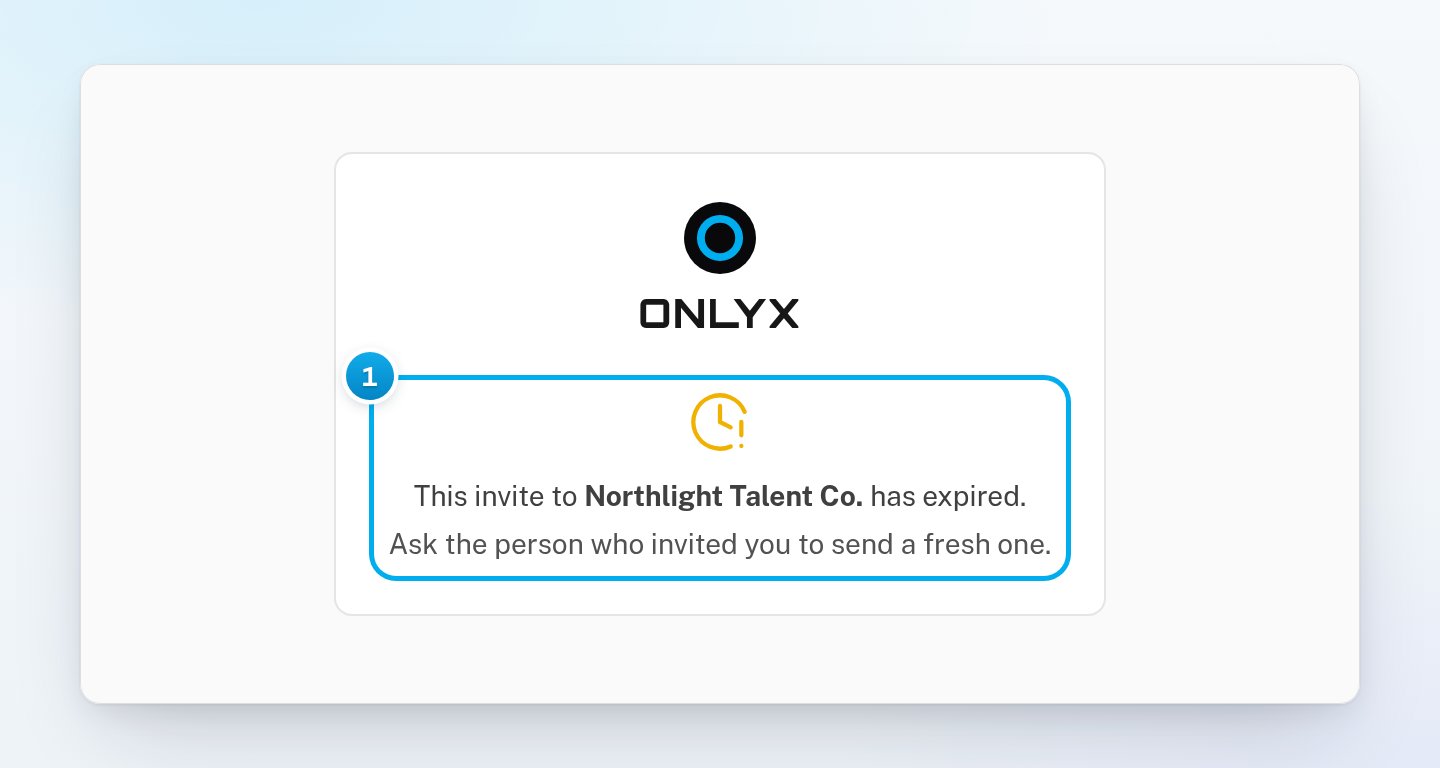
Accept an invite to an agency’s OnlyX workspace: create your account, or join with the account you already have.
Admins, chatters and content VAsWhen an agency invites you, you get an email with a link. The link adds you to the agency’s workspace, with the role they chose for you.
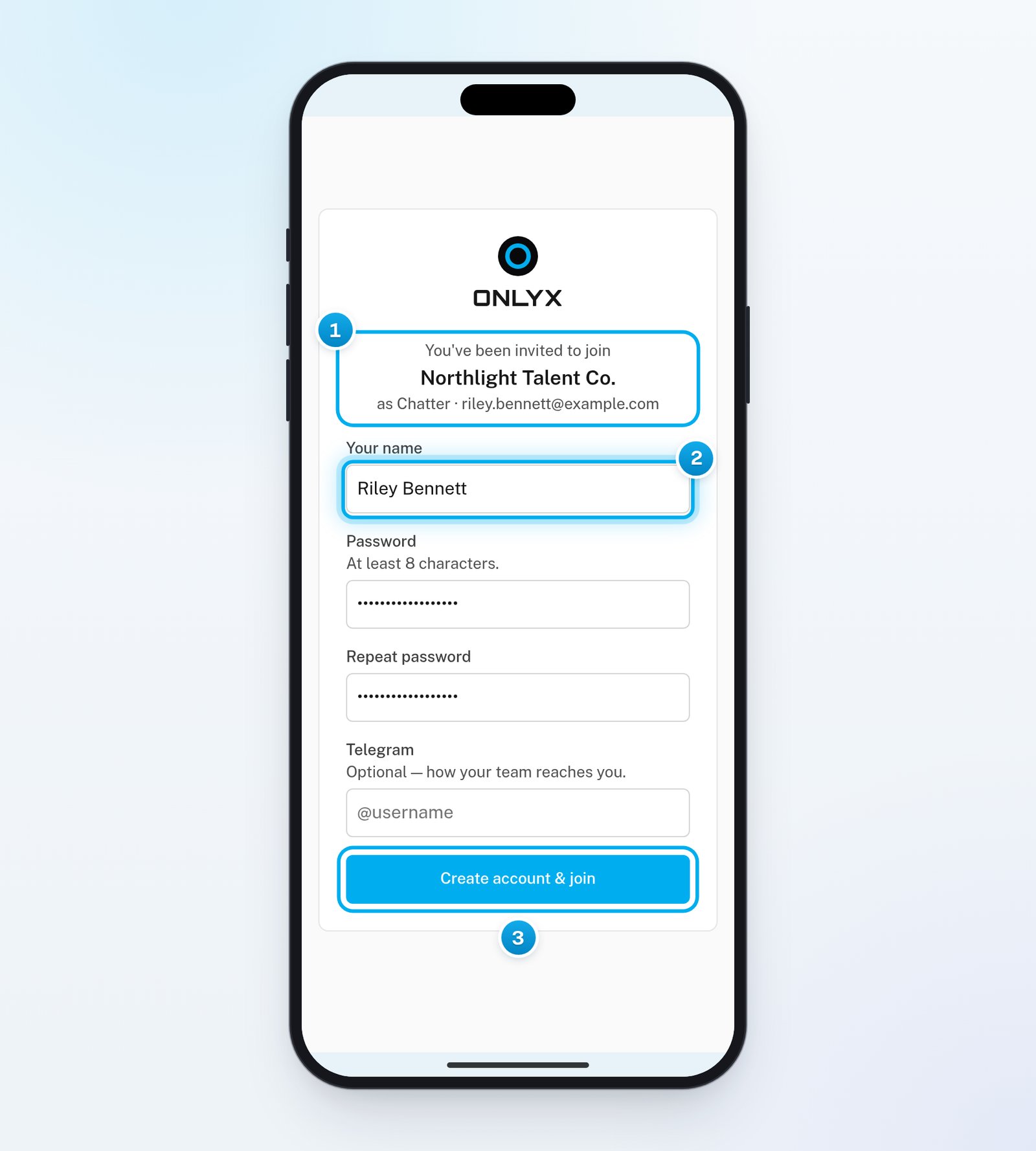
In the email, click Accept invite.The invite page opens. It shows the workspace’s name, your role and your email address.
2
Enter your name
In Your name, enter the name your team knows you by. If you leave it empty, OnlyX shows your email address instead.
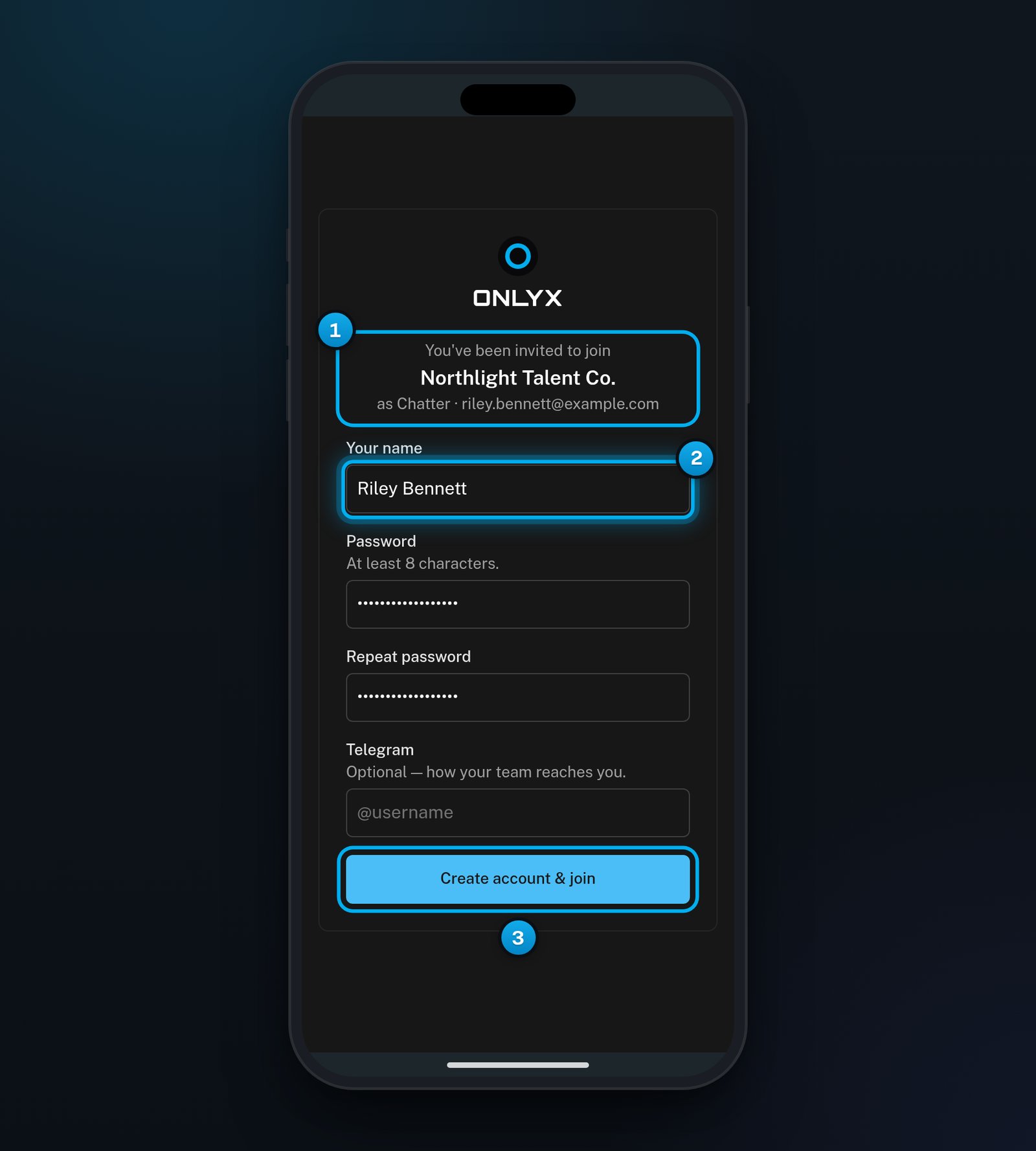
1 The workspace you join · 2 Your name · 3 Create account & join
3
Create a password
In Password, enter a password of at least 8 characters. Enter it again in Repeat password.
4
Optional: Add your Telegram username
In Telegram, you can add your Telegram username, for example @yourname. It is optional, so you can leave it empty.
5
Join the team
Click Create account & join.You are signed in to the workspace. A chatter starts in the Inbox, a content VA on Creators and an admin on the Dashboard.
Create account & join stays greyed out until the two passwords match and have at least 8 characters. Your new account uses the email address the invite was sent to.
Use this if you already have an OnlyX account with the invited email address. You may have one if you work for another agency.
1
Open the invite
In the email, click Accept invite.
2
Sign in if the page asks you to
If the page says you already have an account, click Sign in to accept. Sign in with the invited address. If you use two-factor authentication, enter your code too.OnlyX brings you back to the invite.
3
Join the workspace
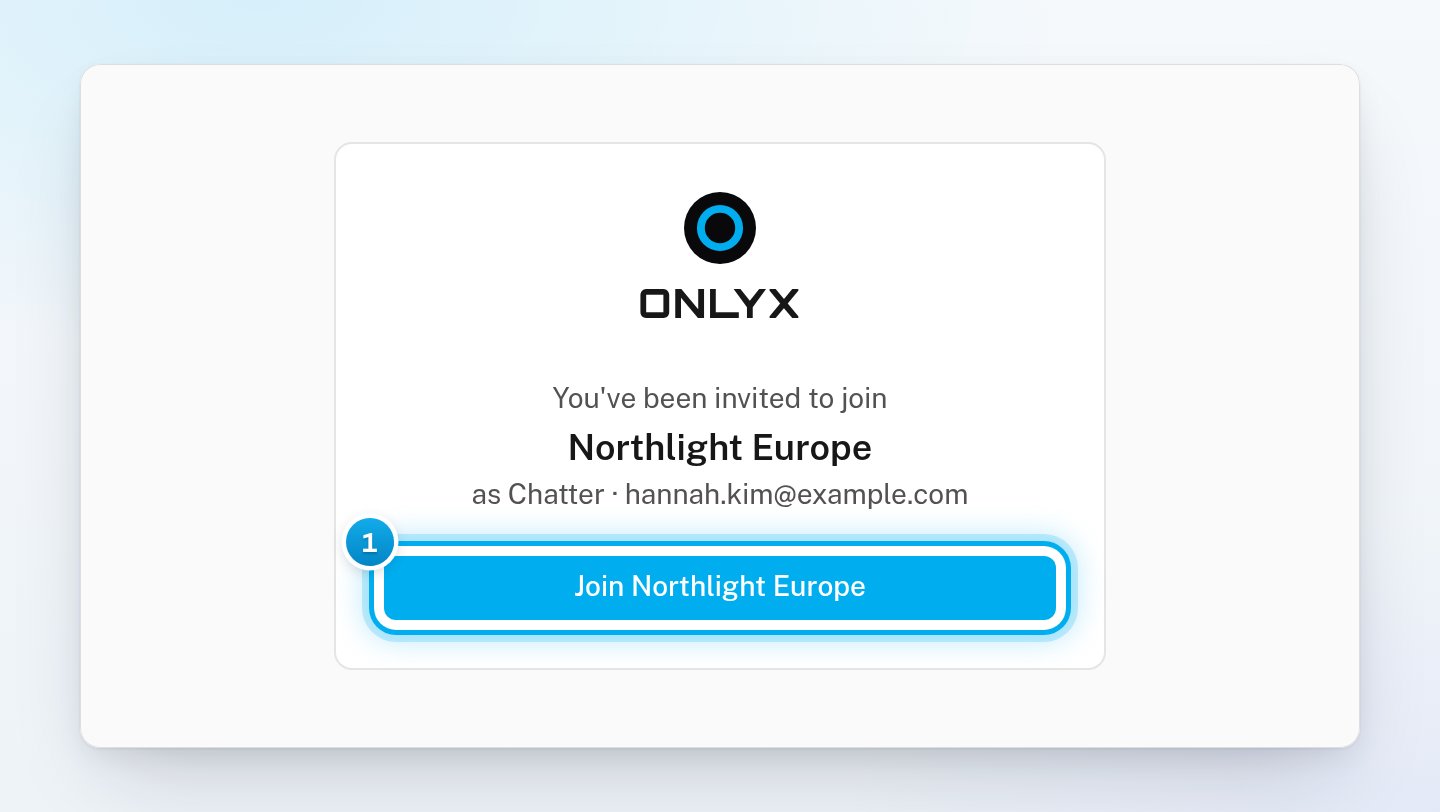
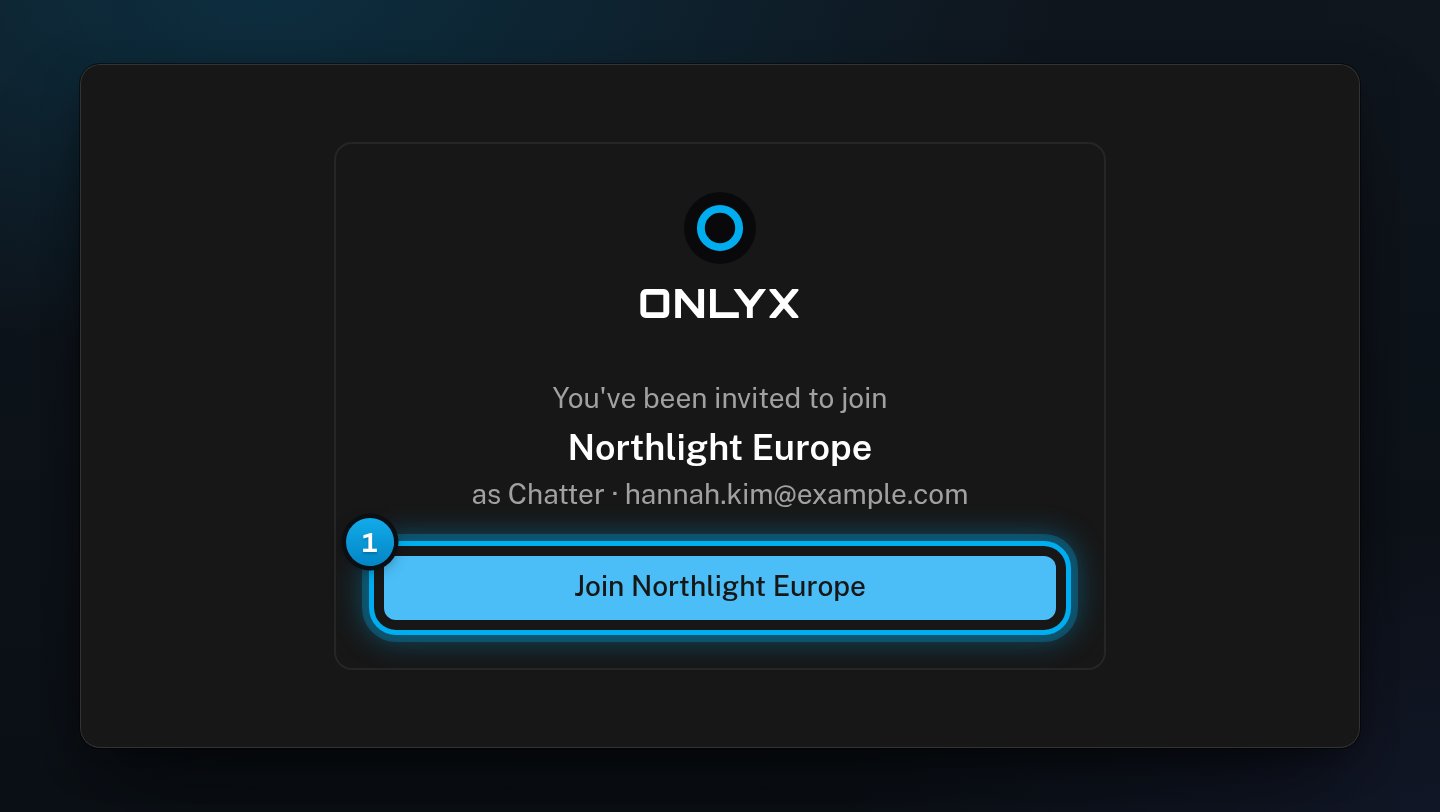
Click the button that starts with Join and shows the workspace’s name.OnlyX adds the workspace to your account and switches you into it.
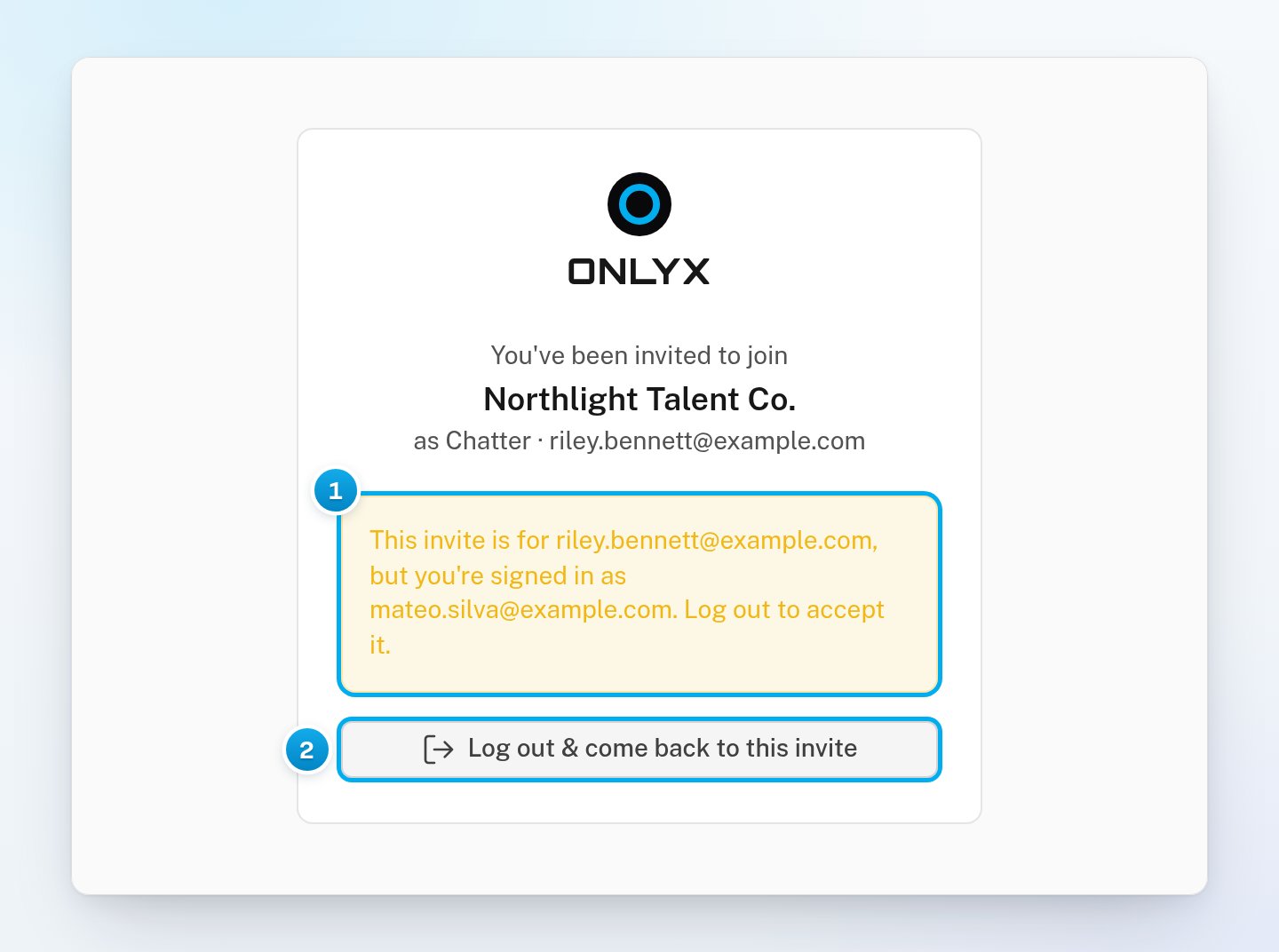
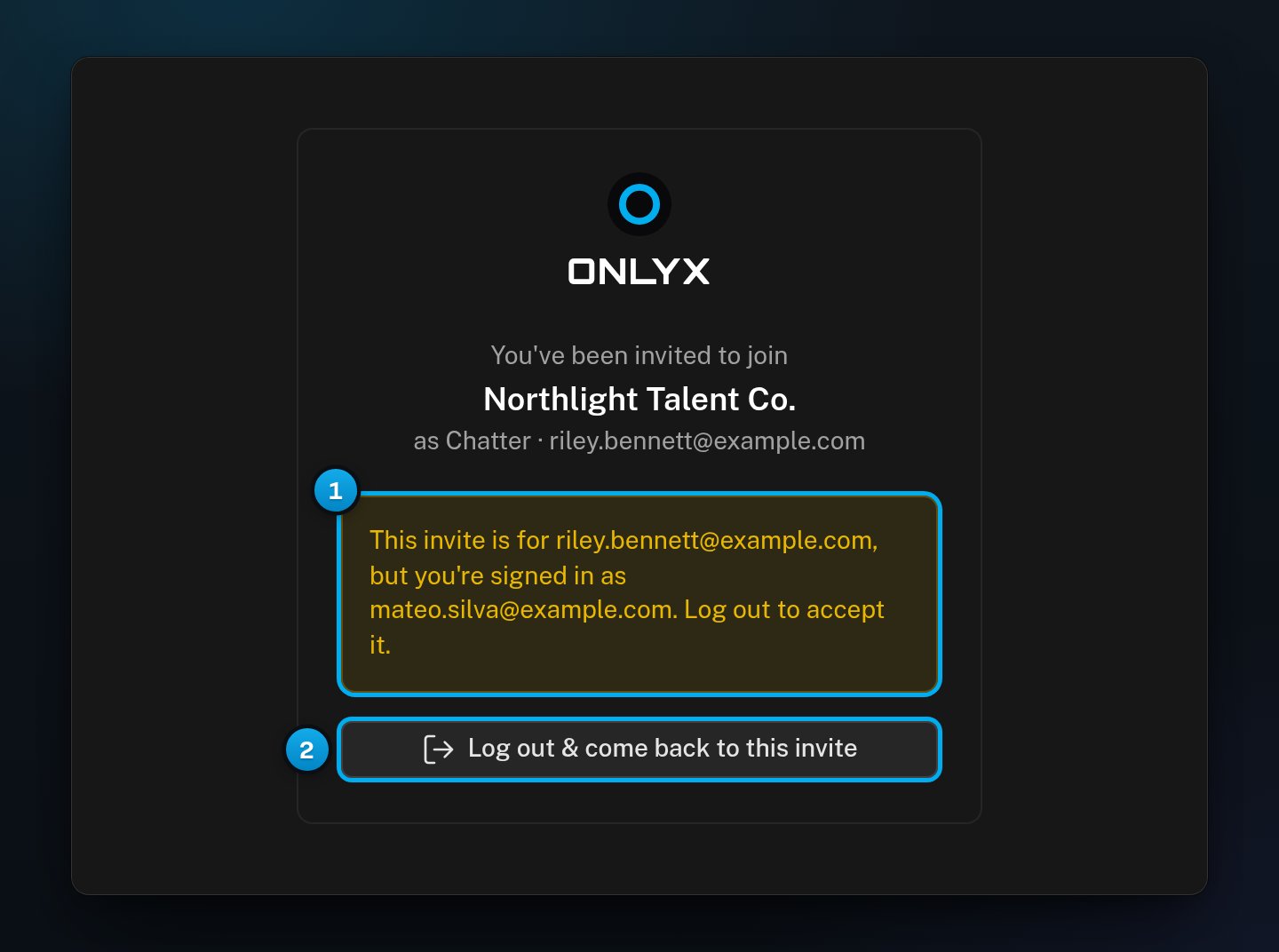
The page warns “This invite is for” the invited address, “but you’re signed in as” your current address.
1
Log out of the other account
Click Log out & come back to this invite.The Sign in page opens.
1 The warning · 2 Log out & come back to this invite
2
Sign in with the invited address
Sign in with the address the invite was sent to. OnlyX brings you back to the invite, where you can join.If that address has no OnlyX account yet, open the invite link from the email again instead. You then get the form to create your account.
The two passwords are different. Type the same password in Password and Repeat password.
"That is not a Telegram username."
The Telegram username is not valid. A username has 5 to 32 characters, starts with a letter, and uses only letters, numbers and underscores. Fix it, or leave the field empty.
"An account with this email already exists — log in to accept."
You already have an OnlyX account with this address. Open the invite link again. Then click Sign in to accept and sign in.
I can't find the invite email
Look in your spam or junk folder for mail from no-reply@onlyx.ai. You can also ask the person who invited you for the link. They can copy it and send it to you in a chat.
I forgot the password of my existing account
On the Sign in page, click Forgot password? and follow the email. Then open the invite link again.