

The three numbers
In OnlyX, click Billing. The Balance card is on the Overview tab, under the status card. Its three numbers form a sum: Credits minus Pending usage equals Net balance. On a phone, the three numbers stack without the signs.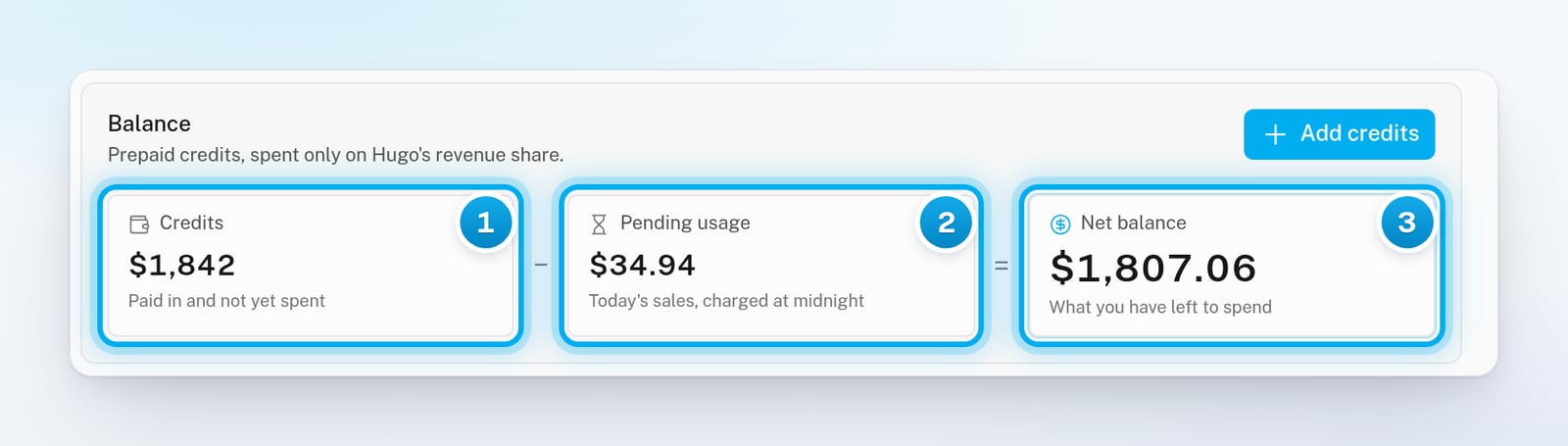
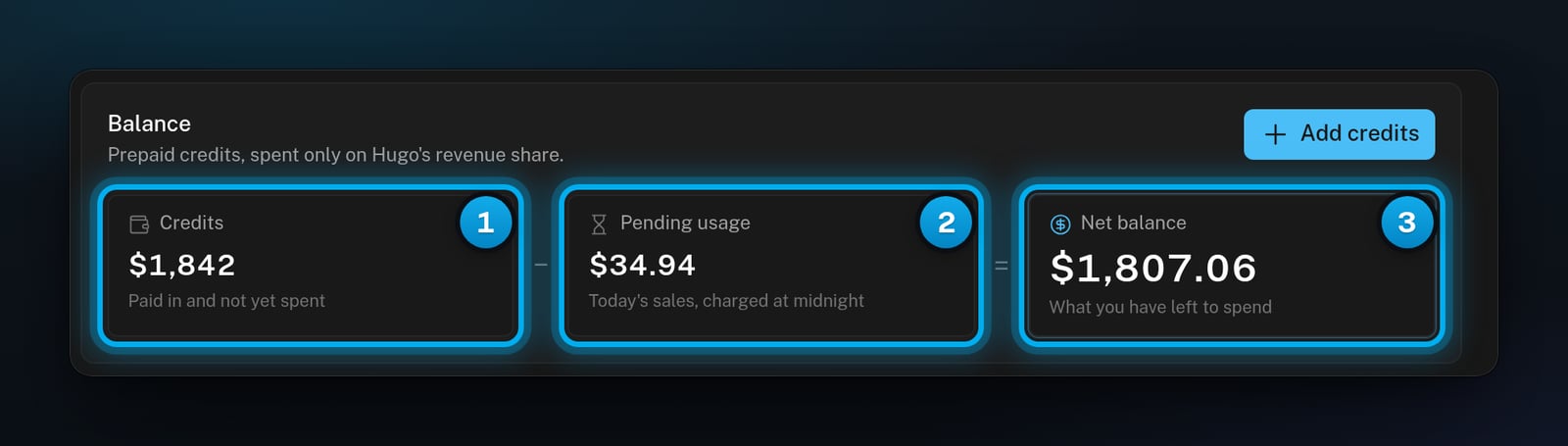
1 Credits − 2 Pending usage = 3 Net balance
An example day
You start the day with 18 of fees:
During the day, the status card says Running low, because the Net balance is under 18 appears on the Transactions tab.
Which number to watch
Watch the Net balance. It is the largest number on the card, and it turns red when it goes below zero. It also decides these:- The status card shows Running low when the Net balance is under $25.
- When your balance is healthy, the status card says how many days of credit you have left, for example “Hugo is selling — about 12 days of credit left”. This is your Net balance divided by the sum of every creator’s Daily est., rounded down.
- If no creator had a fee in the last 7 days, the card says “Hugo is selling and your balance is healthy” instead.
The Balance column on the Transactions tab shows your Credits after each entry. It never includes Pending usage.
What each creator costs
The Estimated cost per creator card sits under How billing works on the Overview tab. Its line reads “From the last 30 days of Hugo’s sales.” Every creator in your workspace is listed, with the highest Monthly est. first. A creator with no fees yet shows $0.
Returned fees are left out of both estimates.
To see each sale behind these numbers, click Usage report on this card. See Check your usage report and transactions.
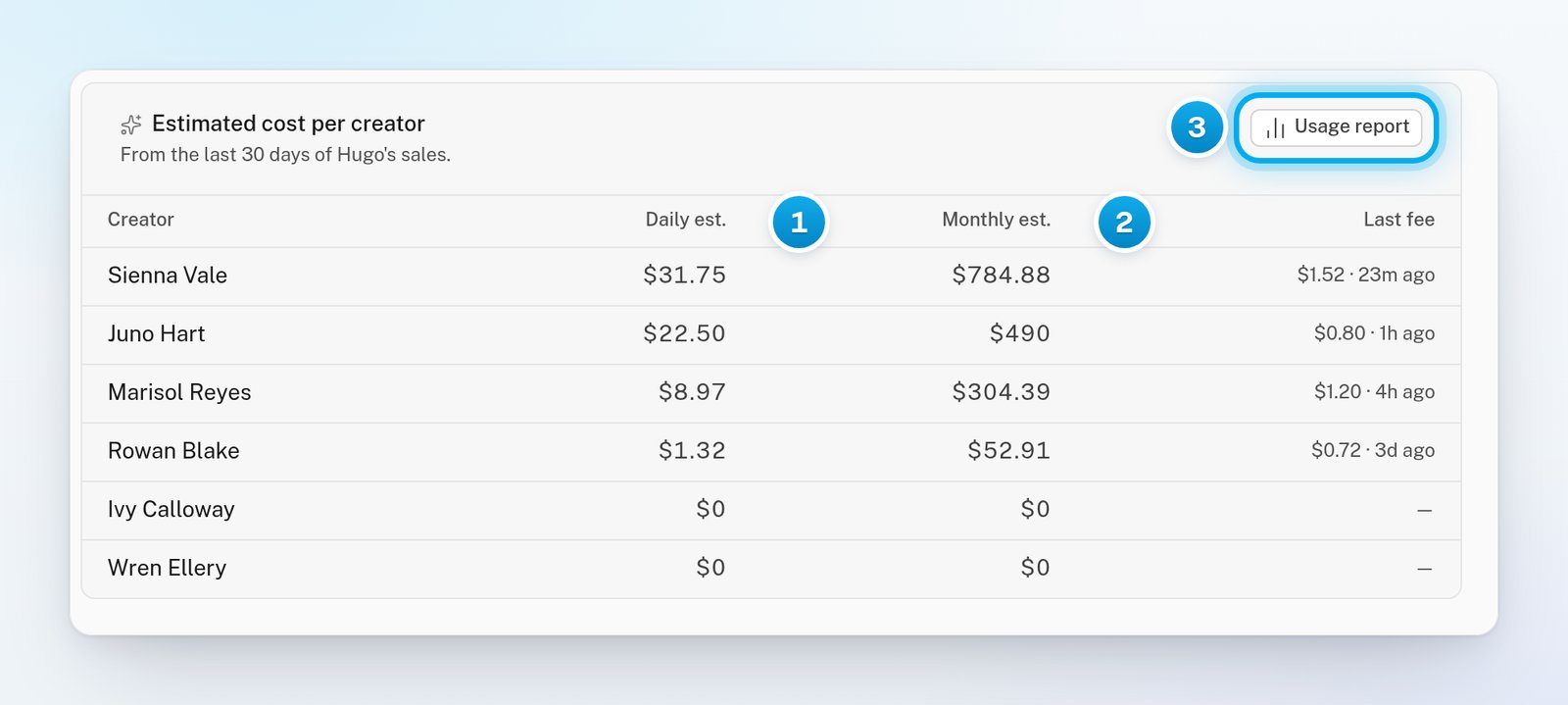
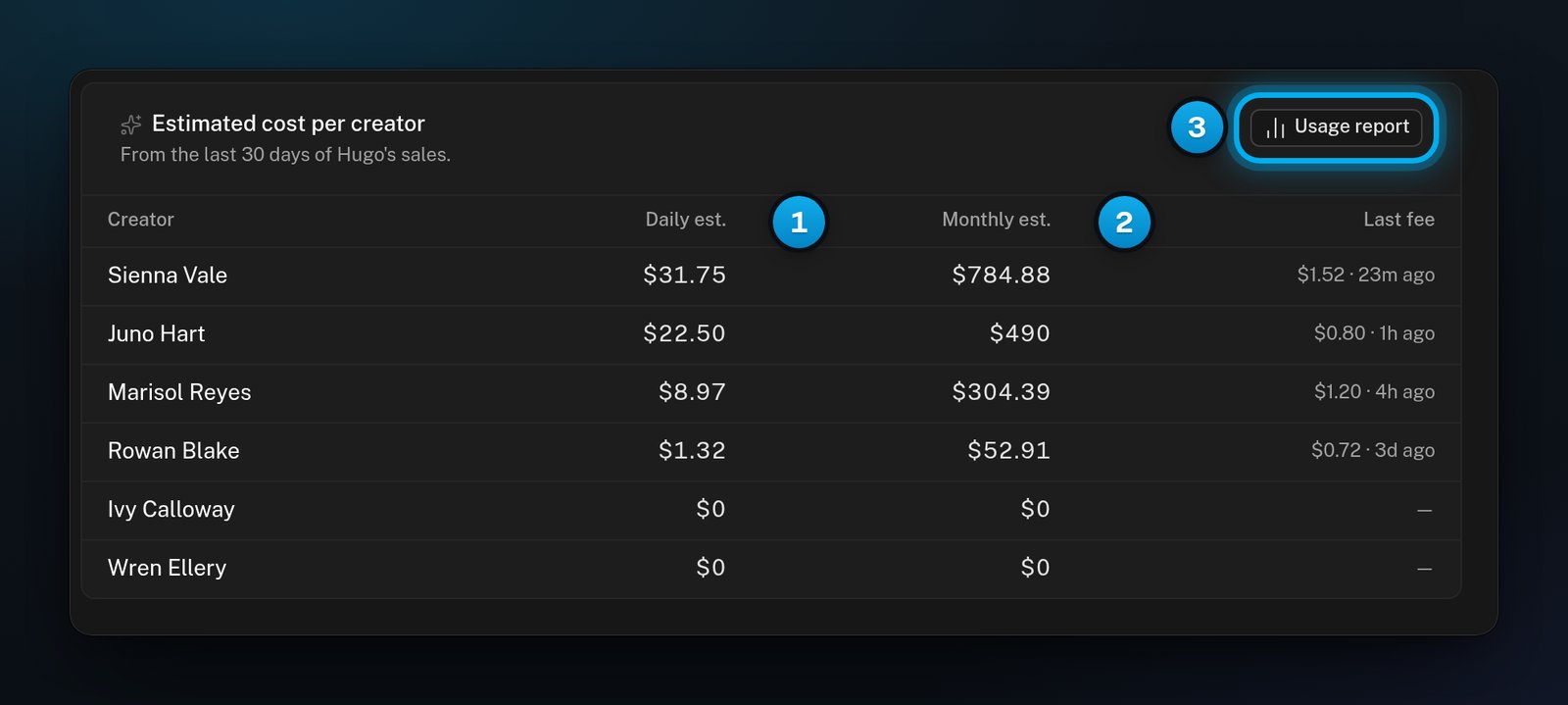
1 Daily est. · 2 Monthly est. · 3 Usage report