

Where to find billing
In OnlyX, click Billing in the sidebar. On a phone, tap More, then Billing. The page opens on the Overview tab. The top of the page shows your workspace’s rate, for example AI Revenue Share: 10%. Only owners and admins can open Billing. Chatters and content VAs do not see it.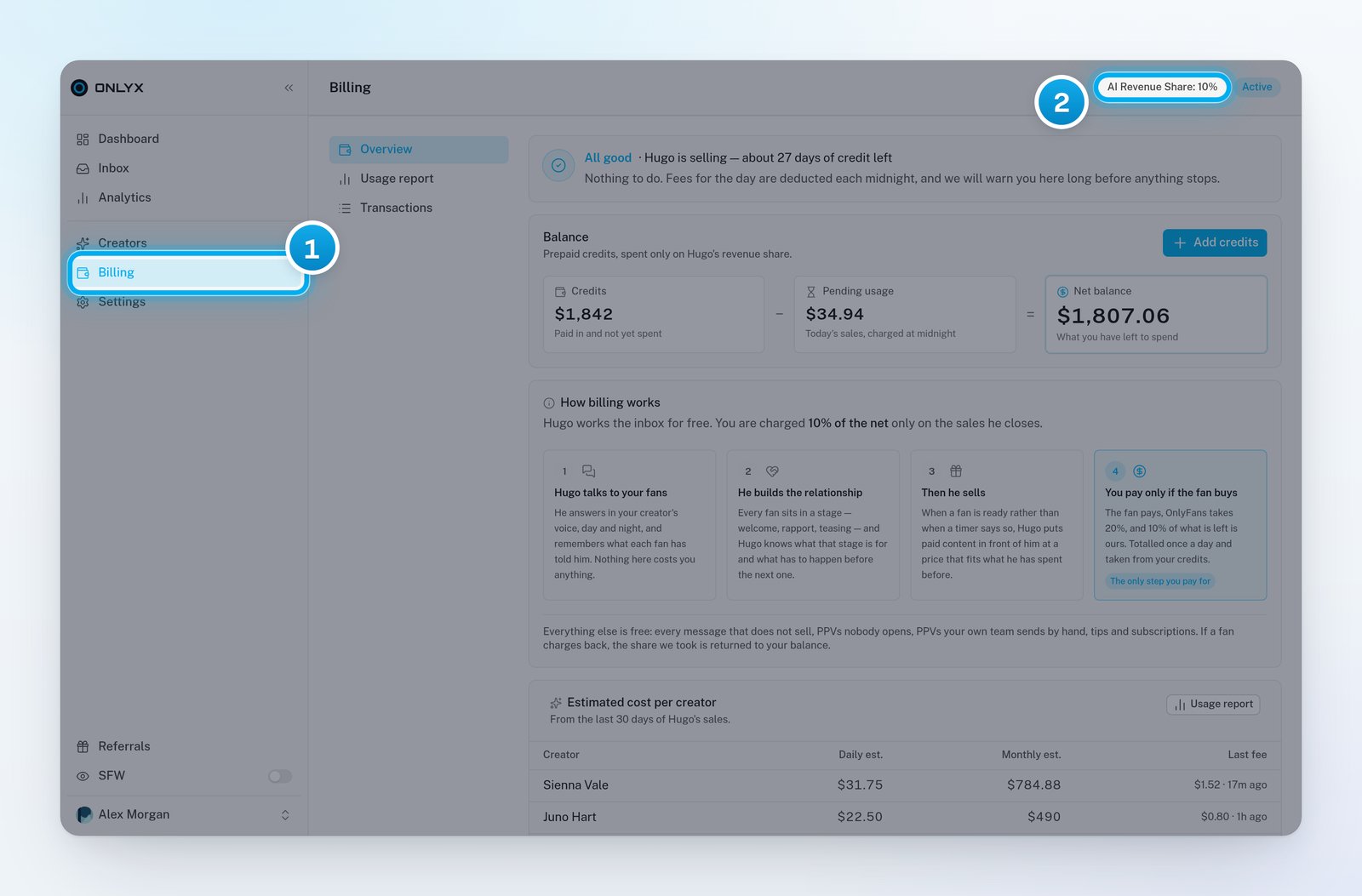
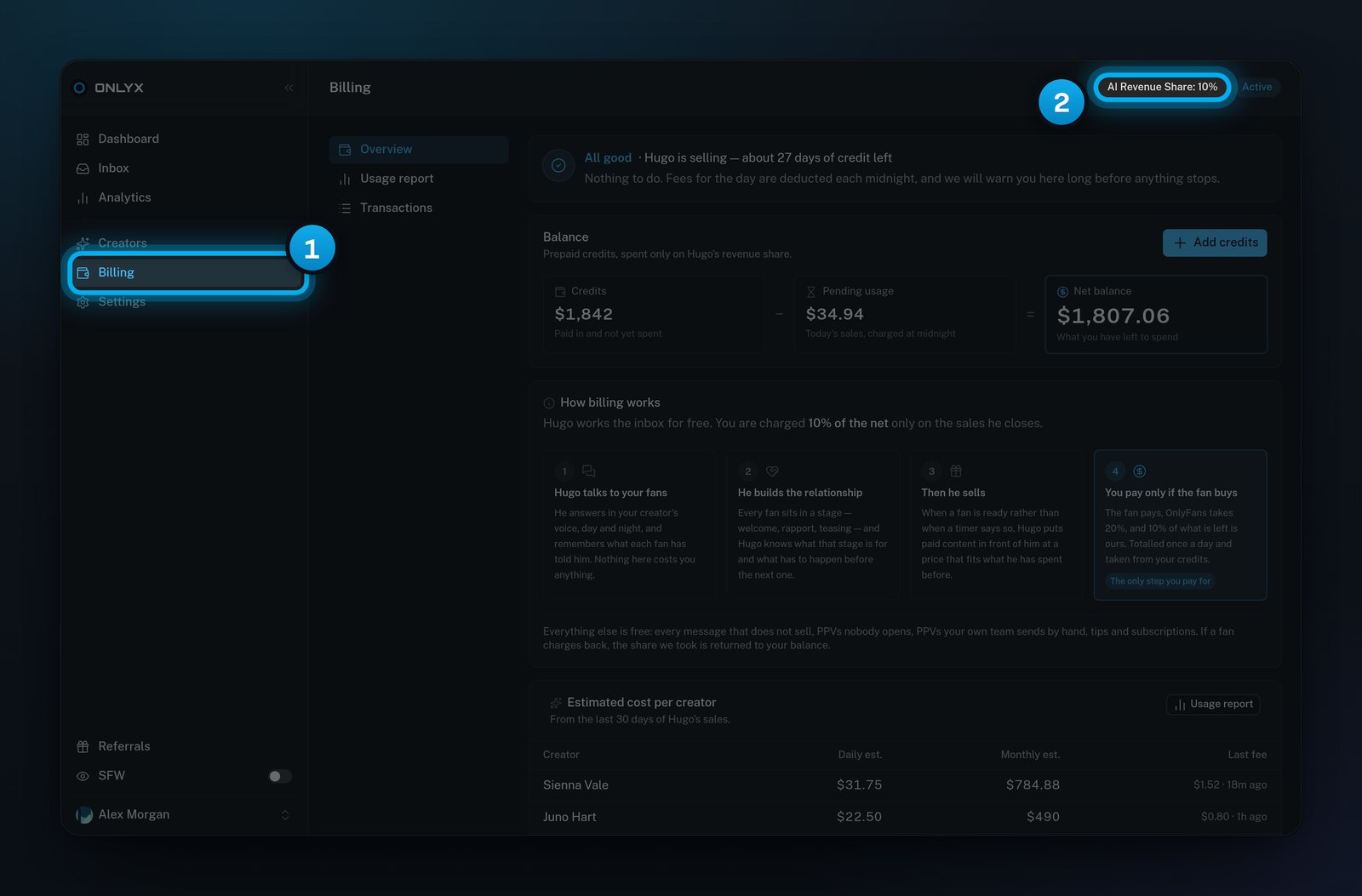
1 Billing in the sidebar · 2 Your rate
What you pay for
You pay for one thing only: a PPV that Hugo sent, when a fan unlocks it.- The fee is 10% of the net.
- The net is the price the fan paid, minus OnlyFans’ 20% cut.
- So the fee is about 8% of the price the fan paid. Each amount is rounded to the nearest cent.
Each sale is charged once. A fee keeps the rate that applied when the fan unlocked the PPV, even if your rate changes later.
For a Telegram creator, OnlyX takes off the payment processor’s real fee on that sale instead of 20%. The rest works the same way.
What is free
The How billing works card on the Overview tab shows Hugo’s work in four steps. Only the fourth step costs money. It is marked The only step you pay for. Everything else is free:- every message Hugo sends that does not sell;
- PPVs that nobody opens;
- PPVs that your team sends by hand;
- tips and subscriptions.
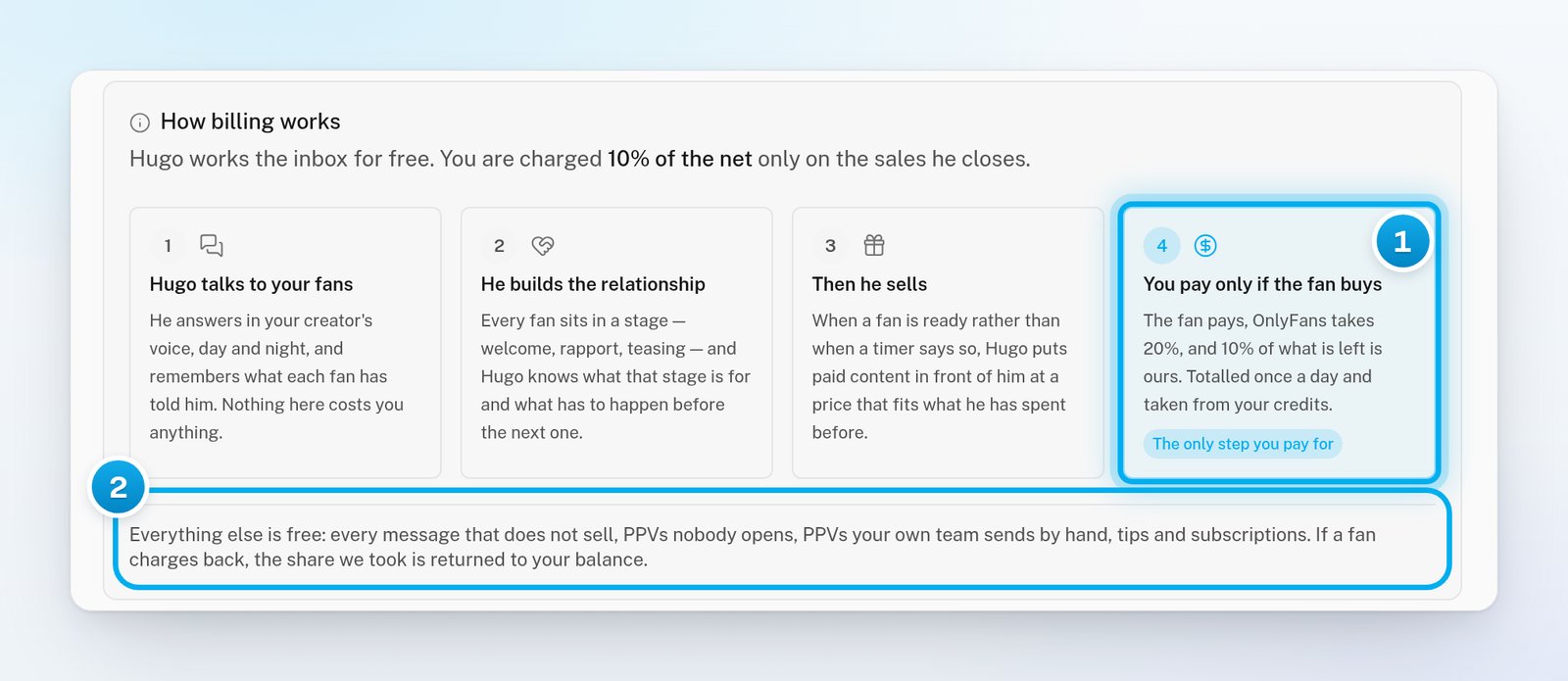
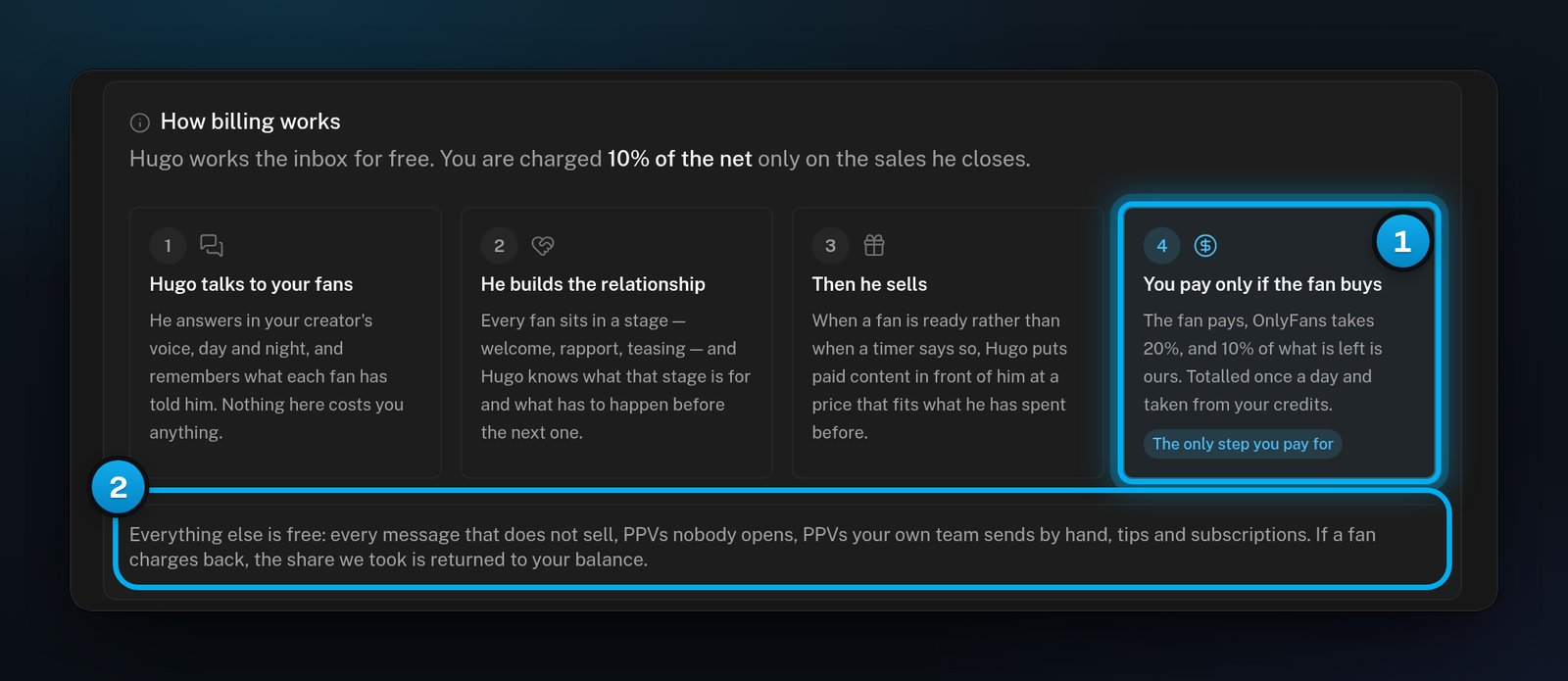
1 The only step you pay for · 2 What is always free
When you are charged
A fee does not leave your balance at the moment of the sale:- When a fan unlocks a PPV that Hugo sent, the fee is added to Pending usage on the Balance card.
- Once a day, a few minutes after midnight UTC, OnlyX adds up the day’s fees. It takes the total from your Credits as one AI usage entry on the Transactions tab.
- In the Usage report, those sales change from Pending to Charged.