

Before you start
- You need an owner or admin account. Only owners and admins see Billing.
- You need a crypto wallet or an exchange account that can send USDT or USDC.
- You can deposit from 50 to 10,000 coins at a time.
- A workspace can have only one open deposit at a time.
Choose the amount and the network
Open the Billing page
Open the deposit window
Choose an amount
Choose the coin and the network
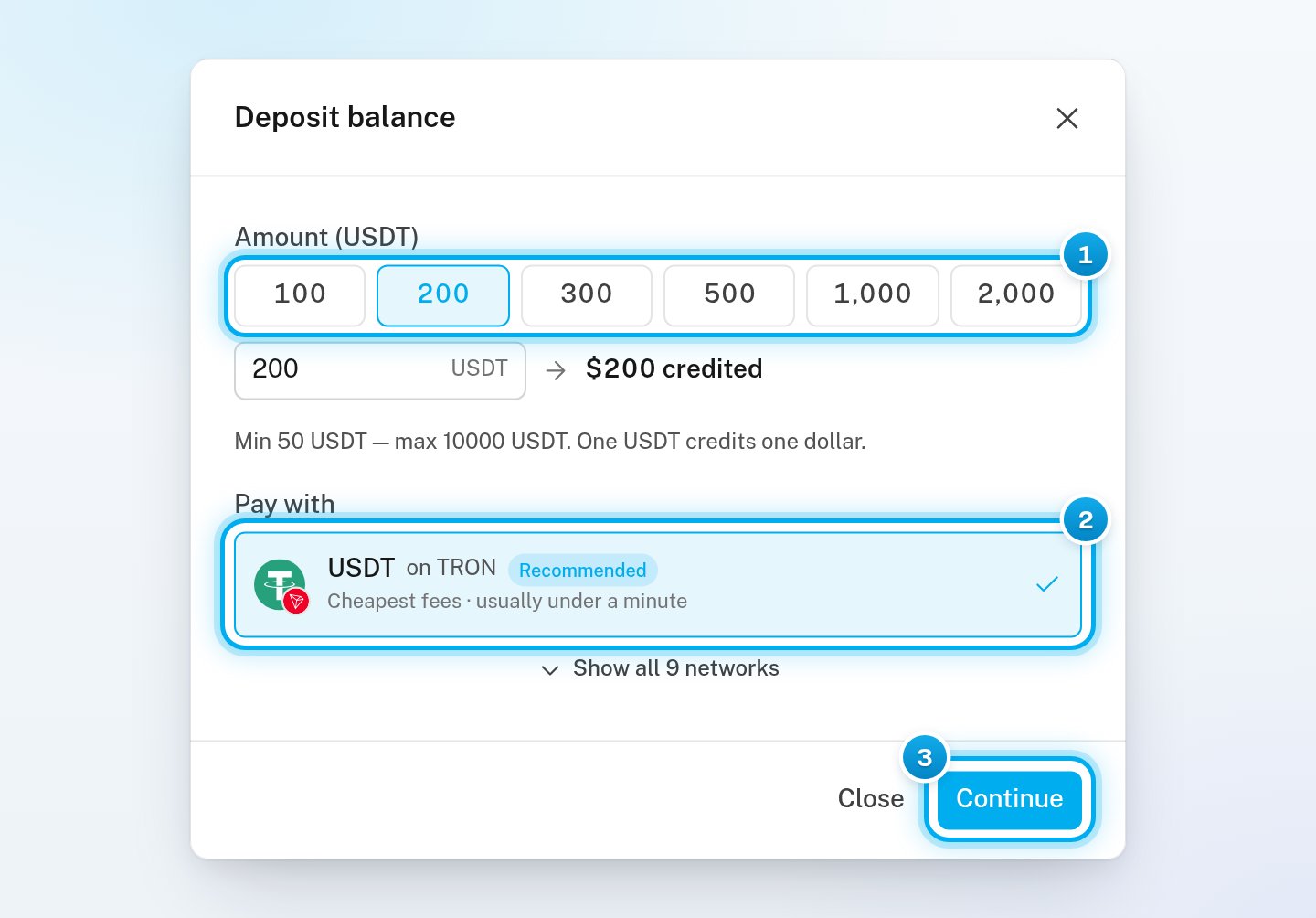
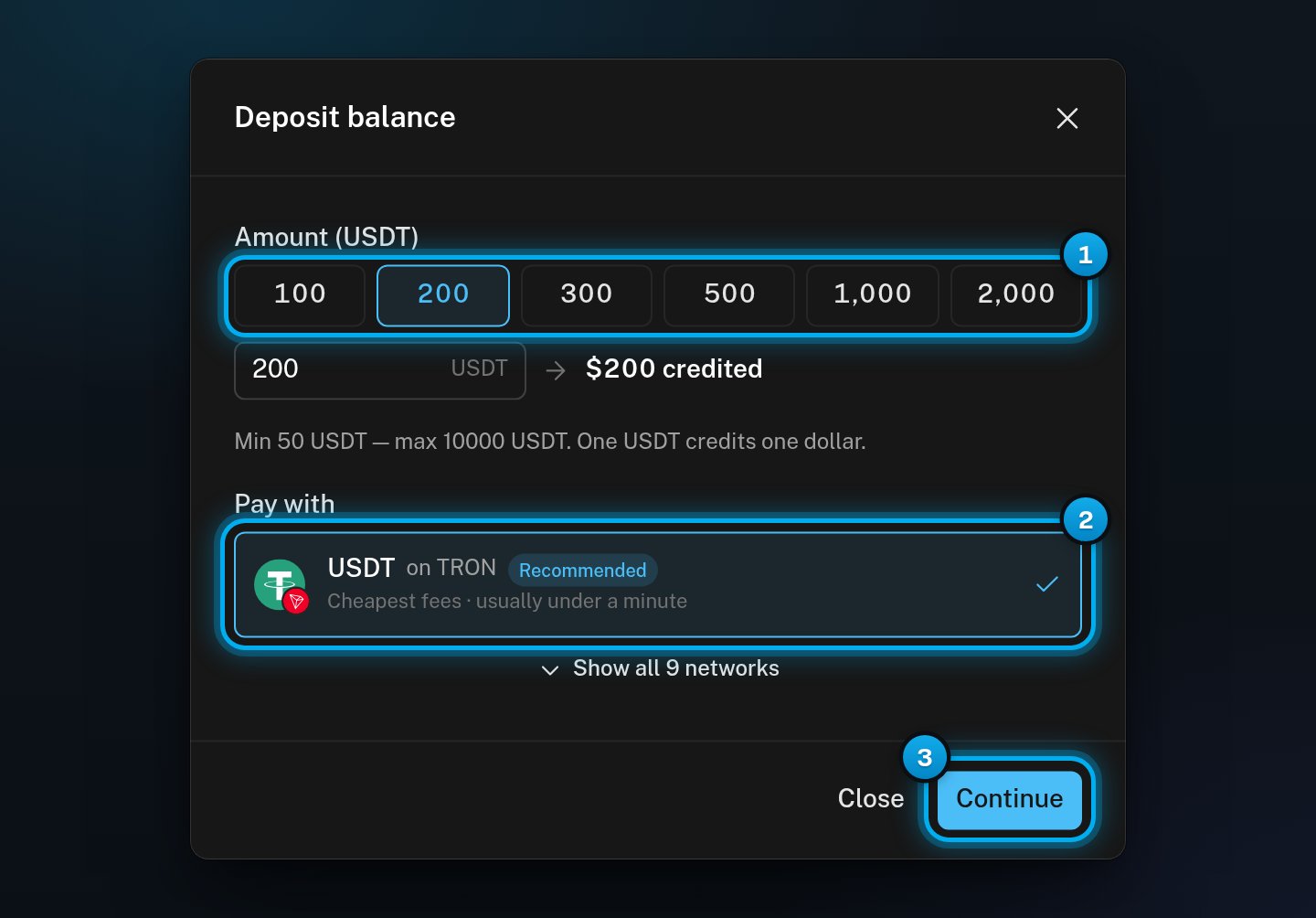
1 Pick an amount · 2 The recommended coin and network · 3 Continue
Continue to the payment
Send the payment
Check the amount and the network
Copy the address
Enter the amount in your wallet
Send the payment before the timer ends
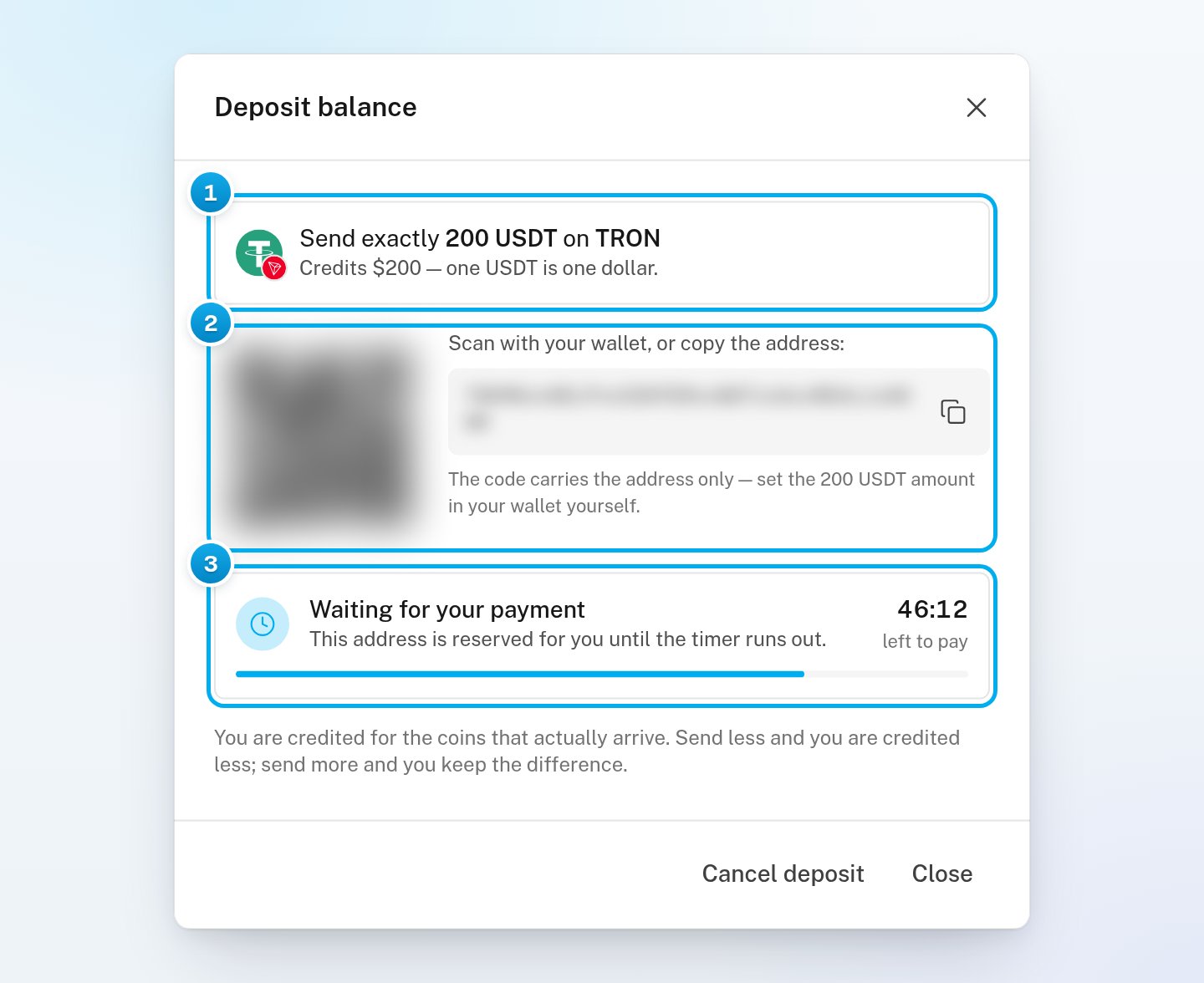
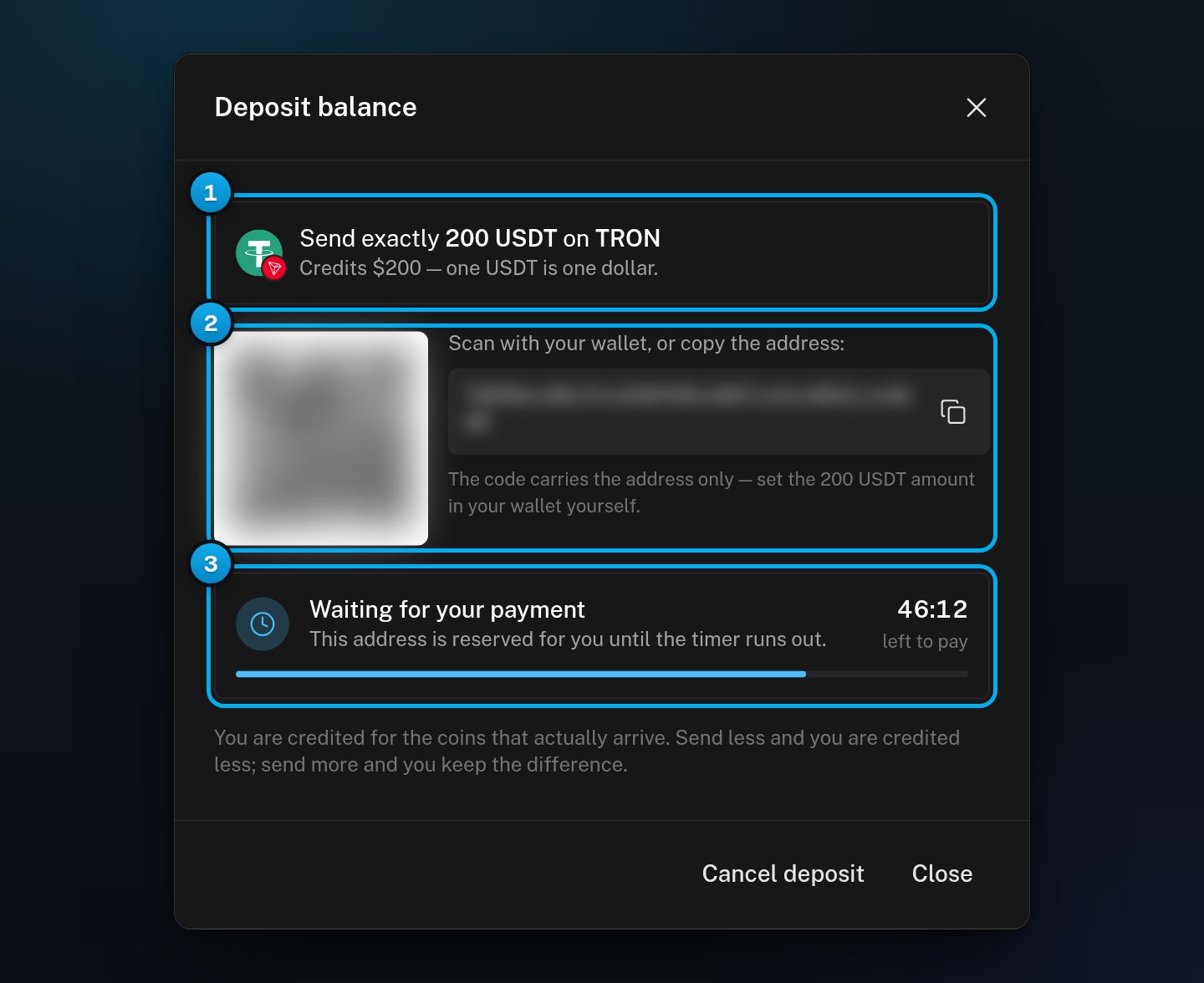
1 What to send, and on which network · 2 The address · 3 The time left to pay
Wait for the confirmation
Check that the payment arrived
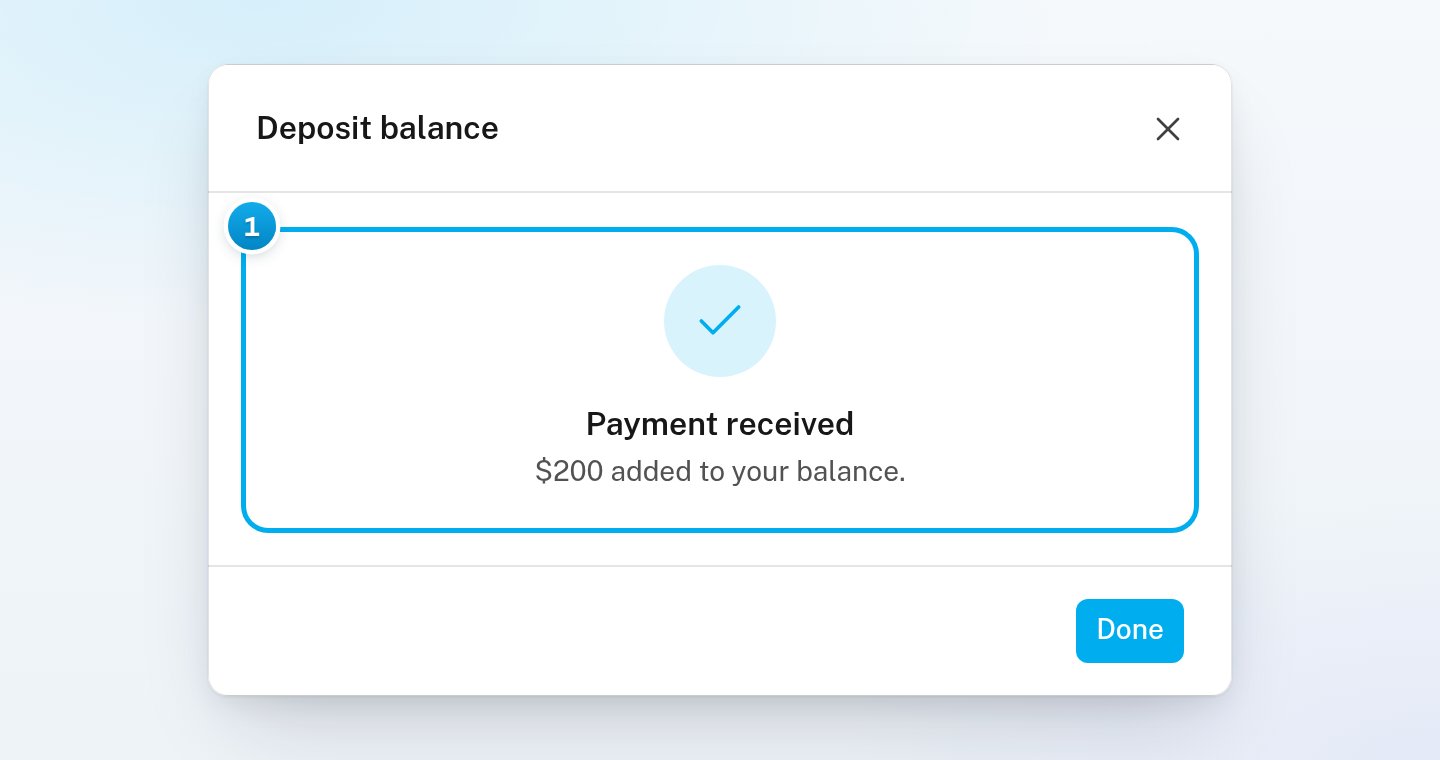
1 The payment arrived and was added to your balance
Networks you can use
Cancel a deposit you have not paid
In the Deposit balance window, click Cancel deposit. If you closed the window, click Add credits again: it opens on the open deposit. Do not send coins to an address you cancelled. You can cancel only while the window shows Waiting for your payment. Close hides the window but does not cancel the deposit.If something goes wrong
"The smallest deposit is 50 USDT — the networks refuse less."
"The smallest deposit is 50 USDT — the networks refuse less."
"The largest deposit is 10000 USDT. Split it, or ask support."
"The largest deposit is 10000 USDT. Split it, or ask support."
"Could not start the deposit" with "Finish or cancel the current deposit first."
"Could not start the deposit" with "Finish or cancel the current deposit first."
"Could not start the deposit" with "The network's own minimum for …"
"Could not start the deposit" with "The network's own minimum for …"
"Less arrived than the $200 quoted"
"Less arrived than the $200 quoted"
"This address has expired" or "Deposit expired"
"This address has expired" or "Deposit expired"
"Deposit cancelled", but I did not cancel it
"Deposit cancelled", but I did not cancel it
I closed the window before the payment arrived
I closed the window before the payment arrived
"Could not check your deposits"
"Could not check your deposits"
Add credits is greyed out
Add credits is greyed out