

What AI Content does
- Hugo sells from AI Content and from nothing else. He never makes up content.
- Hugo never sells a whole level for less than the price floor you set for it. If he sells only some of a level’s files, he may price that part in proportion to the floor. See Set price floors and tags.
- Hugo answers fans whether AI Content is built or not. Without it, he has nothing to sell.
- Mapping content posts nothing and sends nothing. It only tells Hugo which files he may sell, how they are bundled, and the price floor for each bundle. Mapping alone never shows a file to any fan.
- Each creator has her own AI Content.
- her account is connected;
- her persona has an age and a backstory;
- her hard limits are saved;
- at least one fan has synced.
Where to find it
Open the creator’s page. In her menu, under Hugo, click AI Content. You can also start from the setup step Map the content on her Overview: click Open AI Content. In the Inbox, the fan panel has an AI Content part with a Manage link to the same place.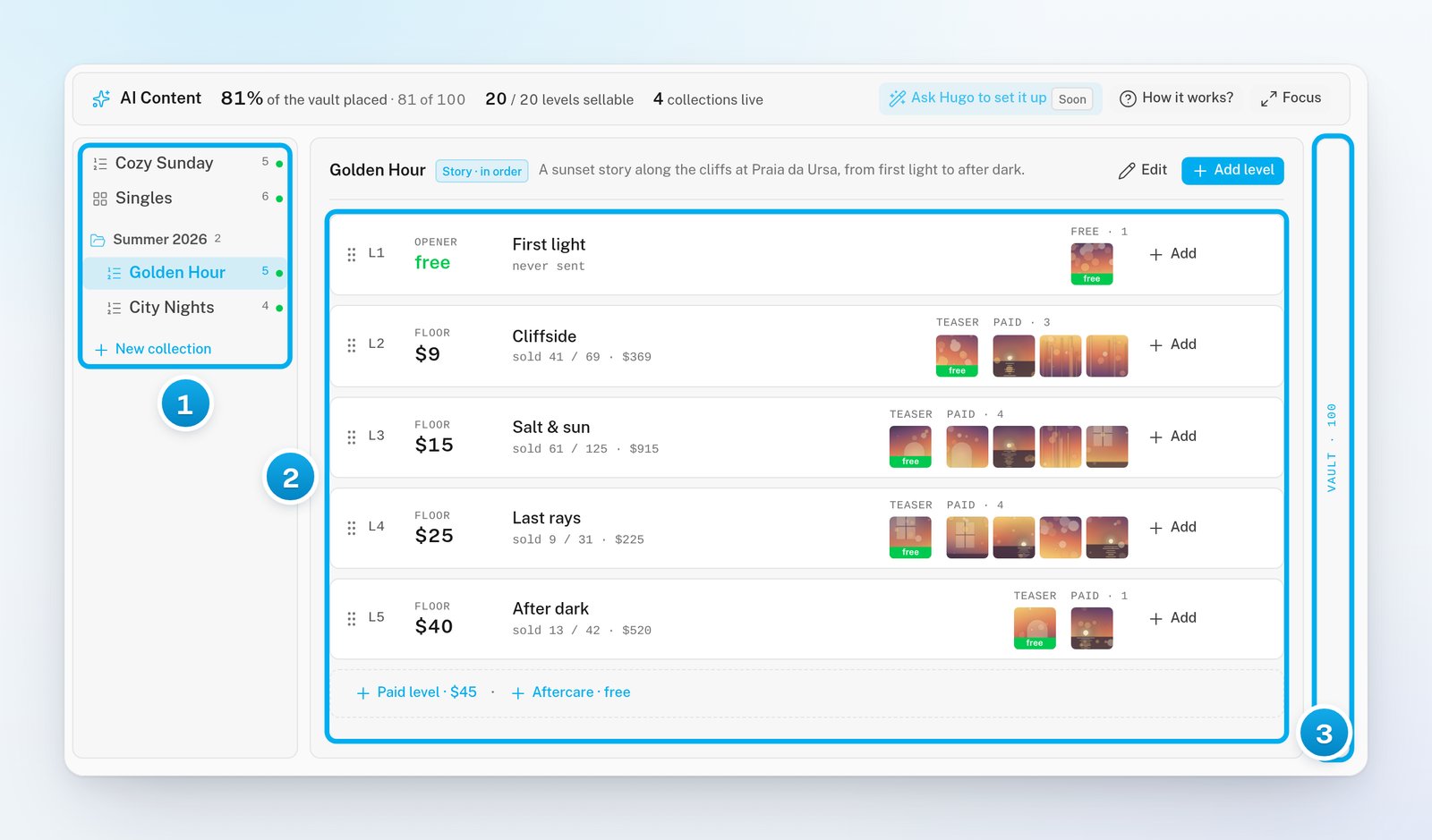
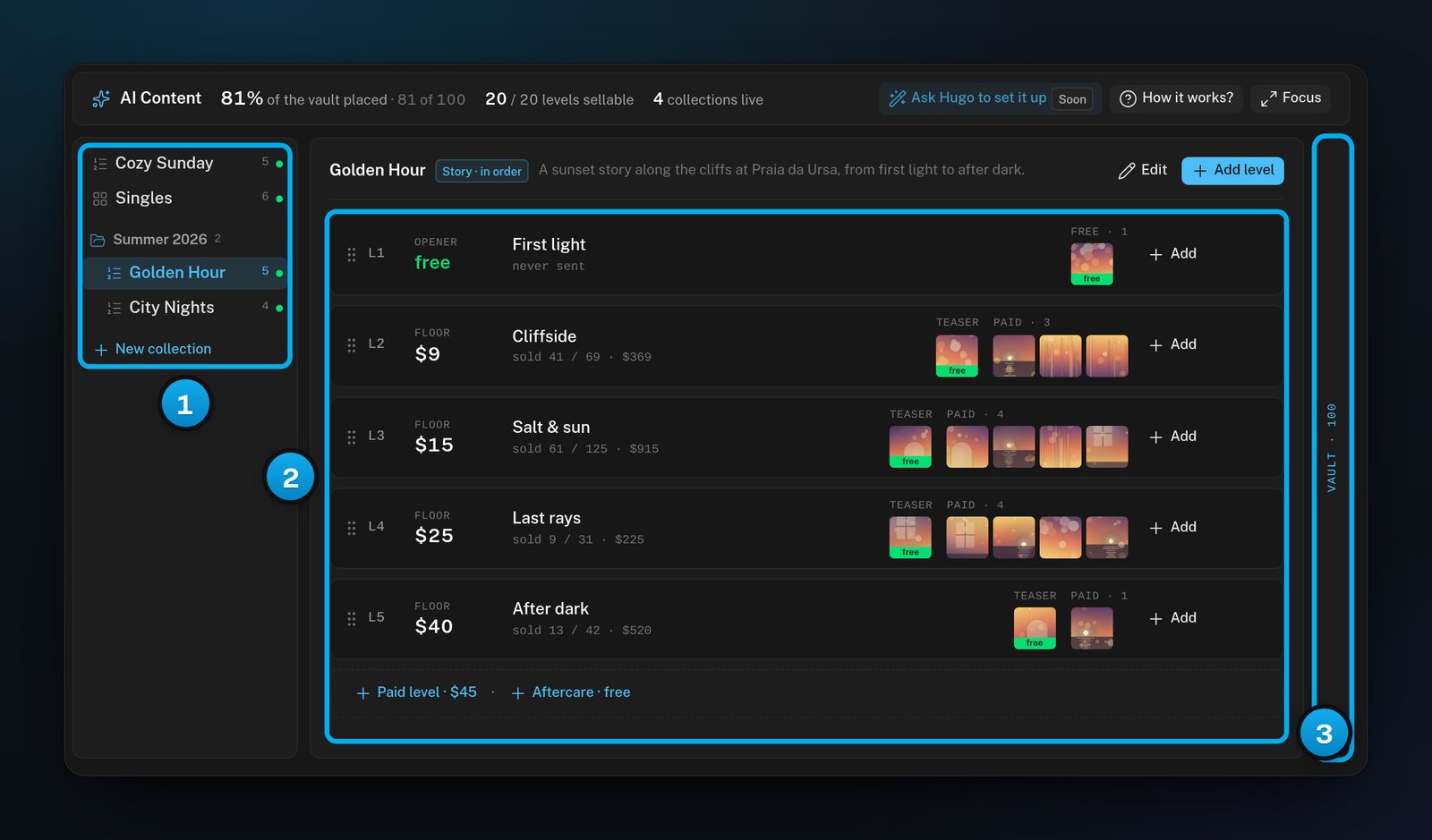
1 Groups and collections · 2 The levels of the open collection · 3 The vault
- The collection list, with your groups as headings. A coloured dot next to each collection shows whether any of its levels needs work.
- The ladder: the levels of the collection you opened, with L1 first.
- The vault. Click the Vault strip to open it next to the ladder.
The parts of AI Content
To build these parts step by step, see Build your first collection.
Paid levels and free levels
A level is paid or free, and only its price decides which. A level with no price, or a price of 0, is free. The app calls a free level “a gift”: everything on it goes out unlocked, and it is never sold. The small word above each level’s price tells you what the level does. The app shows this word in capitals.
For details on each kind, see Levels: teasers, paid pieces, openers and aftercare.
How Hugo sells from it
One sale usually goes like this:- A fan asks for something. Hugo looks for the levels that hold what the fan asks for. The level’s tags, its name and its About help him match.
- Hugo may send something free first: the level’s teaser, or a file from a free level of the same collection. He never sends a fan a free file he has already had. He also never sells him a file he has already bought.
- Hugo offers the paid files, locked. He sets the price from your floor and from what this fan has paid before.
- When the fan unlocks the message, the sale is done. Hugo can offer him more later.
- In a Story collection, Hugo offers the levels in order, one at a time. In a Menu collection, every level the fan has not bought is on offer at once. See Story or Menu: choose how Hugo walks a collection.
- Hugo skips a paused collection and a paused level. Pausing keeps everything.
- A paid level with nothing behind its price is never offered. A paid level with no teaser still sells, but without a teaser to show first.
- Tags help Hugo match a level to what a fan asks for. A level without tags can still be sold. See Set price floors and tags.
Files come from the vault
The files on the board come from the creator’s OnlyFans vault. For a Telegram creator, they come from her Media tab, and the board says “Media” instead of “Vault”. Sync the vault before you start. On the creator’s page, click Vault. Then click Sync vault. The message “Vault sync queued” appears, and the files arrive in a minute or two. A file can be on only one level. If you add a file to a second level, it moves there. This stops Hugo from selling one file at two prices.Read the numbers at the top
The top of the board shows three numbers and three buttons.

1 How much of the vault is placed · 2 Levels Hugo can sell · 3 Live collections
- How it works? opens the app’s own short guide to AI Content.
- Focus gives the board the whole screen on a computer. See Work faster: shortcuts, focus mode, pause and undo.
- Ask Hugo to set it up shows a Soon badge. It is coming soon and cannot be used yet, so you build AI Content by hand.
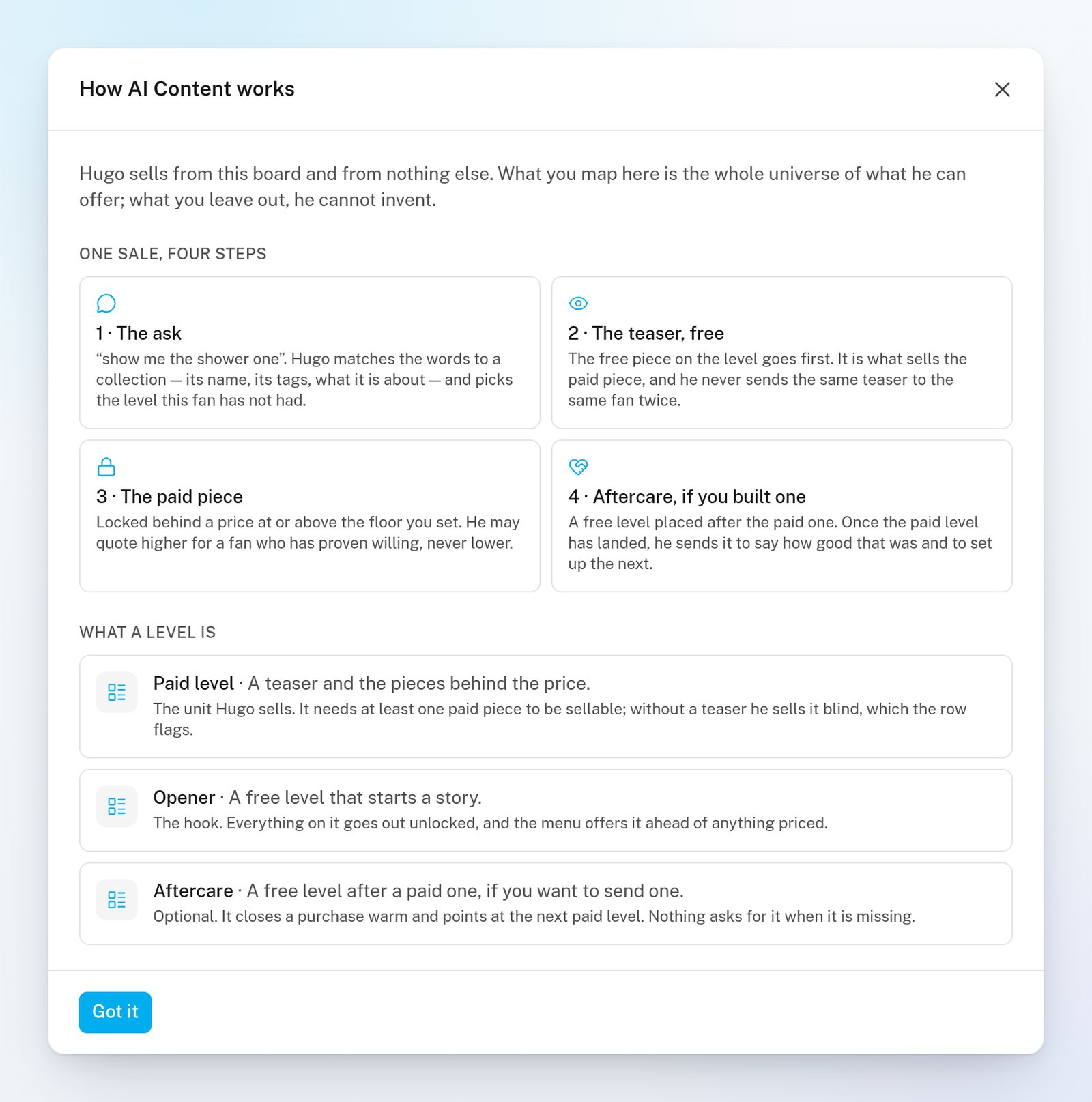
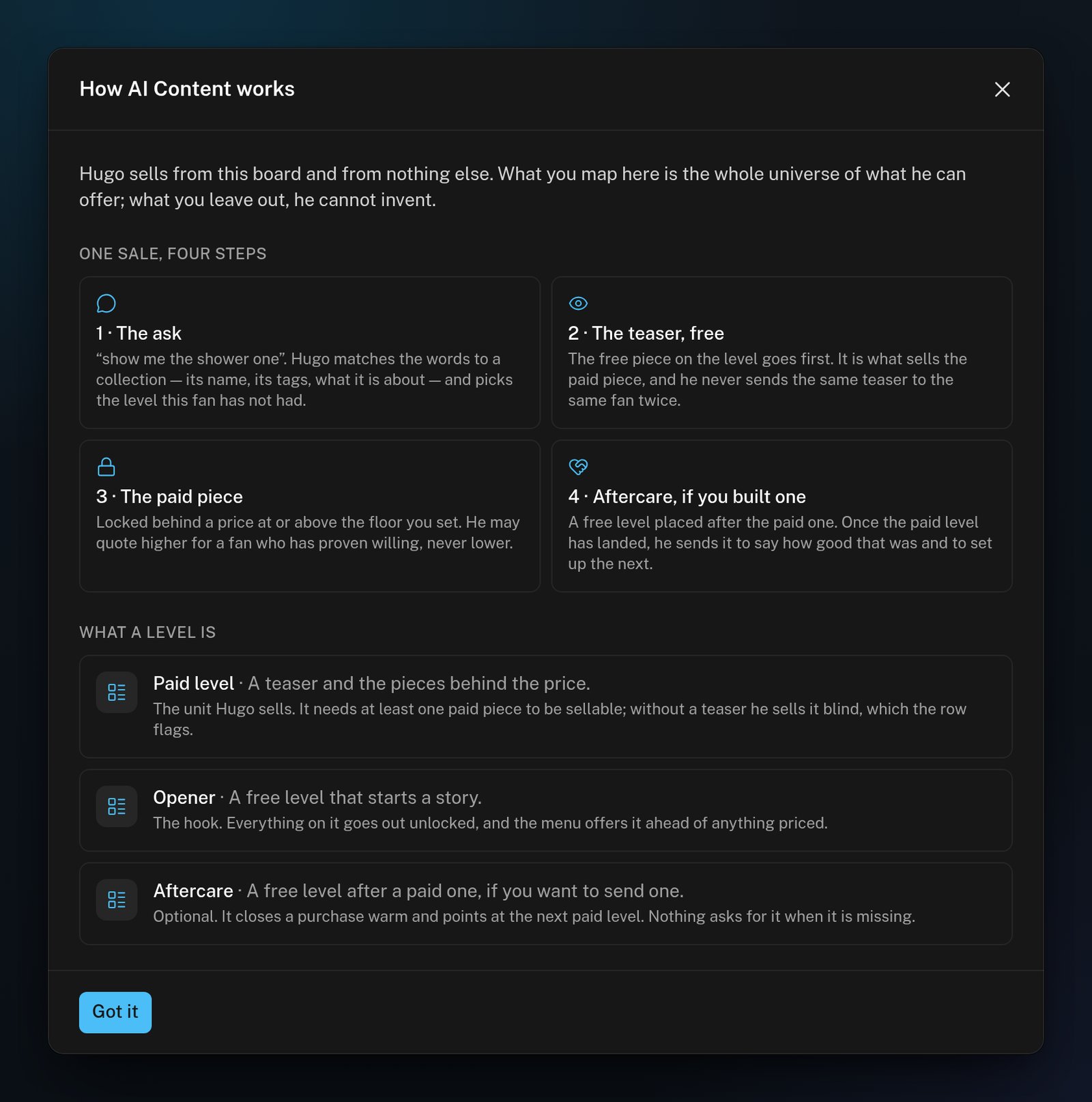
How it works? opens the app's own short guide
An empty board
A creator with no collections sees “Nothing for Hugo to sell yet”. Hugo still answers her fans. To start, click New collection in the middle of the board.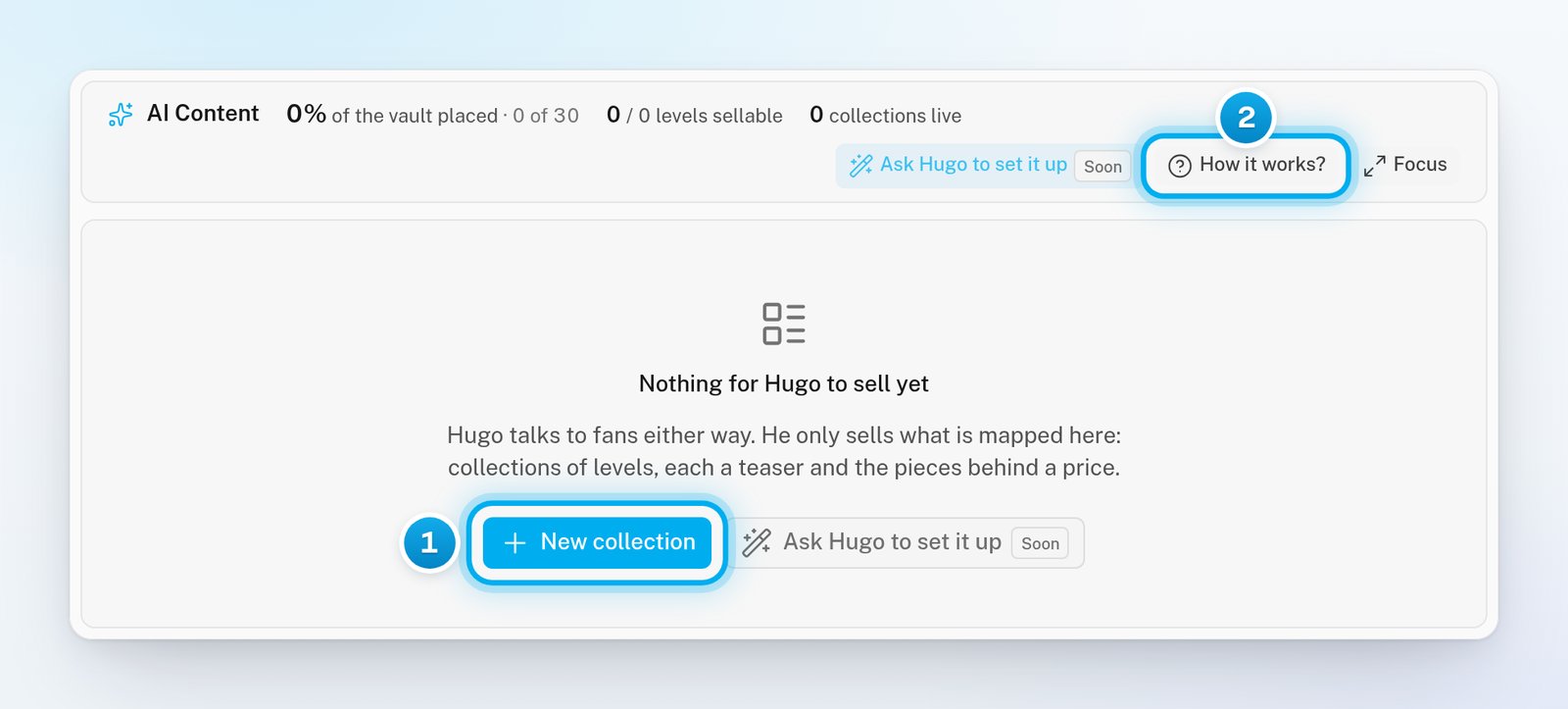
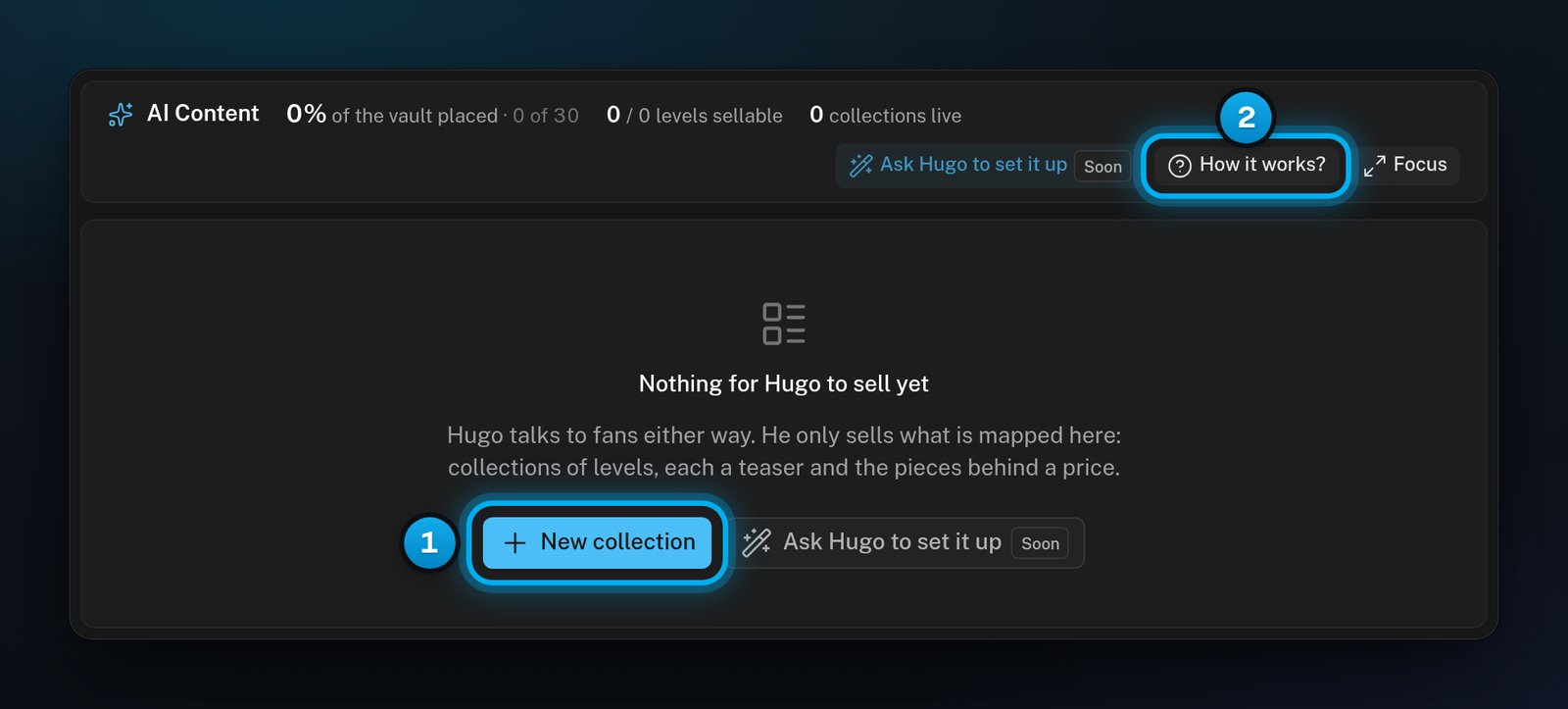
1 New collection · 2 How it works?